In today's fast-paced apparel industry, the right digital tools can make the difference between a stalled concept and a successful launch. Whether you're a startup founder sketching ideas on an iPad, a pattern maker drafting precise specs, or a DTC brand visualizing your next collection, choosing the best app for fashion designing is a critical first step. This guide cuts through the noise to analyze the 12 top-tier applications that power modern fashion workflows. We'll explore everything from industry-standard vector drawing apps and powerful 3D prototyping suites to accessible mobile sketching tools, providing practical insights to help you build an efficient and creative design pipeline.
Our goal is to help you move beyond generic feature lists. For each tool, we provide a detailed breakdown covering its core purpose, best-use cases, platform compatibility, and pricing structure. You’ll find direct links and screenshots to give you a clear view of the user experience. We'll examine how industry giants like Adobe Illustrator and CLO 3D handle complex tasks, while also covering accessible options like Procreate for initial ideation.
This resource is designed for independent store owners, apparel brands, and creative teams looking to streamline their design-to-production process. We'll dissect the specific strengths of each application, from creating technical flat sketches and intricate patterns to generating photorealistic 3D mockups for e-commerce. For brands looking to integrate specialized embellishment techniques into their collections, digital solutions such as Floriani Sketch A Stitch Embroidery Software can further digitize the workflow from concept to final stitch. By the end of this comprehensive guide, you'll have the clarity needed to select the software that best fits your brand’s specific needs, budget, and creative vision.
1. Adobe Illustrator
Adobe Illustrator is the undisputed industry standard for professional fashion design, making it the top contender for the best app for fashion designing. Its power lies in precision vector drawing, which is essential for creating clean, scalable technical flats, detailed trim designs, and comprehensive tech packs. Brands rely on Illustrator to produce the foundational documents that guide manufacturing, ensuring every stitch and measurement is communicated clearly to vendors.
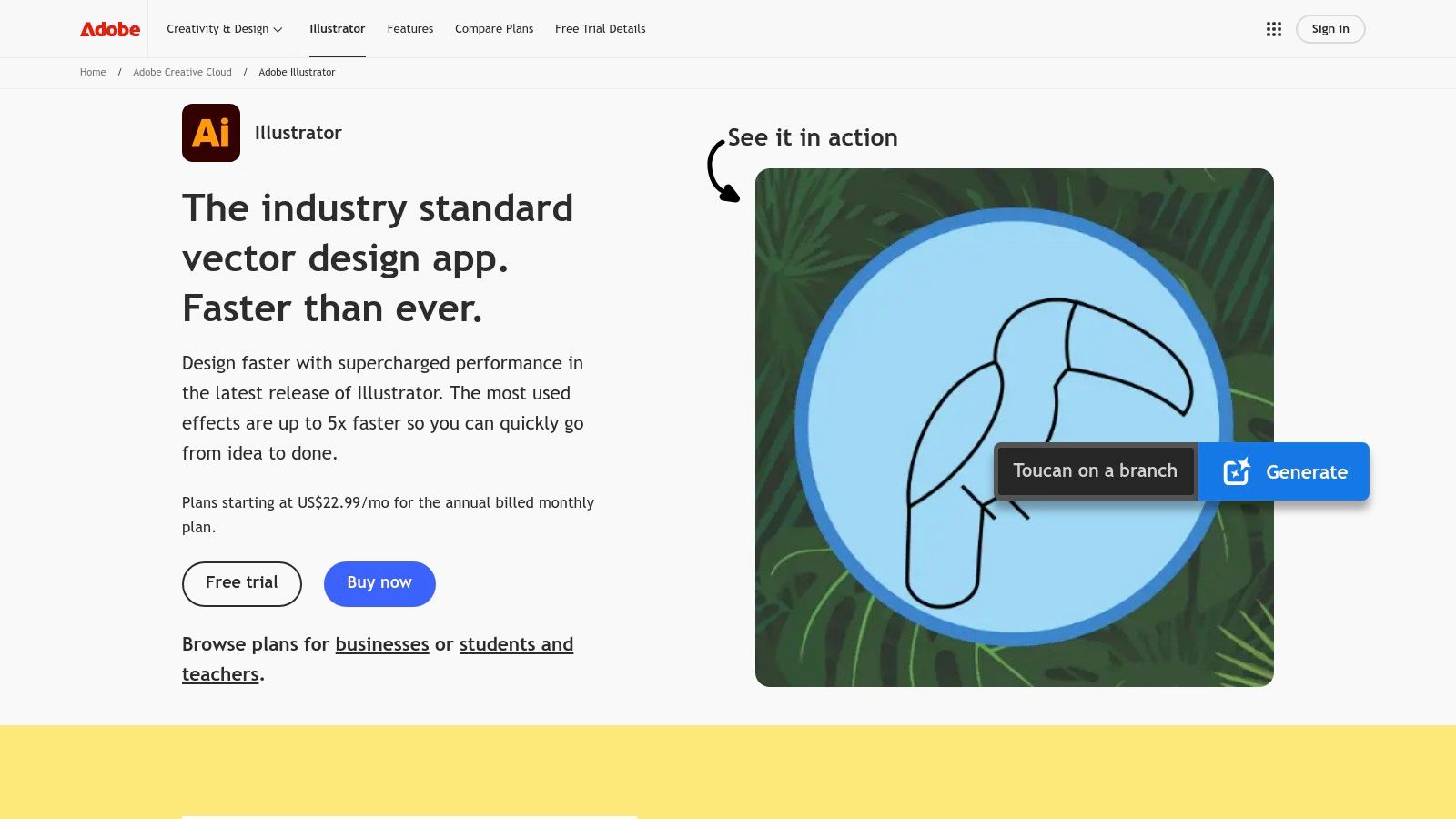
Its robust feature set, including layers, artboards, and symbol libraries, allows designers to work efficiently, creating reusable components like buttons and zippers. The seamless integration with other Adobe Creative Cloud apps like Photoshop is a significant workflow advantage. For instance, a brand can create its technical sketches in Illustrator, then move the assets to Photoshop to create mockups on models or lifestyle imagery.
Key Features & Use Cases
Feature | Best Use Case |
|---|---|
Precision Vector Tools | Creating accurate, scalable flat sketches and technical drawings. |
Layers & Artboards | Organizing complex designs and creating multi-page tech packs. |
Symbol Libraries | Storing and reusing common elements like trims, buttons, and logos. |
Adobe Ecosystem Integration | Moving assets between Illustrator and Photoshop for mockups and marketing. |
DTC sellers can integrate Illustrator by creating detailed line sheets for their wholesale partners and using its vector graphics for high-quality website and social media content. After the design phase, assets can be used in product photography workflows to ensure consistency. You can get more insights on how to use design assets for professional product photos.
Pricing & Platform
Pricing: Subscription-based, starting at $22.99/month for Illustrator alone or as part of the Creative Cloud All Apps plan.
Platform: Available for macOS and Windows.
Pros:
Universally accepted by manufacturers and vendors.
Unmatched precision and control for technical design.
Integrates flawlessly with the broader Adobe ecosystem.
Cons:
High subscription cost can be a barrier for new designers.
Steep learning curve for beginners.
Website: https://www.adobe.com/products/illustrator
2. CLO 3D
CLO 3D is a revolutionary platform that has shifted the paradigm from 2D sketching to 3D garment simulation, solidifying its place as a contender for the best app for fashion designing. It allows designers to create true-to-life virtual garments, drape them on customizable 3D avatars, and test for fit and movement in real-time. This digital-first approach drastically reduces the need for costly and time-consuming physical samples.
The software excels at visualizing fabric properties, textures, and prints with stunning realism, bridging the gap between design concept and final product. Designers can instantly see how a change in a 2D pattern affects the 3D drape, allowing for rapid iteration and refinement. This immediate feedback loop empowers brands to make better design decisions early in the process.
Key Features & Use Cases
Feature | Best Use Case |
|---|---|
Realistic Cloth Simulation | Visualizing fabric drape, fit, and movement on 3D avatars. |
Live 2D/3D Synchronization | Instantly seeing how 2D pattern adjustments affect the 3D garment. |
Asset Libraries & CLO-SET | Storing and managing fabrics, trims, patterns, and 3D assets. |
Customizable Avatars | Testing designs on various body types and sizes for inclusive fit. |
For DTC brands, CLO 3D is a game-changer for creating compelling marketing assets. The hyper-realistic 3D renders can be used for e-commerce product listings, social media campaigns, and virtual photoshoots, even before the first physical item is produced. Exploring ideal fashion model poses for your virtual garments can further enhance the realism of these digital showcases.
Pricing & Platform
Pricing: Subscription-based. Plans start at $50/month for individuals. Business and enterprise pricing requires a sales consultation.
Platform: Available for macOS and Windows.
Pros:
Significantly reduces physical sampling costs and development time.
Produces highly realistic visuals for early-stage marketing.
Widely recognized skill set valued by major apparel companies.
Cons:
Requires a powerful computer to run smoothly.
Steep learning curve to master advanced simulation features.
Website: https://www.clo3d.com
3. Browzwear VStitcher
For established brands and enterprise teams, Browzwear VStitcher is a leading 3D apparel design suite that moves far beyond initial concepts. Its focus is on creating production-ready "digital twins" of garments, which can dramatically reduce the need for physical samples and shorten development timelines. The platform excels at simulating how real-world fabrics will drape, stretch, and fit on a virtual avatar, making it an essential tool for validating designs before a single piece of cloth is cut.
Browzwear’s power comes from its ecosystem, which includes tools like its Fabric Analyzer (FAB) for digitizing material properties and the Stylezone cloud platform for team collaboration. This comprehensive approach allows designers, pattern makers, and marketers to work from a single source of truth. The structured onboarding and extensive training resources ensure that teams can adopt this powerful software effectively, making it a serious contender for the best app for fashion designing at the enterprise level.
Key Features & Use Cases
Feature | Best Use Case |
|---|---|
Production-Ready 3D Twins | Creating true-to-life virtual samples for fit sessions and pre-production approval. |
Fabric Analyzer (FAB) | Digitizing physical fabric properties for hyper-realistic drape and material simulation. |
Cloud Collaboration | Sharing 3D prototypes with internal teams and vendors for streamlined feedback. |
Structured Onboarding | Equipping large design teams with the skills needed to transition to a 3D workflow. |
DTC brands can leverage VStitcher to create photorealistic 3D assets for their e-commerce stores, reducing reliance on expensive photoshoots. These digital garments can be used to generate endless colorways and marketing visuals before production is even complete, allowing for pre-sales and market testing.
Pricing & Platform
Pricing: Enterprise-level annual subscription; pricing is provided upon request via a demo.
Platform: Available for macOS and Windows.
Pros:
Trusted by large global brands with proven reductions in physical sampling.
Strong enterprise support and a comprehensive training portal.
Hyper-realistic fabric simulation for accurate virtual prototyping.
Cons:
Higher annual cost makes it less accessible for individual designers.
Best suited for integrated teams rather than solo entrepreneurs.
Website: https://browzwear.com/products/vstitcher/
4. Marvelous Designer
Marvelous Designer is a specialized 3D software that excels at creating hyper-realistic virtual clothing. While not a replacement for technical flat-drawing tools, it has carved out a crucial niche in the design process as a powerful visualization tool. Its advanced pattern-based draping and fabric simulation engine allows designers to see exactly how their 2D patterns will sew together and drape on a 3D avatar, making it an exceptional app for fashion designing concepts and prototypes.
The software acts as a bridge between 2D pattern-making and 3D visualization. Designers can import patterns from other CAD programs or draw them directly within the app, then virtually sew them and adjust fabric properties to simulate materials from stiff denim to flowing silk. This allows for rapid iteration and creative exploration without wasting physical materials, a significant advantage for sustainable design practices.
Key Features & Use Cases
Feature | Best Use Case |
|---|---|
Advanced Pattern Sewing | Digitally prototyping how 2D patterns will form a 3D garment. |
Fabric Simulation | Visualizing realistic drape, fit, and movement on an avatar. |
Exports to DCC Apps | Sending high-fidelity 3D models to Maya or Blender for animation/rendering. |
Realistic Garment Behavior | Testing how designs react to gravity and motion for virtual photoshoots. |
For DTC brands, Marvelous Designer is a game-changer for content creation. Garments can be visualized and rendered for stunning website imagery, social media campaigns, and even virtual lookbooks before a single physical sample is produced. This workflow complements professional product photography by providing high-quality digital assets for pre-launch marketing or to showcase colorways that haven't been shot yet.
Pricing & Platform
Pricing: Subscription-based, with plans for individuals starting around $39/month. A free 30-day trial is available.
Platform: Available for both macOS and Windows.
Pros:
Fast, incredibly realistic drape and fabric simulation.
More accessible entry price compared to many enterprise 3D tools.
Ideal for high-fidelity visualization and concept art.
Cons:
Not a full production tool for creating tech packs or manufacturing specs.
Primarily used for visualization, requiring other software for the complete workflow.
Website: https://www.marvelousdesigner.com
5. Gerber AccuMark by Lectra
Gerber AccuMark by Lectra is a powerhouse in the world of professional pattern making, earning its place as a top-tier app for fashion designing focused on manufacturing. It is an industry-standard CAD platform used in pattern rooms globally, excelling in the technical development stages that precede production. Its strength lies in creating precise, production-ready patterns, grading them across sizes, and optimizing fabric usage with efficient marker making.
The platform goes beyond 2D with its AccuMark 3D module, allowing designers to create virtual prototypes, validate fit, and visualize designs without creating physical samples. This digital workflow bridges the gap between design and manufacturing, providing tools that are deeply integrated into the factory floor ecosystem. For brands scaling their operations, AccuMark provides the industrial-grade foundation needed for mass production.
Key Features & Use Cases
Feature | Best Use Case |
|---|---|
AccuMark 2D Patternmaking | Creating and editing precise digital patterns for manufacturing. |
Grading & Marker Making | Scaling patterns to different sizes and creating fabric cutting layouts (markers). |
AccuMark 3D Simulation | Prototyping garments virtually to check fit and drape, reducing sample costs. |
Manufacturing Integration | Generating production-ready files accepted by factories and cutting machines. |
DTC brands can leverage AccuMark to professionalize their pattern development, ensuring consistency and quality as they scale. After a pattern is finalized in AccuMark 3D, the virtual sample can be exported for use in high-quality product photography and marketing materials, creating a seamless pipeline from initial design to final e-commerce listing.
Pricing & Platform
Pricing: Enterprise-level software; pricing is available upon request and is typically based on a license or subscription model.
Platform: Available for Windows.
Pros:
Deep manufacturing and nesting capabilities recognized by factories.
Widely used across professional pattern rooms and service bureaus.
Robust 3D simulation reduces the need for physical samples.
Cons:
Interface can feel industrial and less friendly to new users.
Costlier than indie apps and aimed at professional use.
Website: https://www.lectra.com/en/products/accumark
6. Lectra Modaris
Lectra Modaris is an enterprise-level pattern development and 3D prototyping suite, representing a significant step up in industrial-grade design tools. It is widely adopted by large-scale apparel brands for its precision in complex patternmaking, automated grading, and virtual prototype validation. This focus on the technical production pipeline makes it an essential tool for companies managing intricate product lines and global manufacturing, positioning it as a powerful, albeit specialized, app for fashion designing.

The platform’s core strength is its ability to create production-ready digital patterns that reduce the need for physical samples. By simulating fabric drape and fit on 3D avatars, designers can identify and correct issues long before a garment is cut. This digital-first approach not only accelerates the development timeline but also significantly reduces material waste and sampling costs, a crucial advantage for established brands.
Key Features & Use Cases
Feature | Best Use Case |
|---|---|
Industrial Patternmaking & Grading | Developing complex, production-ready patterns for diverse size ranges. |
3D Prototype Validation | Simulating fit and drape on virtual avatars to reduce physical samples. |
Enterprise Support & Services | Gaining structured, professional support for large team workflows. |
Integrated Suite | Managing the entire technical design process from pattern to prototype. |
Brands can leverage Modaris to streamline their entire pre-production workflow, ensuring pattern accuracy before it reaches the factory floor. While Modaris handles the technical blueprint, the visual and marketing aspects of the product still require attention. The 3D prototypes can serve as a reference for creative teams planning photo shoots, helping to conceptualize how the final garment will look and move.
Pricing & Platform
Pricing: Custom enterprise pricing. Not publicly listed and typically involves multi-year commitments and professional service fees.
Platform: Available for Windows.
Pros:
Robust and reliable for complex product categories.
Industry-standard for enterprise-level patternmaking.
Structured support and training options available.
Cons:
Opaque and high-cost pricing structure.
Requires significant training and is not suited for beginners.
Website: https://www.lectra.com/en/fashion/products/modaris
7. Optitex (EFI Optitex)
Optitex is a powerful, integrated 2D/3D CAD suite built for the entire apparel production lifecycle, from initial design to manufacturing. Unlike apps focused purely on illustration, Optitex excels at connecting digital patterns directly to physical production, making it a critical tool for brands that manage their own manufacturing processes. Its strength lies in creating production-ready 2D patterns and simulating their fit in a 3D environment, reducing the need for physical samples and accelerating time-to-market.
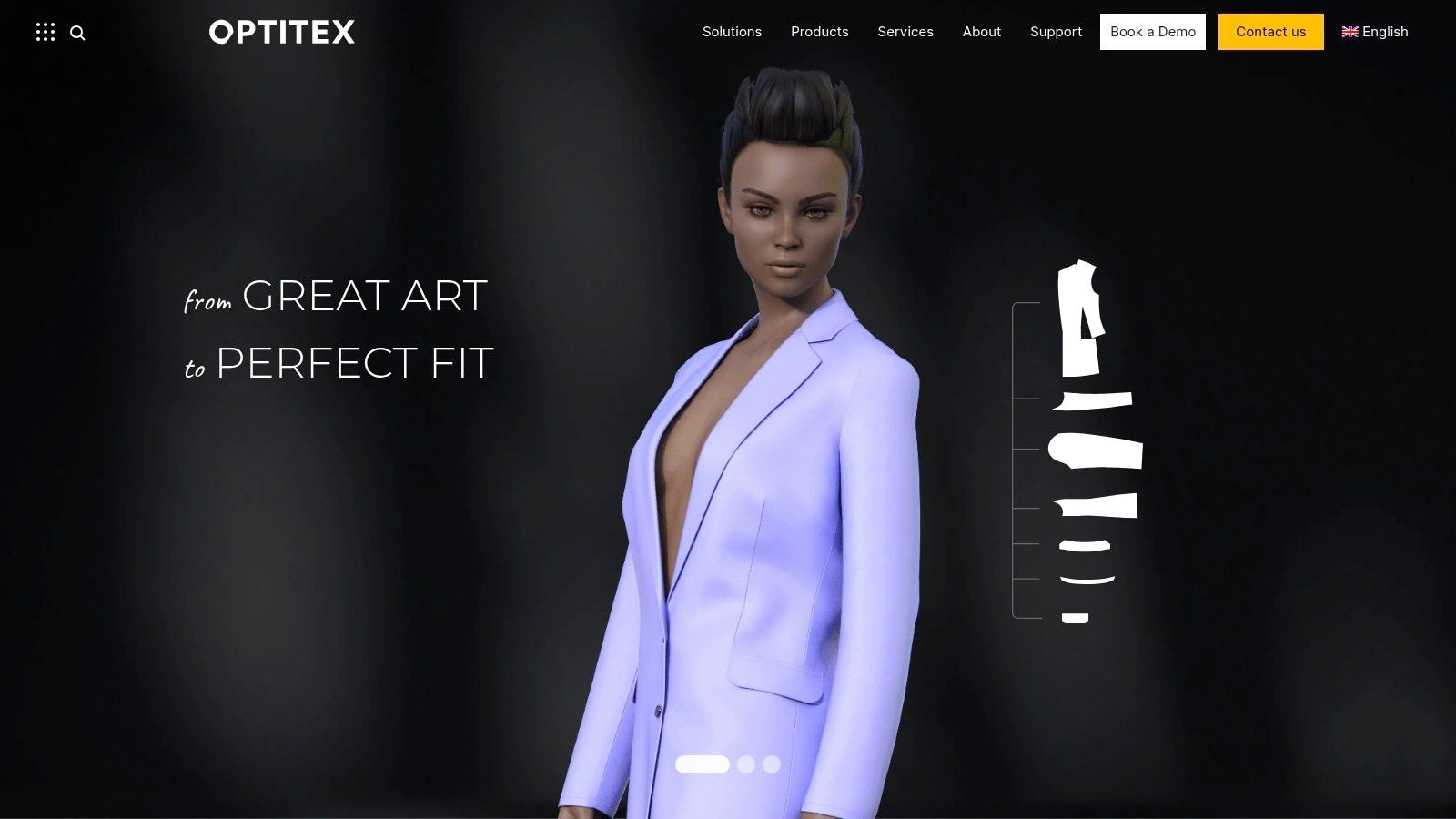
This end-to-end functionality makes Optitex a go-to solution for technical designers and pattern makers. The software generates outputs that are directly compatible with a wide range of cutters and plotters, ensuring a seamless transition from the digital design to the cutting room floor. This interoperability is a key differentiator, bridging the gap between creative vision and factory execution.
Key Features & Use Cases
Feature | Best Use Case |
|---|---|
Integrated 2D/3D CAD | Creating and validating patterns in 2D while instantly simulating fit on 3D avatars. |
Auto Nesting | Optimizing fabric layouts automatically to minimize waste and reduce material costs. |
Production-Ready Outputs | Generating files compatible with industry-standard cutters and plotters for manufacturing. |
Costing Workflows | Calculating material consumption and costs early in the design process. |
For DTC brands, integrating Optitex means gaining control over the technical aspects of production. The 3D simulations can be used to create realistic product mockups for e-commerce listings before a single item is produced, aligning the design and marketing workflows. These digital assets ensure that product photography, once a sample is ready, accurately reflects the intended fit and design.
Pricing & Platform
Pricing: Quote-based; Optitex does not publish public pricing, requiring businesses to request a tailored quote.
Platform: Available for Windows.
Pros:
Strong focus on manufacturing and production-ready outputs.
Excellent 2D pattern making and 3D fit simulation integration.
Adopted widely across apparel and other soft-goods industries.
Cons:
Enterprise-focused with a steep learning curve.
No transparent pricing model, which can be a barrier for smaller brands.
Website: https://optitex.com
8. TUKAcad by Tukatech
TUKAcad is a powerful yet accessible 2D CAD system designed specifically for pattern making, grading, and marker making. It stands out by offering a modular, subscription-based model that scales from students and small studios to large-scale professional teams. This makes it an excellent app for fashion designing for brands that need professional-grade pattern tools without the prohibitive upfront cost of traditional CAD software. Its focus is purely on the technical foundation of garment creation.
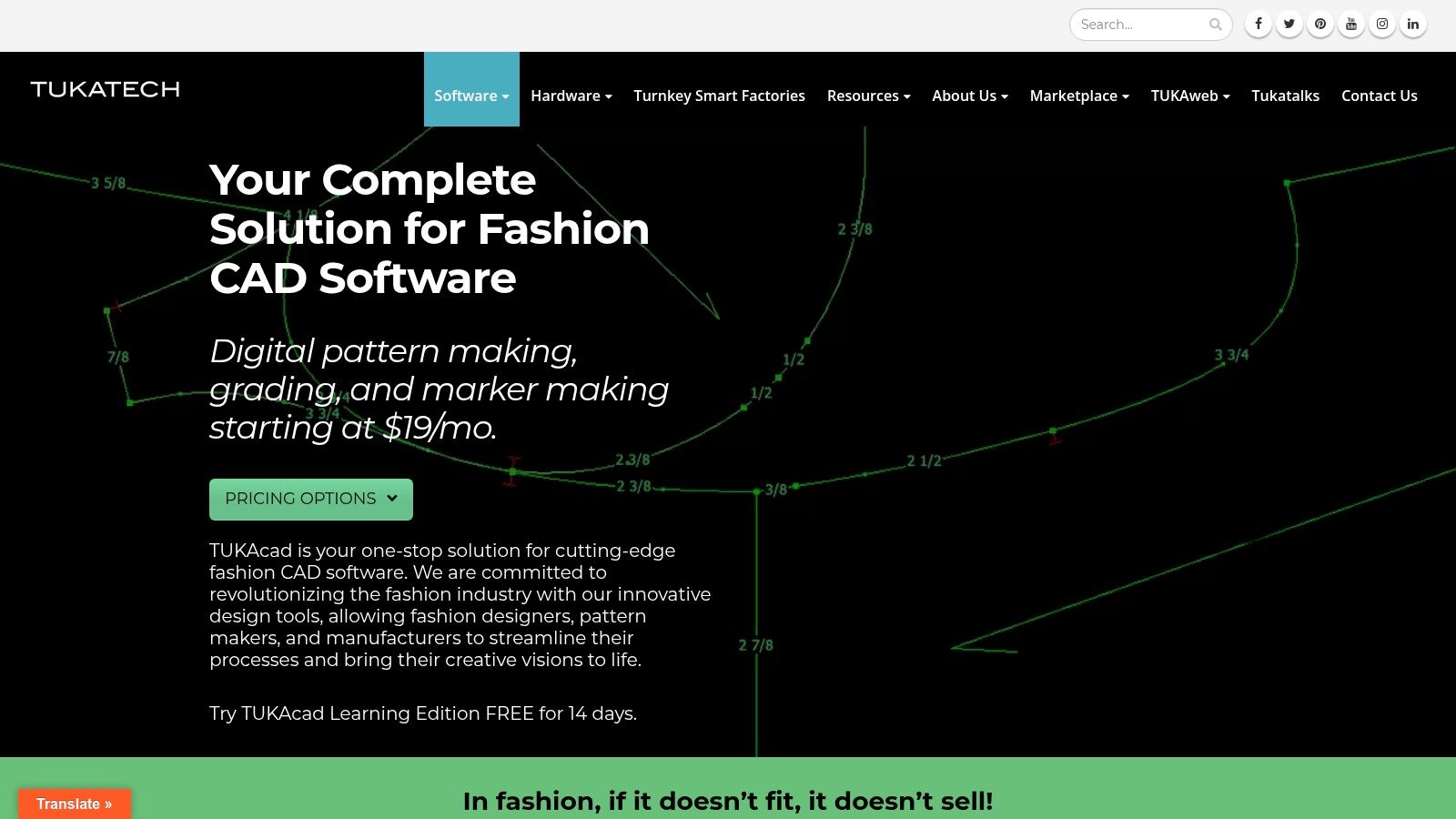
The platform is recognized for its transparent pricing and dedicated learning resources, including a free Learning Edition and built-in video help. This educational focus empowers emerging designers and small brands to adopt the same precision tools used by established companies, ensuring patterns are accurate and production-ready from the start. TUKAcad effectively bridges the gap between creative design and the technical requirements of manufacturing.
Key Features & Use Cases
Feature | Best Use Case |
|---|---|
Pattern, Grading & Marker Modules | Creating, digitizing, and grading professional-grade patterns for manufacturing. |
Cloud Subscriptions | Providing flexible, scalable access to CAD tools for freelancers and growing teams. |
Learning Edition & Video Help | Onboarding new users and students into professional pattern-making workflows. |
Template Libraries | Accelerating the pattern creation process with pre-built blocks and templates. |
For DTC brands, TUKAcad is the engine for producing the core manufacturing assets. After finalizing patterns, brands can use this data to inform their tech packs and then create visually compelling product photos of the final garments to showcase fit and construction details accurately on their e-commerce sites.
Pricing & Platform
Pricing: Transparent monthly and annual subscription tiers, with a free Learning Edition trial available.
Platform: Primarily Windows; macOS users require virtualization software like Parallels.
Pros:
Budget-friendly entry tiers and a clear, scalable plan structure.
Strong focus on training and accessibility for students and new users.
Professional-grade tools for precise pattern and marker making.
Cons:
Windows-first platform, requiring workarounds for Mac users.
3D design capabilities are part of a separate, more advanced Tukatech product.
Website: https://tukatech.com/tukacad
9. Tailornova
Tailornova is a browser-based fashion design platform that streamlines the process from concept to pattern. It stands out by automatically generating custom, graded patterns from 2D templates and visualizing them on a 3D FitModel, making it a strong candidate for the best app for fashion designing for independent creators and made-to-measure businesses. This cloud-based approach eliminates the need for complex desktop software installations.

The platform is particularly useful for quickly generating technical flats and patterns that can be downloaded in various formats compatible with most plotters and cutters. Its intuitive interface allows designers to mix and match design elements, adjust measurements, and see immediate 3D feedback, which helps in validating a design's fit and drape before any fabric is cut. This accelerates the initial design and prototyping stages significantly.
Key Features & Use Cases
Feature | Best Use Case |
|---|---|
Auto-Graded Pattern Generation | Quickly creating production-ready, multi-size patterns from a base design. |
Made-to-Measure (MTM) Patterns | Generating custom-fit patterns for bespoke or made-to-order businesses. |
3D FitModel Previews | Visualizing drape and fit on a virtual model to reduce physical samples. |
Multiple Download Formats | Exporting patterns as PDF, PLT, DXF, and AAMA files for manufacturing. |
For DTC brands, Tailornova offers a direct path to creating manufacturable assets. The exported pattern files can be sent directly to a cutting service or production partner, while the 3D mockups serve as excellent pre-visualization assets for marketing materials or early product listings.
Pricing & Platform
Pricing: Offers pay-as-you-go "Pattern Packs" (starting at $29 for 5 patterns) and monthly subscriptions (starting at $49/month).
Platform: Fully browser-based, accessible on any device with an internet connection.
Pros:
No software installation required, making it highly accessible.
Automates pattern creation and grading, saving significant time.
Flexible pay-as-you-go and subscription options suit different user needs.
Cons:
Browser-based workflow has fewer advanced CAD editing tools than desktop software.
Higher-tier features and unlimited access come at a premium cost.
Website: https://tailornova.com
10. Procreate
Procreate has become an indispensable tool for fashion designers who prioritize digital illustration and conceptual sketching. Its strength is its incredibly intuitive and natural drawing engine, which, when paired with an Apple Pencil on an iPad, mimics the feeling of traditional pen on paper. This makes it the perfect app for fashion designing in the early stages, like creating mood boards, drawing croquis, developing print and textile ideas, or quickly rendering a design concept.
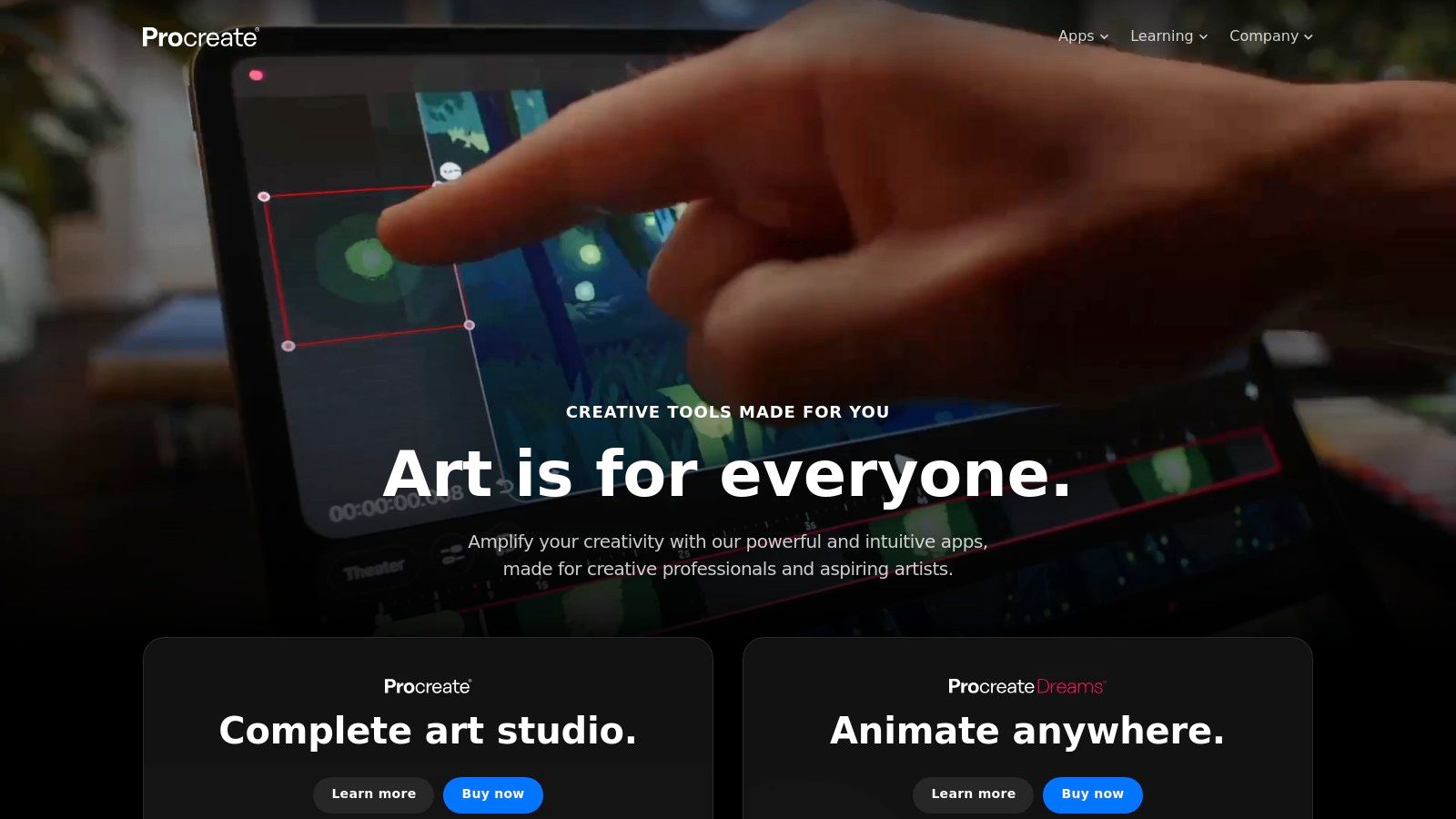
While it's not a technical CAD program for creating spec sheets, its layer-based workflow and ability to export to PSD format make it an excellent companion to Adobe products. A designer can sketch out an initial collection on the go, then export the layered files to Illustrator or Photoshop for refinement into technical flats or marketing assets. The massive community of users provides endless custom brushes and tutorials, expanding its creative potential.
Key Features & Use Cases
Feature | Best Use Case |
|---|---|
Natural Drawing Engine | Creating expressive and artistic fashion illustrations and croquis. |
Layers & Export Options | Sketching initial concepts and exporting to PSD for handoff to technical designers. |
Extensive Custom Brushes | Developing unique textile patterns, textures, and print designs. |
Portability (iPad) | Ideation and sketching from anywhere, whether in a studio or on the move. |
DTC brands can leverage Procreate to generate unique visual content for social media, showing the artistic process behind a design. The exported high-resolution PNG or PSD files are perfect for creating stylized product mockups. For more on refining these visuals, explore some tips for powerful eCommerce photo editing.
Pricing & Platform
Pricing: One-time purchase of $12.99 on the App Store.
Platform: Available exclusively for iPad and iPhone.
Pros:
Affordable one-time cost with no subscription fees.
Excellent for portable sketching and rapid creative ideation.
Highly intuitive interface with a fluid, natural drawing feel.
Cons:
Only available on Apple's iOS/iPadOS; no desktop or Android version.
It is an illustration tool, not a technical CAD or spec sheet program.
Website: https://procreate.com
11. Concepts
Concepts is a unique vector-hybrid sketching app that acts as a digital whiteboard for fashion designers. Its infinite canvas and precise measurement tools make it an excellent choice for initial ideation, creating detailed callouts for flat sketches, and even drafting early specifications. It’s a flexible tool that bridges the gap between a simple sketchbook and a full-fledged CAD program, making it a strong candidate for the best app for fashion designing, especially for on-the-go creativity.

Unlike rigid design software, Concepts offers a fluid, paper-like experience powered by vector precision. This allows for endless exploration without losing quality when zooming or scaling. DTC sellers can use Concepts for brainstorming sessions, mapping out collection flows, or making quick annotations on product photos during a fitting. The ability to export to formats like SVG, DXF, and PSD ensures sketches can be easily transferred to more robust platforms like Illustrator for final tech pack creation.
Key Features & Use Cases
Feature | Best Use Case |
|---|---|
Infinite Canvas | Brainstorming entire collections and creating mind maps. |
Precise Scale Tools | Drafting scale-accurate flat sketches and pattern pieces. |
Vector-Hybrid Engine | Sketching freely with the ability to edit and scale without quality loss. |
Multi-Format Export | Sending initial sketches to other programs (Illustrator, Photoshop) for finishing. |
Pricing & Platform
Pricing: Free tier available. A one-time "Essentials" purchase unlocks core features, with subscriptions ($4.99/month or $29.99/year) for advanced tools and cross-platform access.
Platform: Available for iPad, Windows, and Android.
Pros:
Affordable with a generous free tier and one-time purchase option.
Excellent for quick on-site sketches, like during fittings or factory visits.
Cross-platform availability allows for a flexible workflow.
Cons:
Not a complete replacement for desktop CAD software like Illustrator.
Advanced tools and cross-platform syncing require a subscription.
Website: https://concepts.app
12. CorelDRAW Graphics Suite
CorelDRAW Graphics Suite is a long-standing and powerful alternative in the vector design space, making it a capable app for fashion designing tasks. While not as dominant as Adobe in the apparel industry, its comprehensive toolset is well-suited for creating detailed flat sketches, textile pattern designs, and graphics for screen printing or embroidery. Its professional-grade vector illustration tools offer the precision needed for technical drawings.
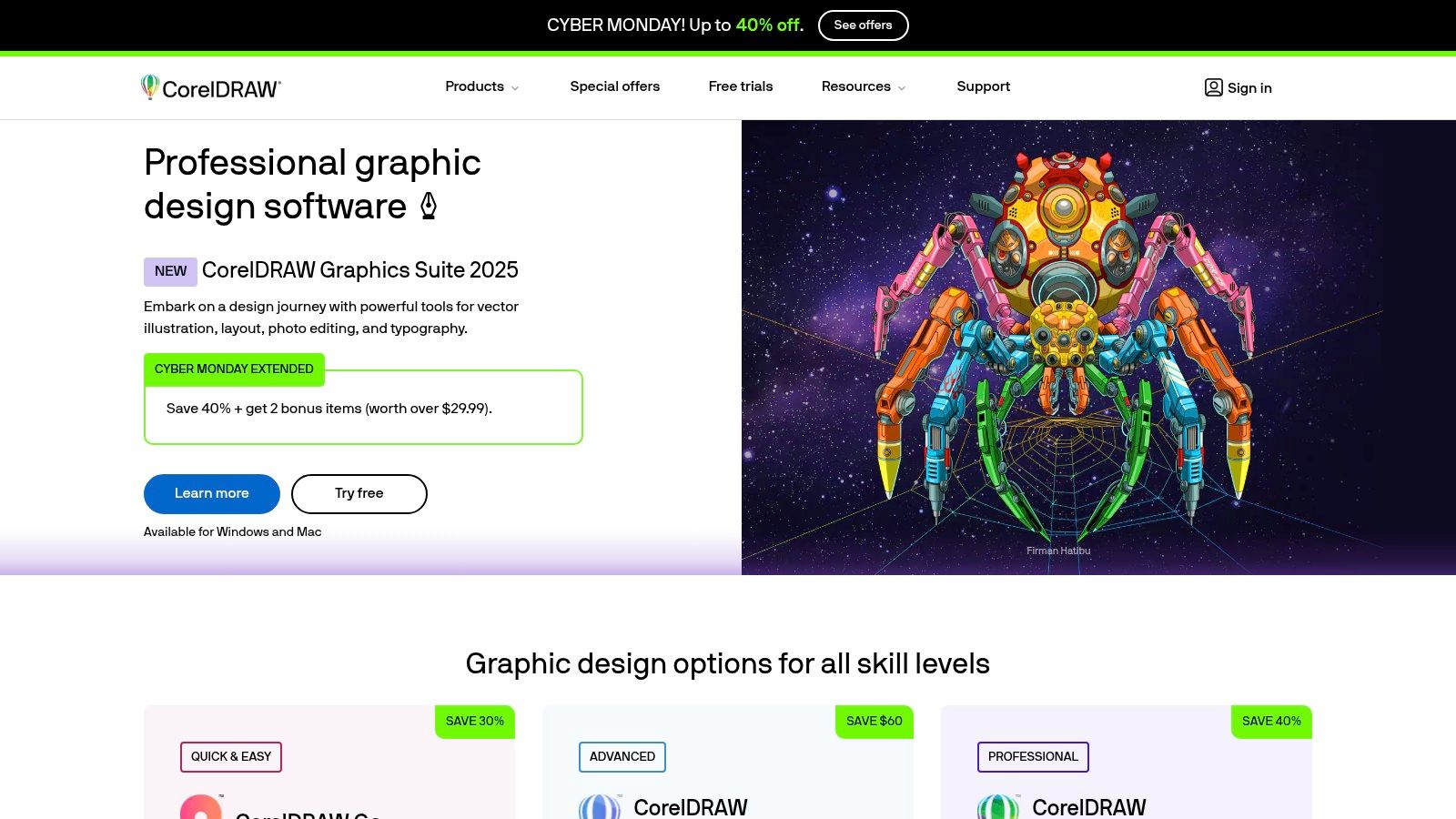
The suite bundles multiple applications, including CorelDRAW for vector work and Corel PHOTO-PAINT for image editing, providing a versatile workflow in one package. This integration allows designers to create a technical flat and then immediately move it into a photo-editing environment to create product mockups. Its compatibility with common file formats like AI, PSD, and PDF ensures that files can still be shared with vendors who use different software.
Key Features & Use Cases
Feature | Best Use Case |
|---|---|
Vector Illustration | Creating precise technical flats, apparel graphics, and print patterns. |
Page Layout Tools | Assembling multi-page line sheets and tech packs for manufacturers. |
Multi-Asset Export | Efficiently exporting design variations for websites and social media. |
Perpetual License Option | Acquiring the software with a one-time payment for budget predictability. |
For DTC sellers, CorelDRAW offers a cost-effective solution for producing high-quality vector assets for everything from website icons to packaging design. The ability to purchase a perpetual license through resellers can be particularly attractive for new brands looking to manage startup costs without committing to a monthly subscription.
Pricing & Platform
Pricing: Subscription starts at $22.42/month (billed annually) or a one-time purchase option for around $549.
Platform: Available for Windows, macOS, and has a web-based version.
Pros:
Strong value with subscription or perpetual license options.
Comprehensive suite with vector, photo-editing, and layout tools.
Good file compatibility with Adobe and other industry standards.
Cons:
Less commonly used by manufacturers, which may create workflow friction.
The ecosystem is not as broad as Adobe's Creative Cloud.
Website: https://www.coreldraw.com
Top 12 Fashion Design Apps — Core Features Comparison
Tool | Core features ✨ | Quality / UX ★ | Price / Value 💰 | Target 👥 | Standout 🏆 |
|---|---|---|---|---|---|
Adobe Illustrator | Precision vector flats, artboards, SVG/PDF export | ★★★★ — industry standard, steep learning curve | 💰 Creative Cloud subscription — mid–high | 👥 Designers, brands, freelancers | 🏆 Ubiquitous vendor compatibility & Adobe ecosystem |
CLO 3D | 2D pattern + live 3D preview, realistic cloth simulation | ★★★★ — professional realism, performance hungry | 💰 Individual/student/business tiers (varies) | 👥 Brands, prototypers, patternmakers | 🏆 Virtual prototyping that cuts physical samples |
Browzwear VStitcher | Production-ready 3D twins, fabric digitization, cloud collab | ★★★★★ — enterprise-grade, strong support | 💰 Higher enterprise annual pricing | 👥 Large brands & teams | 🏆 Fabric Analyzer + team collaboration & PLM fit |
Marvelous Designer | Advanced pattern sewing, high-fidelity drape simulation | ★★★★ — fast, photoreal drape; visualization focus | 💰 Lower entry than enterprise 3D tools | 👥 3D artists, visualizers, concept teams | 🏆 Best-in-class garment drape realism |
Gerber AccuMark (Lectra) | 2D pattern/grade/marker + 3D sim, nesting & production | ★★★★ — factory standard, industrial UI | 💰 Premium / enterprise cost | 👥 Pattern rooms, manufacturers | 🏆 Deep nesting & production-ready outputs |
Lectra Modaris | Industrial patternmaking, grading & 3D prototyping | ★★★★ — robust, complex enterprise UX | 💰 Enterprise pricing; multi-year commitments | 👥 Enterprise apparel development teams | 🏆 Robust for complex categories & support services |
Optitex | Integrated 2D/3D, auto-nesting, cutter/plotter outputs | ★★★★ — production-oriented, learning curve | 💰 Tailored enterprise quotes | 👥 Apparel & soft-goods production teams | 🏆 Strong cutter interoperability & auto-nesting |
TUKAcad (Tukatech) | Modular 2D CAD: pattern, grading, marker; cloud subs | ★★★ — accessible, Windows-first | 💰 Budget-friendly tiers; clear pricing | 👥 Students, small studios, pro shops | 🏆 Transparent plans + Learning Edition trial |
Tailornova | Browser-based auto-graded patterns + 3D FitModel preview | ★★★ — fast outputs, limited deep CAD editing | 💰 PAYG & subscription options — flexible | 👥 Indie brands, made-to-measure (MTM) | 🏆 No-install, quick pattern generation |
Procreate | Natural drawing engine, Apple Pencil, layers & brushes | ★★★★★ — excellent sketch UX, portable iPad app | 💰 One-time App Store purchase — low | 👥 Illustrators, croquis & print designers | 🏆 Portable, tactile sketching with vast brush ecosystem |
Concepts | Infinite canvas, scale-accurate vectors, multi-export | ★★★★ — flexible, cross-platform precision | 💰 Free tier; affordable subscriptions | 👥 On-site fittings, tech sketchers, teams | 🏆 Infinite canvas + precise measurement tools |
CorelDRAW Graphics Suite | Vector, layout, photo tools; multi-asset export | ★★★ — mature suite, smaller fashion footprint | 💰 Subscription or perpetual (good value) | 👥 Teams needing vector/layout alternatives | 🏆 Perpetual license option & strong value |
Bridging Design and Sales with a Modern Tech Stack
Navigating the expansive landscape of digital fashion tools can feel overwhelming, but as we've explored, the "best app for fashion designing" is rarely a single, one-size-fits-all solution. Instead, it's about building a customized tech stack that aligns with your specific brand goals, design process, and business stage. Your ideal toolkit is a strategic combination of software that empowers every step of your workflow, from initial concept to final sale.
We’ve covered a wide spectrum of powerful platforms. For foundational 2D work, Adobe Illustrator remains the undisputed industry standard for its precision in flat sketches and tech packs, while Procreate offers unparalleled freedom for initial ideation and textile design. For brands pushing the boundaries of realism and sustainability, 3D design software like CLO 3D and Browzwear VStitcher are no longer luxuries but essential tools. They enable you to create true-to-life virtual prototypes, reducing physical sample costs and accelerating your design validation process.
Meanwhile, specialized CAD/CAM systems like Gerber AccuMark and Lectra Modaris provide the industrial-grade power needed for intricate pattern making, grading, and marker making, ensuring your designs are production-ready. On the other end, accessible platforms like Tailornova democratize the design process, allowing emerging designers to generate patterns and 3D mockups without a steep learning curve.
From Digital Design to DTC Success
Choosing the right application is a critical first step, but the ultimate goal is to translate your meticulously crafted designs into a commercially successful product line. This is where the modern apparel workflow extends beyond the design studio and into the realm of marketing and e-commerce. Perfecting a garment in CLO 3D or Illustrator is only half the battle; you must then present it to your target audience in a way that is compelling, aspirational, and professional.
Traditionally, this meant organizing expensive, time-consuming, and logistically complex photoshoots. Today, the same digital assets you create during the design phase can be repurposed to generate stunning marketing visuals. This is the crucial connection in a modern tech stack: the seamless handoff from design file to marketing-ready content.
Instead of waiting for physical samples to arrive, you can take your 3D models or 2D sketches and instantly create an entire catalog of on-model imagery. Platforms like Look Atlas bridge this gap, using AI to generate photorealistic lifestyle, studio, and street-style photos from your design files. This approach not only slashes your go-to-market timeline but also provides the visual consistency and professional polish needed to compete in a crowded online marketplace. By integrating these powerful design and marketing technologies, you create a cohesive, efficient, and cost-effective ecosystem for your brand.
Once your collection is ready, you'll want to understand the best strategies to market and sell your creations. For those looking to move into retail, you can learn how to effectively sell your fashion designs online and build a robust e-commerce presence.
Making Your Final Selection
As you make your decision, consider these final factors:
Your Core Workflow: Are you focused on intricate pattern making (Gerber, Lectra), rapid 3D prototyping (CLO, Browzwear), or artistic illustration (Procreate, CorelDRAW)? Map out your primary needs first.
Scalability: Choose tools that can grow with your brand. While a simpler app might work now, consider whether it will support more complex collections, collaborative features, and production demands in the future.
Integration: How well does the software play with others? The most efficient workflows rely on tools that can easily export and import files (e.g., DXF, OBJ, FBX) between your 2D, 3D, and marketing platforms.
Ultimately, the best app for fashion designing is the one that removes friction from your creative process and directly contributes to your commercial success. By thoughtfully selecting your tools and embracing a fully digital pipeline, you can bring your vision to life faster, more sustainably, and with greater market impact than ever before.
Ready to see how your digital designs can become your most powerful marketing assets? With Look Atlas, you can transform your 2D sketches or 3D models into a full catalog of on-model, AI-generated photoshoots in minutes, not weeks. Visit Look Atlas to see how leading brands are skipping the samples and selling more with hyper-realistic virtual photography.
