In the crowded e-commerce marketplace, your product photos do the talking. A great image can stop a scroll, build trust, and drive a sale, while a poor one can lose a customer in seconds. But creating stunning, consistent product visuals requires more than just a good camera; it demands sharp editing skills. Whether you're a startup founder doing it all, a marketer looking to upskill, or a photographer specializing in e-commerce, finding the right course on photo editing is a critical investment.
This comprehensive guide is your shortcut to mastering those skills. We've curated and analyzed the top 12 platforms offering courses specifically tailored for product photography, from foundational Lightroom adjustments to advanced Photoshop retouching techniques. Our goal is to help you bypass endless searching and find the perfect learning path for your specific needs, skill level, and budget.
Inside, you will find detailed breakdowns of each platform, complete with direct links and screenshots. We'll evaluate each option based on its curriculum, instructor expertise, and practical application for e-commerce. You'll get an honest assessment of pros and cons, see who each course is best for, and learn how to directly apply these new skills to create images that convert. We’ll also discuss when to leverage these skills versus when an AI photoshoot solution might be a more efficient alternative. Let’s dive in and find the best course to elevate your product imagery.
1. Udemy
Udemy is a massive online learning marketplace offering an unparalleled selection of on-demand courses. For e-commerce brands, it's a go-to resource for finding a specific course on photo editing for almost any software or skill level, from Adobe Photoshop and Lightroom basics to advanced product retouching in Capture One.
The platform’s standout feature is its pricing model. Unlike subscription services, you purchase courses individually, granting you lifetime access. This is ideal for teams who want to build a permanent library of training resources. Udemy is famous for its frequent and deep sales, where courses often drop to between $10 and $20.
Key Details & User Experience
Navigating Udemy is straightforward, but the sheer volume of choices can be overwhelming. The key is to heavily rely on student reviews, instructor ratings, and course preview videos to vet quality, as it can vary significantly.
Best For: Learners on a budget and those seeking highly specific skills, like background removal or color correction for apparel.
Pricing: A la carte, typically $10-$20 per course during sales. A 30-day money-back guarantee is available, though conditions apply.
Unique Offering: The lifetime access model means you can revisit a course months or years later, which is perfect for refreshing your skills on a specific technique. While a comprehensive course teaches you manual control, you can explore other ways to improve your images, like using a free photo enhancer for quick adjustments.
Pros & Cons:
Pros | Cons |
|---|---|
Huge variety of courses for all major editing software and levels. | Course quality is inconsistent and requires careful vetting by the user. |
Lifetime access to purchased content. | Refund policy can be strict if you've watched a significant portion. |
Extremely affordable during frequent platform-wide sales. | The user interface can feel cluttered with constant upselling and sales. |
Website: https://www.udemy.com
2. Coursera
Coursera partners with top universities and companies like Adobe to offer structured, academic-style courses. For e-commerce brands, this means finding a high-quality course on photo editing that often includes official certifications, such as Adobe's own Photoshop specialization, providing a more formal and credible learning path.
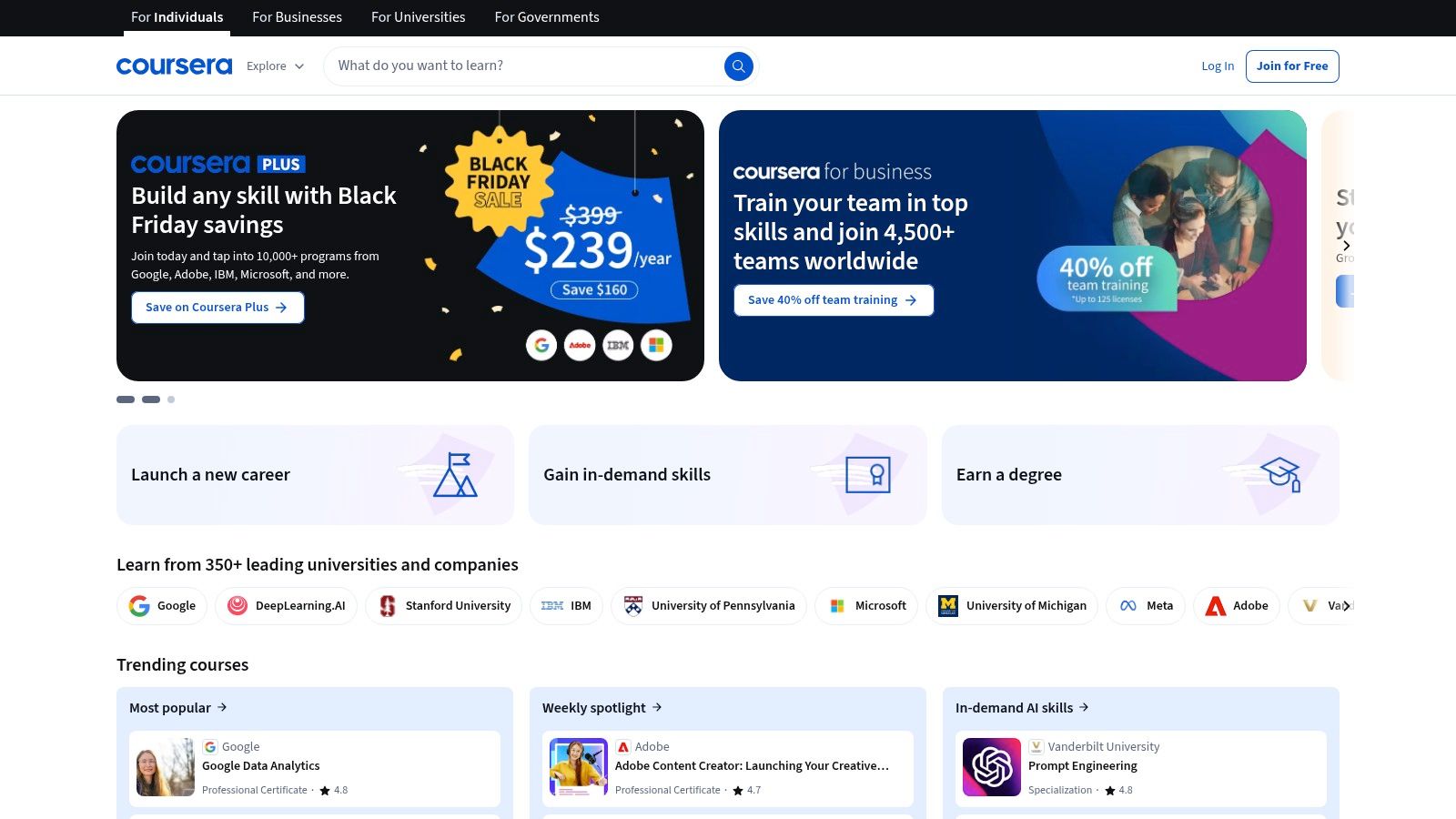
Unlike a la carte platforms, Coursera operates on a model that encourages deeper engagement. Many courses can be audited for free, but gaining access to graded assignments and earning a shareable certificate requires payment or a Coursera Plus subscription. This structure is ideal for those who value verifiable credentials for their portfolio or resume.
Key Details & User Experience
The platform provides a clean, university-like user interface with well-organized modules, video lectures, readings, and peer-reviewed assignments. The learning experience is guided and linear, which is excellent for building foundational skills methodically. To get the most value, a Coursera Plus subscription is often the best choice if you plan to take multiple courses.
Best For: Learners seeking formal certifications from reputable institutions and structured, project-based learning.
Pricing: Free to audit many courses. Paid enrollment for certificates or specializations varies. Coursera Plus subscription provides unlimited access to a large portion of the catalog.
Unique Offering: The direct partnership with companies like Adobe and universities gives courses a level of authority and credibility that is hard to find elsewhere.
Pros & Cons:
Pros | Cons |
|---|---|
Credible content from Adobe and leading universities. | Paid enrollment is required for certificates and graded assignments. |
Structured learning paths with portfolio-ready projects. | Smaller catalog for highly specific niche retouching compared to other platforms. |
Coursera Plus is economical for accessing multiple courses. | The peer-review system for assignments can have inconsistent feedback quality. |
Website: https://www.coursera.org
3. LinkedIn Learning
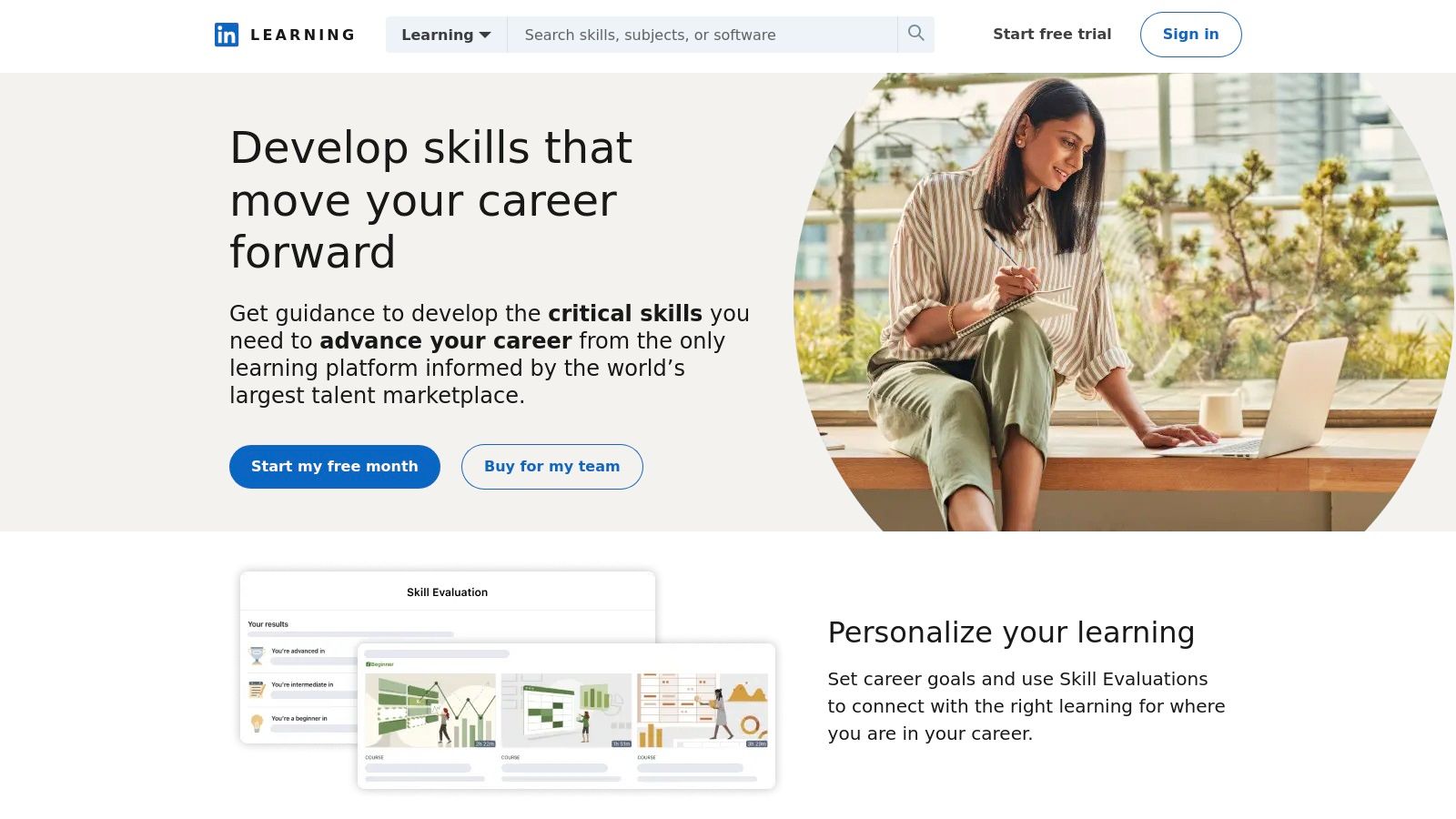
LinkedIn Learning, the evolution of the highly respected Lynda.com, offers a vast library of professionally produced video courses. For e-commerce businesses needing a reliable course on photo editing, this platform provides expertly taught content on Photoshop, Lightroom, and general photography principles with a level of polish and consistency that is hard to find elsewhere.
The platform operates on a subscription model, providing access to its entire catalog. A major draw is its direct integration with the LinkedIn professional network, allowing users to showcase completed course certificates on their profiles, which is excellent for team development and demonstrating expertise.
Key Details & User Experience
The LinkedIn Learning interface is clean, professional, and easy to navigate. It organizes courses into "Learning Paths," guiding users through a structured curriculum from beginner to advanced topics. The video player is robust, offering features like variable playback speed, transcripts, and exercise files to follow along with the instructor.
Best For: Professionals and teams looking for structured learning paths and a way to formally display their acquired skills on their LinkedIn profiles.
Pricing: Subscription-based, with monthly or annual plans. A 1-month free trial is often available, giving you ample time to evaluate the content.
Unique Offering: The tight integration with the core LinkedIn platform makes it a unique tool for professional development. Certificates of completion automatically populate on your profile, signaling new skills to your network.
Pros & Cons:
Pros | Cons |
|---|---|
High, consistent production quality across all courses. | Subscription model can be costly if you only need one or two courses. |
Certificates can be displayed directly on your LinkedIn profile. | Certificates are for course completion, not accredited professional credentials. |
Structured learning paths provide clear educational progression. | Pricing information can sometimes be unclear or vary by region. |
Website: https://www.linkedin.com/learning
4. Skillshare
Skillshare operates on an all-you-can-learn membership model, offering thousands of creative classes. For e-commerce brands, it's a goldmine of project-based tutorials covering Photoshop, Lightroom, and mobile editing workflows. Instead of purchasing a single course on photo editing, a subscription unlocks the entire library, encouraging exploration and continuous learning.
The platform’s strength lies in its focus on shorter, actionable classes that teach a specific skill through a hands-on project. This format is perfect for marketing teams who need to quickly learn a new technique, like creating a specific color grade for a product line or mastering a new tool in Photoshop, without committing to a massive, multi-hour course.
Key Details & User Experience
Skillshare's interface is clean and discovery-oriented, encouraging users to browse and find inspiration. The community aspect is central; members can upload their class projects to receive feedback from instructors and peers, creating a collaborative learning environment.
Best For: Creative teams and individuals looking for project-based learning and a wide variety of bite-sized, inspirational classes.
Pricing: Subscription-based, typically with a monthly or annual fee. New users can often access a free trial to explore the platform.
Unique Offering: The project-based approach forces practical application of skills. This hands-on method ensures that learners don't just watch videos but actively create, solidifying their understanding of editing techniques relevant to their own product photos.
Pros & Cons:
Pros | Cons |
|---|---|
Great for creative inspiration and bite-sized learning. | Quality can vary significantly across the thousands of available classes. |
Large number of beginner-friendly editing classes. | Fewer in-depth, professional-level retouching courses compared to other platforms. |
Active creator community provides valuable project feedback. | The subscription model may not be cost-effective for users needing only one course. |
Website: https://www.skillshare.com
5. Domestika
Domestika is a creative community and online learning platform known for its beautifully produced, artist-led courses. For e-commerce brands looking for a course on photo editing with a more artistic or stylistic flair, Domestika offers specialized classes in professional retouching, color grading, and creative Photoshop techniques taught by industry experts.
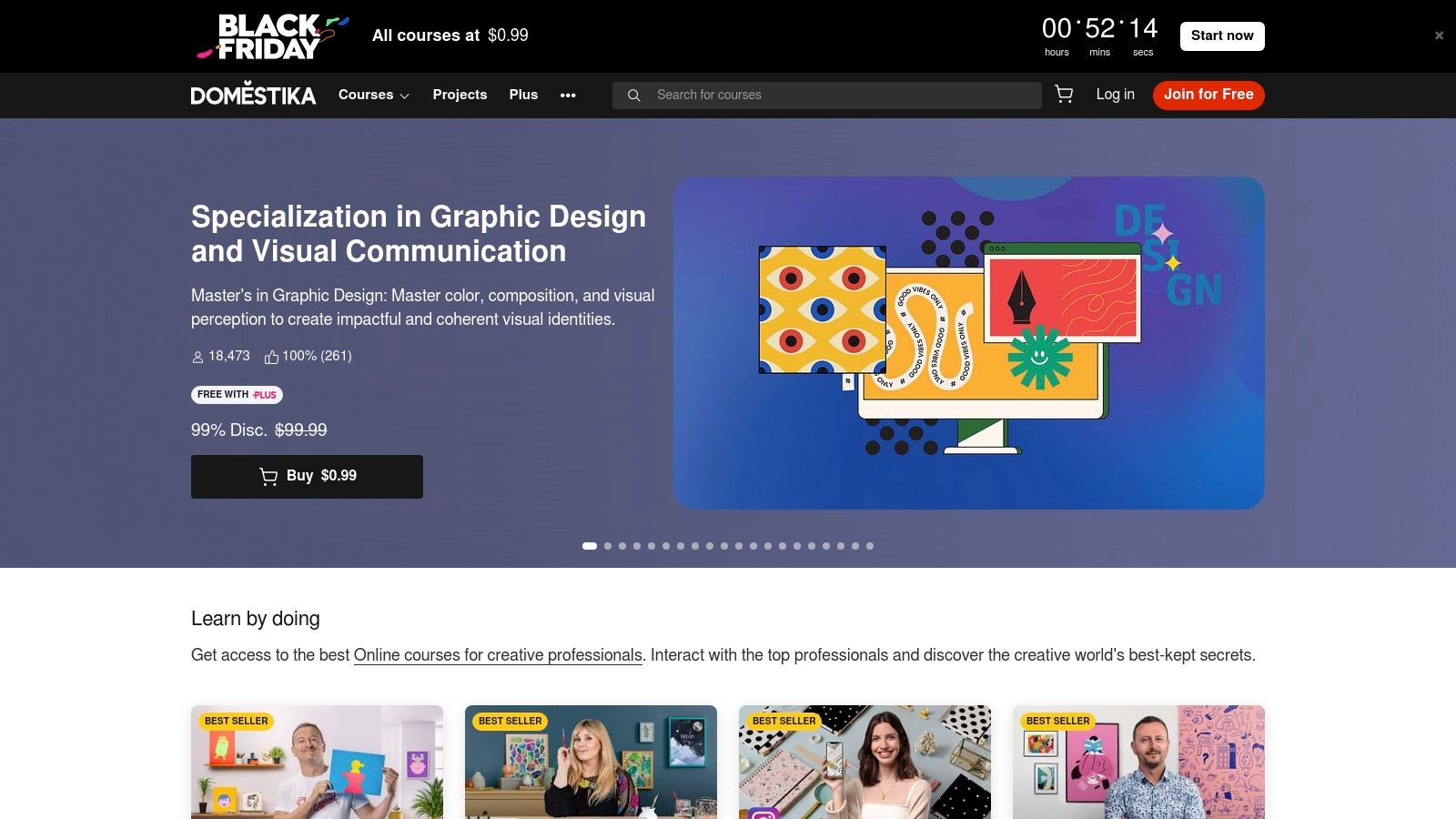
The platform's main appeal is its cinematic production quality and focus on the creative process, not just the technical steps. Courses are sold individually with lifetime access, much like Udemy, and frequently go on sale. This makes it an excellent resource for learning specific, high-impact editing styles for lookbooks, campaigns, or social media content that needs to stand out.
Key Details & User Experience
The Domestika platform is visually driven and easy to navigate, with a strong community element where students can share projects and get feedback. Each course page clearly outlines the curriculum, required materials, and the final project, so you know exactly what to expect.
Best For: Creative teams and brands wanting to learn stylized or artistic photo retouching rather than purely technical, high-volume product editing.
Pricing: A la carte course purchases, often priced between $10-$30 during sales. A Domestika Plus subscription offers additional discounts and credits.
Unique Offering: The high production value and focus on creative workflows from practicing professionals. Many courses include multi-language subtitles, making them accessible globally, and come with downloadable resources to follow along.
Pros & Cons:
Pros | Cons |
|---|---|
Strong focus on creative and stylized post-production techniques. | Not all courses have English audio, though high-quality subtitles are provided. |
High-quality, cinematic course production and instructor-led content. | Less breadth for purely technical or certification-style training. |
Lifetime access to purchased courses with downloadable resources. | Focus is more on single-image artistry than high-volume e-commerce workflows. |
Website: https://www.domestika.org
6. CreativeLive
CreativeLive offers a unique blend of live, interactive workshops and on-demand classes taught by world-renowned photographers and retouchers. For e-commerce brands, it provides immersive, in-depth training that goes beyond simple tutorials, making it an excellent platform to find a high-quality course on photo editing, particularly for Photoshop and Lightroom.
The platform's standout feature is its live broadcast model. You can watch classes for free as they are being filmed, offering a fantastic opportunity to access premium content without cost. For permanent access, you can purchase individual courses or subscribe to the Creator Pass, which unlocks a vast library of content for on-demand streaming.
Key Details & User Experience
CreativeLive's platform feels like a virtual creative conference. The courses are structured as multi-day workshops, providing a deep dive into subjects like product photography lighting or advanced retouching. The user experience is polished, with high production value and well-organized class materials.
Best For: Teams and individuals wanting comprehensive, workshop-style training from established industry experts.
Pricing: Watch live for free, purchase individual courses (typically $50-$200+), or subscribe to the Creator Pass (monthly/annual options).
Unique Offering: The ability to watch live classes for free is unmatched. This "try before you buy" model allows you to experience an instructor's teaching style and the course's depth before committing to a purchase.
Pros & Cons:
Pros | Cons |
|---|---|
Deep, workshop-style courses from well-known instructors. | Some premium classes are excluded from the Creator Pass subscription. |
Flexible access: watch live for free, buy, or subscribe. | Individual course purchases are more expensive than on platforms like Udemy. |
High production quality and well-structured lesson plans. | Purchases made through the iOS app can be limited compared to the website. |
Website: https://www.creativelive.com
7. KelbyOne
KelbyOne is an online training platform deeply rooted in the professional photography community, led by industry veteran Scott Kelby. For e-commerce brands, it provides a highly focused course on photo editing that emphasizes practical, real-world workflows used by working photographers, primarily within Adobe Photoshop and Lightroom.
The platform’s strength lies in its structured learning tracks and the credibility of its instructors. Unlike marketplaces with varying quality, KelbyOne offers a consistent, professionally produced curriculum. This makes it an excellent choice for teams that want to learn proven, efficient post-processing techniques directly from established experts in the field.
Key Details & User Experience
The KelbyOne interface is clean and organized, with content structured into clear learning tracks that guide users from foundational skills to advanced techniques. The platform also offers mobile apps with offline viewing, which is a great benefit for learning on the go. An active community forum and member-exclusive discounts add significant value to the subscription.
Best For: E-commerce teams who primarily use Adobe software and want to learn professional, workflow-oriented editing techniques.
Pricing: Subscription-based, with Plus ($19.99/month) and Pro ($29.99/month) tiers offering different levels of access and benefits. Annual plans provide better value.
Unique Offering: The platform’s singular focus on photographer-centric training means every course is built around practical application, not just software features.
Pros & Cons:
Pros | Cons |
|---|---|
Highly regarded instructors who are working professional photographers. | Catalog focuses almost exclusively on Adobe Photoshop and Lightroom. |
Clear, practical post-processing techniques tailored to photographers. | Fewer courses available that cover non-Adobe editing software. |
Good value with annual membership options and added member perks. | Subscription model may be less cost-effective for one-off training needs. |
Website: https://kelbyone.com
8. PHLEARN
PHLEARN is a specialized online learning platform focused almost exclusively on mastery of Adobe Photoshop and Lightroom. For e-commerce brands needing to perfect product shots, it offers an excellent course on photo editing for high-end retouching, complex compositing, and creative effects. The platform is known for its high production quality and clear, step-by-step instruction from founder Aaron Nace.
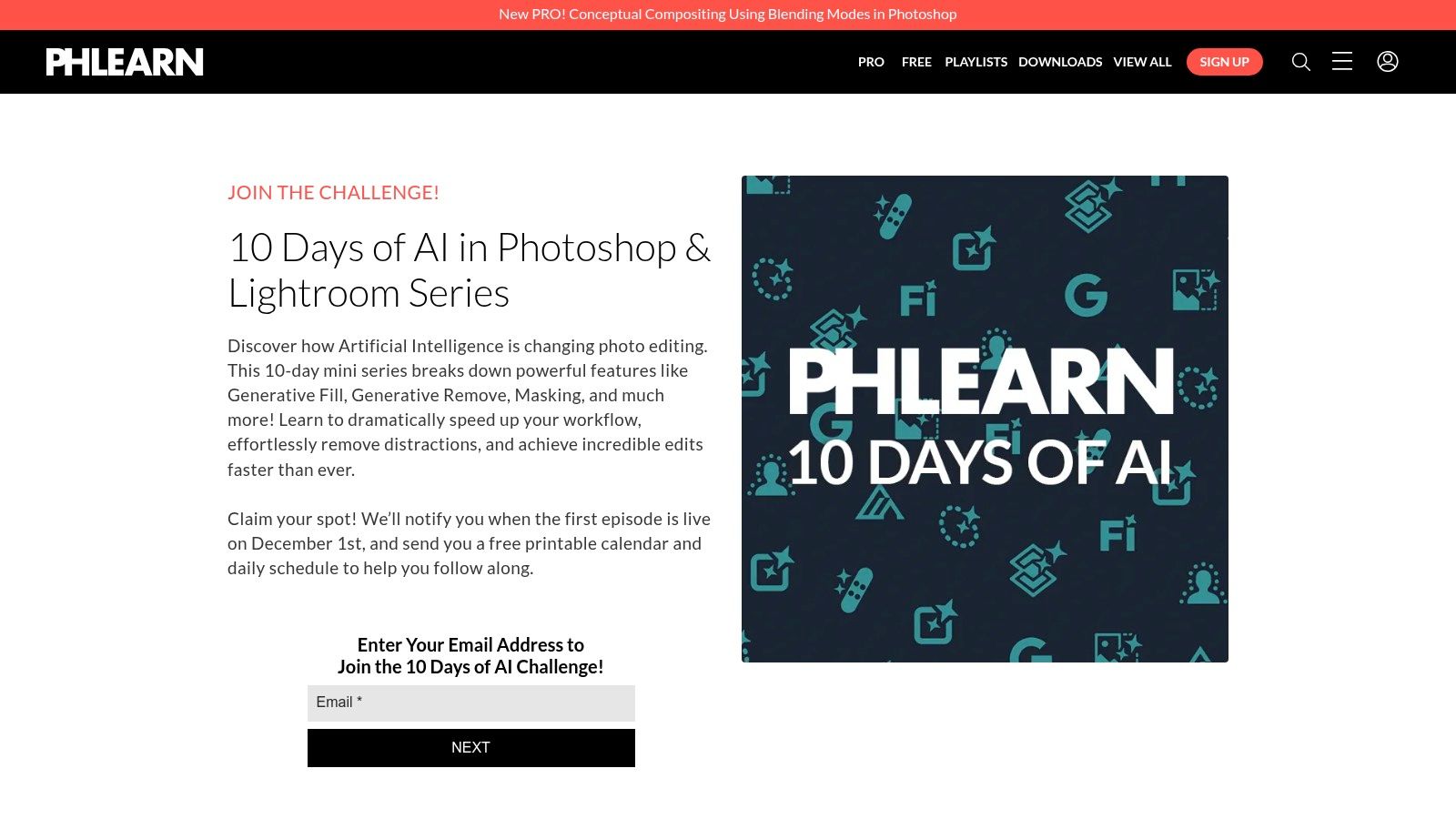
A PHLEARN Pro subscription unlocks the entire tutorial library, which is a major draw. It also includes a vast collection of downloadable assets like presets, custom brushes, and Actions. This makes it a one-stop-shop for both learning the techniques and getting the tools to implement them efficiently.
Key Details & User Experience
The PHLEARN website is clean and well-organized, making it easy to find tutorials for specific problems like "skin retouching" or "changing background color." The video player is robust, and each course comes with downloadable project files, allowing you to follow along precisely.
Best For: Creative professionals and e-commerce teams who want to master advanced Photoshop techniques for commercial-grade retouching and creative product composites.
Pricing: A PHLEARN Pro subscription costs $12.99/month or $99.99/year, which includes all courses and downloadable assets.
Unique Offering: The tight focus on the Adobe ecosystem, combined with professional assets, creates a cohesive learning environment. The techniques taught are directly applicable to the challenges of e-commerce photo editing, from perfecting product colors to creating eye-catching hero images.
Pros & Cons:
Pros | Cons |
|---|---|
Deep focus on advanced Photoshop retouching and compositing. | Smaller library than massive marketplace sites like Udemy or Skillshare. |
High production quality and clear, step-by-step instruction. | Content is almost entirely centered on the Adobe creative ecosystem. |
Annual plan is a good value and includes thousands of resources. | May be too specialized for users who need a broad range of software skills. |
Website: https://phlearn.com
9. SLR Lounge (Premium)
SLR Lounge Premium is a comprehensive photography education platform designed for professionals seeking mastery over their craft. For e-commerce brands, it offers in-depth workshops that cover entire post-production workflows in Lightroom and Photoshop, from basic adjustments to advanced color grading and retouching. This is the place to find a course on photo editing that operates like a complete, structured curriculum rather than a single-skill tutorial.
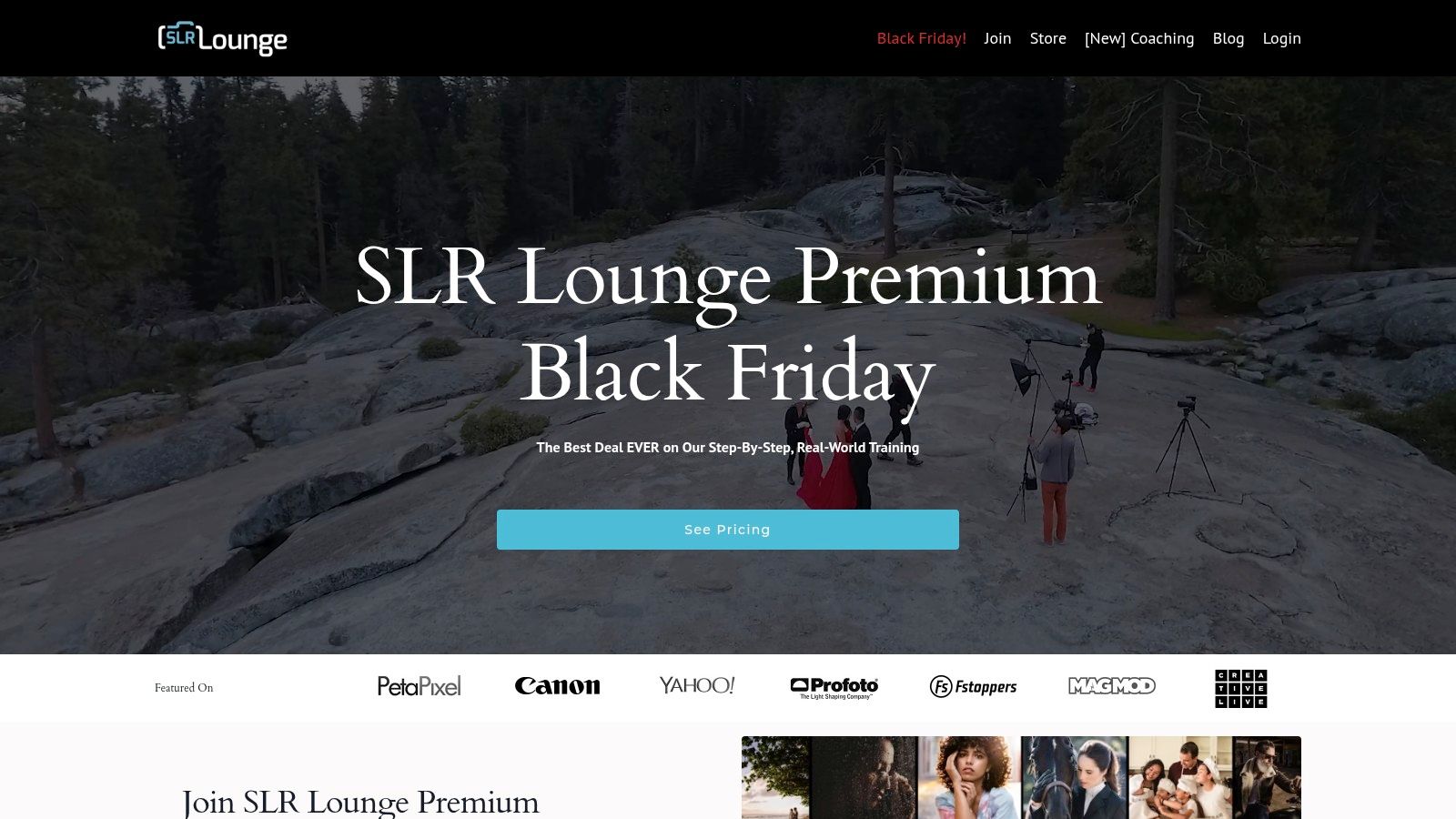
The platform’s strength lies in its project-based approach. Workshops include all necessary exercise files, allowing your team to follow along and replicate the instructor's results. This hands-on method is perfect for building practical, real-world skills applicable to product and commercial photography.
Key Details & User Experience
The SLR Lounge platform is professional and well-organized, with workshops categorized logically. The learning paths guide users from foundational concepts to advanced techniques, making it easy to chart a clear educational journey. The premium membership model provides access to their entire library of over 30 workshops.
Best For: Photographers and creative teams looking for structured, end-to-end workflow training from industry professionals.
Pricing: Annual subscription model or lifetime access options are available. The premium membership is a significant investment compared to a-la-carte courses.
Unique Offering: The inclusion of exercise files and a focus on complete A-to-Z workflows is invaluable for mastering professional-level editing and consistency.
Pros & Cons:
Pros | Cons |
|---|---|
Comprehensive, project-based workshops with a professional focus. | Higher price point than generalist platforms like Udemy or Skillshare. |
Emphasis on real-world deliverables with included exercise files. | The content is more narrowly focused on photography workflows. |
Excellent for learning end-to-end editing workflows, not just isolated skills. | Might be too intensive for those needing a quick fix for a single task. |
Website: https://www.slrloungeworkshops.com/premium
10. Fstoppers Tutorials (Store)
Fstoppers is a popular online community for photographers, and its store offers a curated selection of premium, in-depth tutorials. For e-commerce brands needing a professional-grade course on photo editing, Fstoppers provides downloadable masterclasses on topics like high-end product retouching, advanced Photoshop techniques, and workflow optimization in Capture One.
These are not quick overviews; they are multi-hour deep dives led by established industry professionals. The tutorials are purchased a la carte, granting you lifetime access to the video content and, crucially, the working files. This allows your team to follow along with the exact same images the instructor is using.
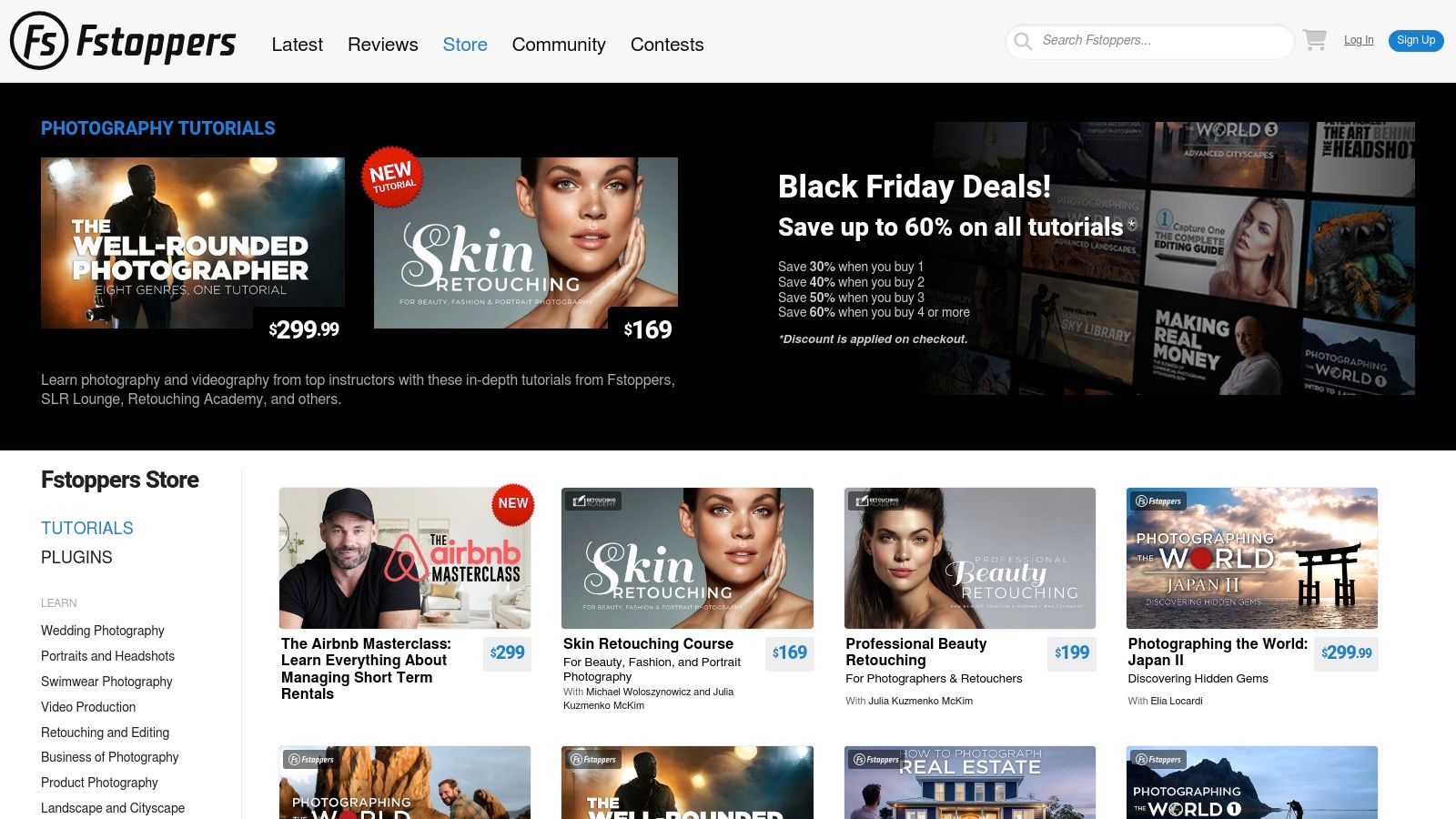
Key Details & User Experience
The Fstoppers store is a straightforward marketplace showcasing its premium tutorial library. The focus is on quality over quantity, with each course representing a comprehensive learning system. The production value is consistently high, and many tutorials include access to private Facebook groups for community support and direct interaction with the instructor.
Best For: Creative teams and individuals wanting to master advanced, specialized retouching techniques from proven industry experts.
Pricing: A la carte purchases, typically ranging from $100 to $300 per tutorial. Sales are offered occasionally.
Unique Offering: The inclusion of downloadable raw files and assets is a significant advantage, providing a hands-on learning experience that is often missing from other platforms. This is ideal for mastering complex techniques like frequency separation or advanced dodging and burning.
Pros & Cons:
Pros | Cons |
|---|---|
Deep dives with industry-leading expert instructors. | Premium a la carte pricing can become expensive for multiple courses. |
Includes project assets and working files to follow along. | No single subscription or membership for access to the entire store. |
Covers specialized, pro-level topics not found on general platforms. | The selection is highly curated and smaller than massive marketplaces. |
Website: https://fstoppers.com/store
11. Adobe Learn (Official)
Adobe Learn is the official learning hub directly from the creators of Photoshop and Lightroom. It offers a wealth of free, up-to-date tutorials, making it the most authoritative source for learning the core tools and workflows of Adobe's powerful editing software. For e-commerce brands, it's an essential first stop for mastering foundational skills or getting up to speed on the latest features.
The platform’s greatest strength is its reliability and relevance. Because the tutorials come straight from Adobe, you can be confident the information is accurate and aligned with the software's current version. This is particularly valuable for understanding new AI-driven tools as they are released.
Key Details & User Experience
Navigating Adobe Learn is clean and straightforward, organized by application and topic. The content is presented in easily digestible formats, including short videos and step-by-step articles, often with downloadable practice files so you can follow along directly within the application.
Best For: Beginners needing a trusted starting point and experienced users wanting to stay current with new Adobe features.
Pricing: Completely free. All tutorials, guides, and practice files are available at no cost with an Adobe account.
Unique Offering: Direct integration with Creative Cloud apps and immediate access to tutorials covering the very latest updates, such as generative AI tools. While this is not a full course on photo editing in a traditional sense, it's perfect for learning specific new features like Adobe's AI-powered image enhancement, which is useful when you need to upscale an image with Photoshop AI.
Pros & Cons:
Pros | Cons |
|---|---|
Authoritative guidance directly from the software creators. | Lacks the depth of comprehensive, multi-hour project-based courses. |
Completely free with immediate access to all content. | No variety of third-party instructor styles or alternative perspectives. |
Excellent for learning fundamentals and new built-in features. | Not a marketplace, so there are no structured learning paths or certificates. |
Website: https://www.adobe.com/learn/
12. The School of Photography (TSOP)
The School of Photography (TSOP) is an online learning platform created by professional photographers, for photographers. For e-commerce brands, it provides a focused curriculum on software like Photoshop and Lightroom, ensuring that every lesson is taught with a practical, photographic outcome in mind. This photographer-centric approach makes its course on photo editing particularly relevant for product-focused work.
TSOP’s main strength lies in its structured, step-by-step teaching style. Courses are available for individual purchase or through an all-access membership, both of which include downloadable RAW files and cheat sheets. This allows learners to follow along exactly with the instructor, making complex editing techniques much easier to grasp for beginners.
Key Details & User Experience
The platform is clean and easy to navigate, with a clear focus on its core photography and editing courses. While the catalog isn't as vast as a marketplace like Udemy, the quality is consistent and highly rated by users. The curriculum is designed to build skills logically, from basic adjustments to advanced retouching.
Best For: Beginners and intermediates who want a structured, photographer-led curriculum without the overwhelming choice of larger platforms.
Pricing: Courses can be bought individually (e.g., The Complete Guide to Photoshop is around £149), or a Pro Membership offers access to all courses for £199/year. Note that pricing is in GBP (£).
Unique Offering: Each lesson is designed by working photographers, meaning the techniques taught are directly applicable to real-world scenarios, like improving product shots, rather than just abstract software functions.
Pros & Cons:
Pros | Cons |
|---|---|
Photographer-centric curriculum ensures practical, relevant skills. | Smaller course catalog compared to massive e-learning marketplaces. |
Beginner-friendly structure with downloadable practice files. | Pricing is displayed in GBP, so the USD cost fluctuates with exchange rates. |
High-quality, consistent instruction across all available courses. | Fewer options for advanced or niche editing software beyond Adobe. |
Website: https://online.theschoolofphotography.com/
Top 12 Photo-Editing Course Comparison
Platform | Core features | Quality ★ | Price/value 💰 | Best for 👥 | Standout ✨/🏆 |
|---|---|---|---|---|---|
Udemy | Huge a‑la‑carte catalog, lifetime access, frequent sales | ★★★☆☆ — varies by instructor | 💰 Low during sales; pay per course | 👥 Budget learners, hobbyists | ✨ Massive variety; 🏆 Best sale-based value |
Coursera | University/company-backed courses, specializations, certs | ★★★★☆ — credible & structured | 💰 Free audit, paid certs, Coursera Plus | 👥 Learners seeking credentials/structured paths | ✨ Adobe & uni content; portfolio-ready |
LinkedIn Learning | Subscription access, polished production, LinkedIn certs | ★★★★☆ — consistent quality | 💰 Subscription (1‑mo trial) / some purchases | 👥 Professionals building CV/LinkedIn | ✨ LinkedIn cert integration; steady updates |
Skillshare | Project-based short classes, community projects | ★★★☆☆ — quality varies | 💰 Membership (free trial) — all you can learn | 👥 Creative hobbyists & quick learners | ✨ Bite-sized projects + active community |
Domestika | Cinematic production, lifetime access, downloadable files | ★★★★☆ — high production | 💰 A‑la‑carte; frequent promos / Domestika Plus | 👥 Creatives seeking stylized workflows | ✨ Cinematic courses & multilingual subtitles |
CreativeLive | Live broadcasts, lifetime purchases, Creator Pass | ★★★★☆ — workshop depth | 💰 Mix: buy per class or Creator Pass | 👥 Workshop learners & professionals | ✨ Live classes + deep workshop formats |
KelbyOne | Photographer-focused tracks, mobile apps, community | ★★★★☆ — practical workflows | 💰 Annual membership good value for pros | 👥 Working photographers | ✨ Real-world photographer workflows; 🏆 industry fav |
PHLEARN | Photoshop/retouching focus, presets & downloadable assets | ★★★★☆ — focused and detailed | 💰 Pro subscription for full library | 👥 Retouchers, composite artists | ✨ Deep retouch/composite lessons + assets |
SLR Lounge (Premium) | Full workshops, exercise files, project-based lessons | ★★★★☆ — comprehensive | 💰 Premium pricing; lifetime/annual options | 👥 Photographers wanting end‑to‑end workflows | ✨ Extensive workshop bundles; 🏆 project depth |
Fstoppers Tutorials | Pro-grade multi-hour tutorials, working files | ★★★★☆ — expert-led deep dives | 💰 A‑la‑carte — can be costly per course | 👥 Advanced photographers & niche specialists | ✨ Niche expert topics with assets |
Adobe Learn (Official) | Free, up‑to‑date tutorials integrated with apps | ★★★★☆ — authoritative | 💰 Free — official resources | 👥 Beginners & users staying current | ✨ Official, timely guides; 🏆 app-integrated lessons |
The School of Photography (TSOP) | Photographer-led step‑by‑step courses, PDFs & files | ★★★★☆ — straightforward & practical | 💰 Fair single-course pricing; membership option | 👥 Photographers seeking clear, focused training | ✨ Photographer-centric syllabus; good reviews |
Your Next Step: From Learning to Launching
Navigating the landscape of online learning to find the perfect course on photo editing can feel like a significant undertaking, but it's a crucial first step toward building a powerful e-commerce brand. We've explored a wide spectrum of platforms, from the comprehensive, project-based learning of Coursera and the community-driven creativity of Skillshare to the highly specialized, professional-grade tutorials offered by PHLEARN and KelbyOne. Each option presents a unique path to mastering the art and science of product photography post-production.
The journey doesn't end with a course certificate; it begins with applying those skills to create images that stop scrollers in their tracks and drive conversions. Your primary takeaway should be that the "best" course is entirely dependent on your specific business needs, current skill level, and long-term goals. An independent Shopify seller might find immense value in a specific Domestika workshop on creating clean white backgrounds, while a marketing team at a larger DTC brand may benefit more from the structured, career-focused tracks available on LinkedIn Learning.
Making Your Decision: A Practical Framework
To move from analysis to action, it’s time to make a strategic choice. Don't let the sheer number of options lead to indecision. Instead, use a simple framework to guide your selection and ensure the skills you learn today will directly impact your sales tomorrow.
Start by auditing your current image workflow and identifying the single biggest friction point. Is it achieving consistent color accuracy across your entire product line? Are you struggling to create compelling lifestyle shots that resonate with your target audience? Or is the sheer volume of editing simply consuming too much of your time?
Once you've pinpointed your primary challenge, you can filter your options with greater clarity:
For Foundational Skills: If you are starting from scratch, platforms like Udemy, Skillshare, or The School of Photography offer accessible entry points that cover the fundamentals of tools like Adobe Lightroom and Photoshop without an overwhelming financial commitment.
For Specialized Techniques: If you need to master a specific e-commerce technique like advanced retouching, compositing, or color grading, turn to the experts. PHLEARN, CreativeLive, and Fstoppers Tutorials provide deep-dive instruction from industry-leading professionals that can elevate your images from good to exceptional.
For Professional Development: For in-house creative teams and agencies, a subscription to a platform like LinkedIn Learning or KelbyOne offers a broad curriculum that can upskill multiple team members, ensuring a consistent and high-quality visual standard across all marketing channels.
Integrating Skills with Smart Technology
Mastering photo editing is a powerful asset, but in the fast-paced world of e-commerce, skill must be paired with efficiency. As you complete your chosen course on photo editing, consider how you will build a scalable production pipeline. Manual editing, while essential for hero shots and campaign imagery, can become a bottleneck when you need to launch dozens of new products or create variations for A/B testing.
This is where your new knowledge becomes a strategic advantage. Understanding the principles of good lighting, composition, and color correction allows you to better direct and leverage modern tools. Instead of seeing technology as a replacement for skill, view it as an amplifier. Your editing expertise will enable you to make smarter decisions when using AI-powered solutions, ensuring the final output is not just fast, but also perfectly aligned with your brand's aesthetic. The ultimate goal is to create a hybrid workflow where your creative direction and technical skills guide powerful technology to produce stunning visuals at scale. The investment you make in learning today is the foundation for a more efficient, creative, and profitable tomorrow.
Ready to combine your new editing skills with unparalleled efficiency? Look Atlas uses advanced AI to transform your product photos into hyper-realistic, on-model imagery in minutes, eliminating the need for costly and time-consuming photoshoots. Visit Look Atlas to see how you can create an entire campaign's worth of content while your competitors are still editing their first image.
