
Amazon 3D Product Images: Build a Model Buyers Can Trust
An Amazon 3D product image is not a set of glossy renders from a 3D file. Amazon's interactive experiences use an actual 3D model that shoppers can rotate, zoom, place in a room, or try on when the product and device are eligible. Static renders can still support the image gallery, but they do a different job.
That distinction changes the production brief. A beautiful front view cannot compensate for wrong dimensions, missing underside geometry, or a material that behaves like plastic when the product is brushed metal. Build one truthful model, validate it against the physical product, and derive each customer-facing asset from that approved source.
Choose the asset before choosing the production route
Start by naming the required output. If buyers need to rotate the product or place it in a room, the deliverable is an interactive 3D model. Amazon's current upload guidance specifies GLB or GLTF for seller-supplied models, along with accurate dimensions and reference material. If the need is a MAIN image, cutaway, exploded view, or lifestyle frame, the deliverable is a static listing image, even when a 3D scene produced it.
The two assets can share a model, but they are not interchangeable. A GLB or GLTF contains geometry, materials, textures, and scene information for a viewer. A rendered image records one camera, crop, lighting setup, and moment. Calling both “3D images” is how teams approve the wrong file.
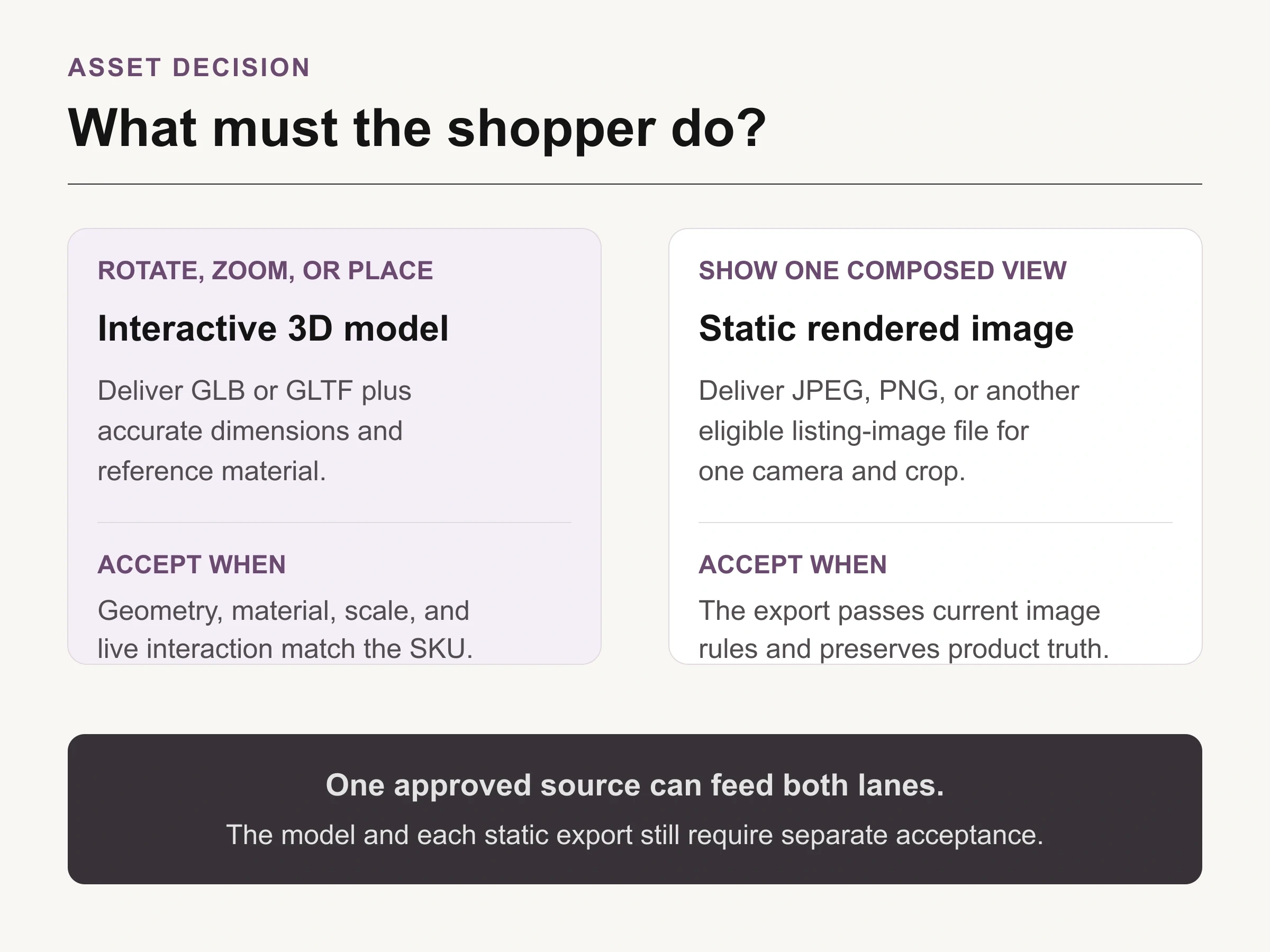
Look Atlas asset decision: define the shopper action first, then give the model and each static export a separate acceptance test.
Amazon's 3D experiences include View in 3D, View in Your Room, and category-specific virtual try-on. Availability varies by product, region, and device, so verify eligibility in the current Seller Central or Vendor Central account before commissioning a catalog-wide build. Do not treat an eligible neighboring ASIN as proof that yours will receive the same experience.
Build a truth pack before anyone opens 3D software
A good model begins with a compact product record. Give the scanning operator or 3D artist the exact SKU or ASIN, physical dimensions, weight if relevant to placement, material names, finish references, color targets, included parts, moving parts, underside views, and any detail a buyer could use to identify the variant.
Reference photography should cover the object, not merely flatter it. Include front, back, sides, top, underside, joints, seams, ports, labels, hardware, and scale cues. Amazon's upload guidance asks sellers to submit reference materials with the model. Account-visible instructions remain the final authority.
Truth-pack item | Acceptance question |
|---|---|
Dimensions and orientation | Does the model occupy the correct real-world size and face the expected direction? |
Silhouette and construction | Do the outline, underside, seams, joints, openings, and included parts match the SKU? |
Material and finish | Do gloss, roughness, transparency, grain, and metal response resemble the physical reference? |
Color and variant | Is the approved variant identifiable without borrowing detail from a sibling ASIN? |
Customer experience | Can the intended device rotate, zoom, place, or try on the model without clipping or confusion? |
Use the same truth pack for the artist, internal approver, and submission record.
Keep that record beside the model through every revision. It prevents a common failure: the artist improves a reflection or silhouette until the asset is more attractive but less true.
Pick the route that exposes the product's hard surfaces
Amazon currently presents two broad creation paths. A seller can upload an existing model through Image Manager, or use mobile scanning when the account and product are eligible. Amazon's 2024 getting-started guide also points sellers to external 3D content creators familiar with its standards.
Mobile scanning is attractive for a stable, opaque object with visible surfaces and enough visual texture for the camera to track. The current Amazon staff guidance describes an iOS workflow in the Amazon Seller app, followed by artist review. The same guidance says eligibility depends on category, physical properties, and other factors. Reflective, transparent, very thin, deformable, articulated, or repetitive objects deserve an early feasibility check rather than an optimistic production schedule.
A model built from CAD, photogrammetry, or manual 3D work can provide more control when measurements, hidden surfaces, or material behavior matter. The route does not remove the acceptance obligation. A CAD-perfect shape can still use an implausible finish, and a photogrammetry scan can still bake reflections into the texture or soften an edge that defines the SKU.
Amazon reviews the model against the product, not the render's mood
Amazon's current public guidance says models should show appropriate detail and physically plausible materials compared with the real product. It also warns that a model may be rejected when it does not accurately depict the product shown in the detail-page images. That makes the listing's photography part of the evidence set, not just marketing around the model.
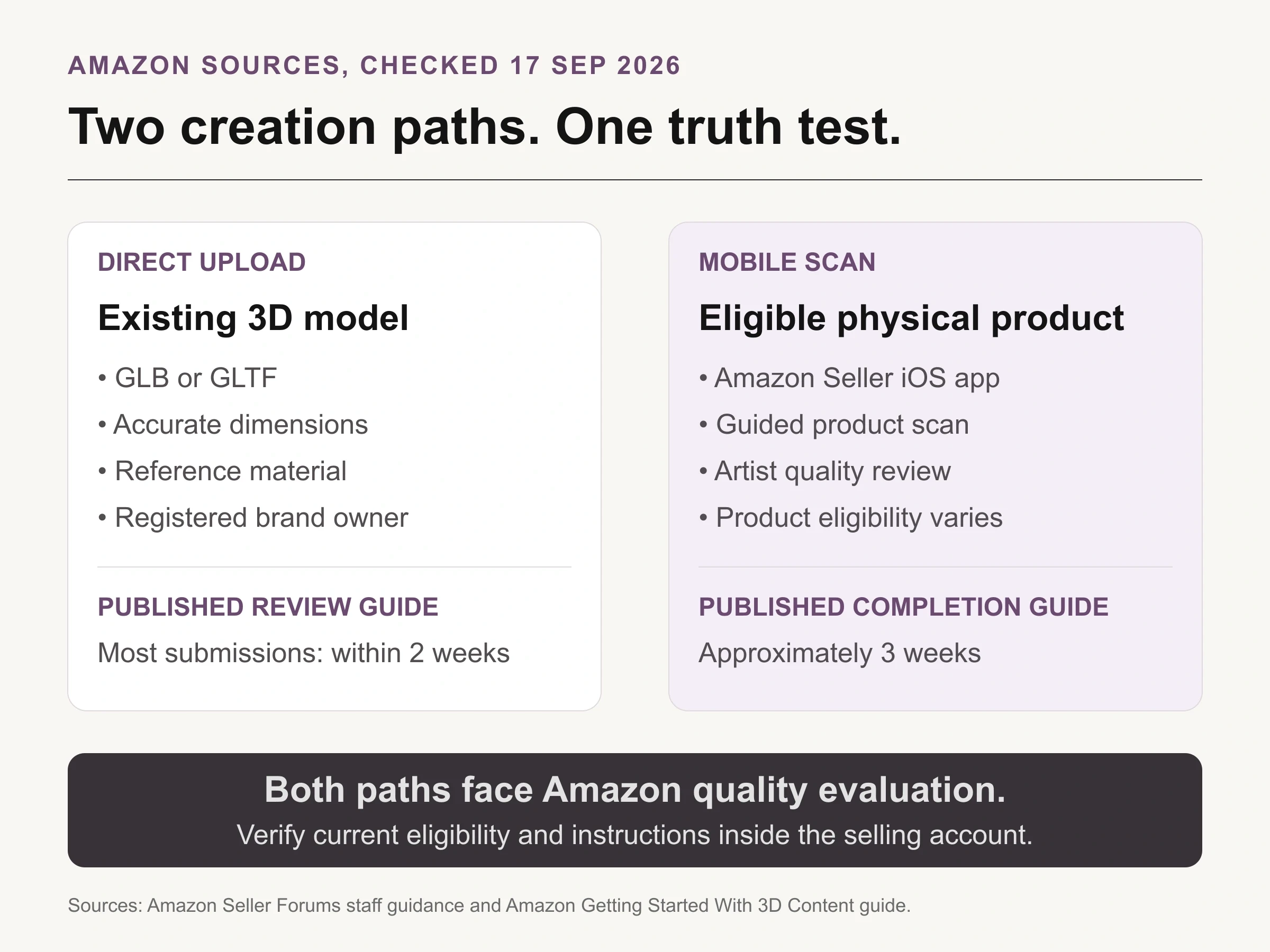
Sourced chart: Amazon's public direct-upload and mobile-scan guidance, checked September 17, 2026. Eligibility and account-visible instructions can change; timelines are not guarantees.
The direct-upload and mobile-scan timelines are not the same promise. Amazon staff says most direct submissions are reviewed within two weeks, while its mobile-scanning announcement says model completion takes approximately three weeks after a successful scan. Both are planning inputs, not service guarantees. Retouches, rejection, category eligibility, and the time needed to fix source material can extend the project.
Treat Amazon's review as a platform gate, not your quality-control department. Before submission, compare the model with the physical sample and approved listing images at the same angles. Record every known compromise. If a translucent edge, fabric drape, internal cavity, or movable part cannot be represented honestly, decide whether the model should be revised, narrowly used, or not submitted.
Inspect geometry, scale, and material as separate failure classes
Geometry errors change what the product is. Check silhouette first, then proportions, part count, openings, joins, thickness, underside detail, and moving components. Rotate the model through full views instead of approving the same flattering three-quarter angle used in the render deck.
Scale errors change what the shopper expects. Confirm the submitted dimensions against the physical object and the intended unit. A lamp that is ten times too small can still look convincing in an isolated viewer and fail the moment View in Your Room places it beside furniture.
Material errors change how the product reads under motion. Check roughness, metallic response, transparency, surface grain, normal detail, and texture alignment. Rotate the light as well as the camera. A highlight that sticks to the surface can reveal a baked reflection; moiré or stretching can expose weak UV mapping; a transparent part can turn opaque at an oblique angle.
Use a defect log with four fields: view, mismatch, evidence, and disposition. “Looks off” is not actionable. “Rear-right view: cable exits 18 mm too high against measured sample” gives the artist a repair target and the approver a closure test.
Test the experience where the customer will use it
Approval of a source file is not proof of the published experience. After Amazon accepts the model, inspect the product detail page on eligible devices and check every experience actually exposed to shoppers. Rotate and zoom through awkward angles. For room placement, verify floor or tabletop contact, scale, orientation, and whether the object intersects the environment. For try-on, use the category-specific requirements visible in the account.
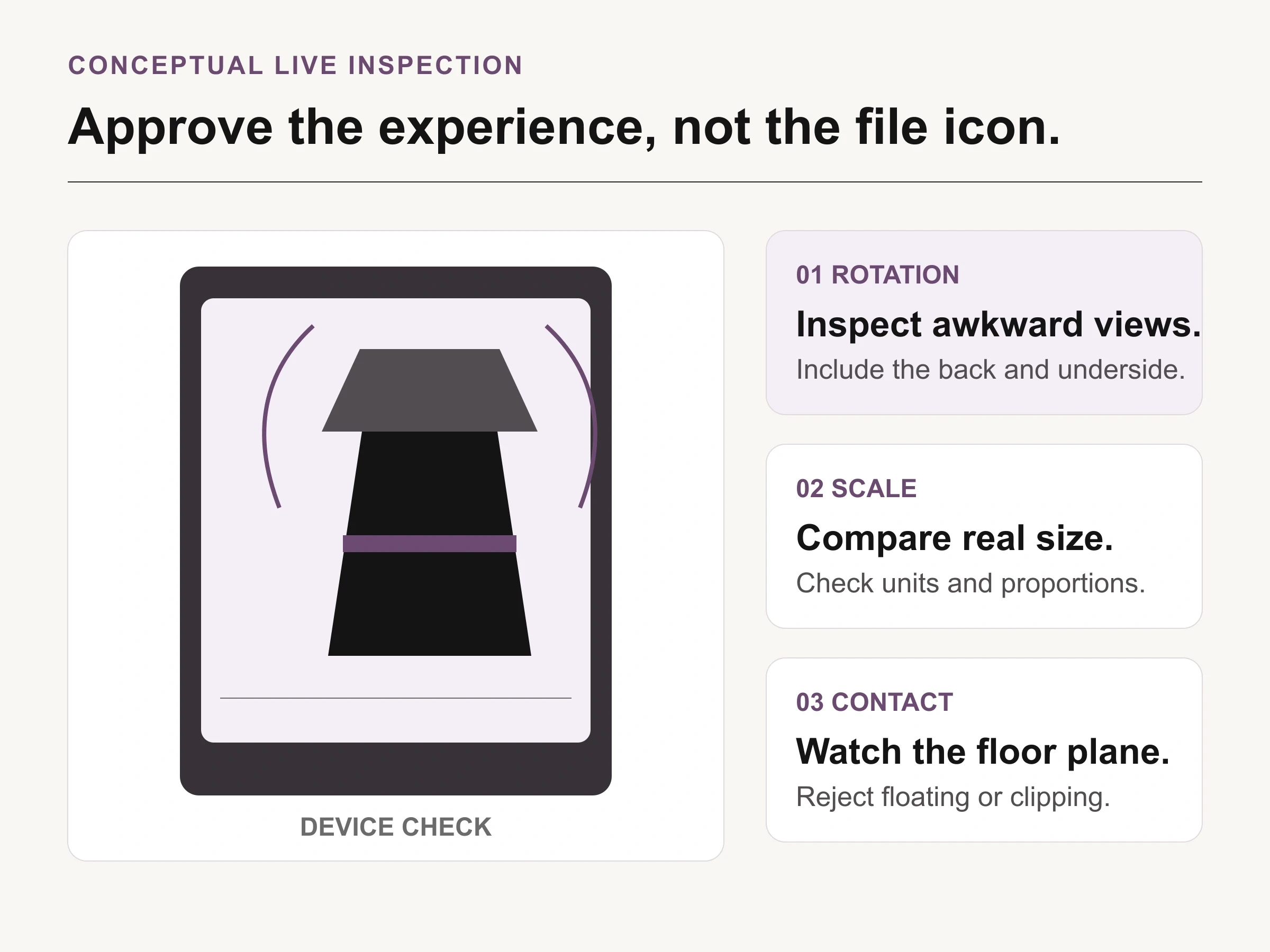
Conceptual illustration: a fictional device inspection, not an Amazon interface, real ASIN, captured product model, or proof of platform acceptance.
The final release record should include the ASIN, model version, source-file checksum, submitted dimensions, submission date, Amazon status, devices checked, experiences observed, defects, and owner. Screenshot evidence can help document the result, but the live interaction is the acceptance surface.
Amazon notes that approved 3D content may appear differently depending on product, region, and device eligibility. Recheck the listing after catalog changes and material product revisions. A variant update, packaging change, or hardware revision can make an old model misleading even if Amazon continues to serve it.
Let one approved 3D source serve two controlled lanes
Once the interactive model passes, it can become a controlled source for selected static renders. Amazon's getting-started guide explicitly notes that 3D assets can be used to render detail-page images, lifestyle images, animations, and other marketing content. Keep those outputs in a separate approval lane because Amazon's ordinary image rules still apply to the gallery.
Use the Amazon listing image requirements checklist for MAIN and secondary-image compliance, and the Amazon photography service guide when deciding what to commission from a studio or specialist. A 3D model does not replace clear product photography when the customer must verify texture, finish, included parts, or a safety-critical detail.
After the product-truth assets are approved, Look Atlas can help extend the still-image lane into controlled campaign or lifestyle contexts. That is separate from creating or uploading Amazon's interactive GLB or GLTF model. Compare every generated still with the approved source and reject drift in shape, material, color, count, labeling, or included accessories.
For the first SKU, choose the hardest representative surface rather than the easiest object in the catalog. Complete the truth pack, create one model, test the live experience, and release static derivatives only after the shared source passes. Scaling a trustworthy model is useful. Scaling an unmeasured one only makes the error harder to find.
