
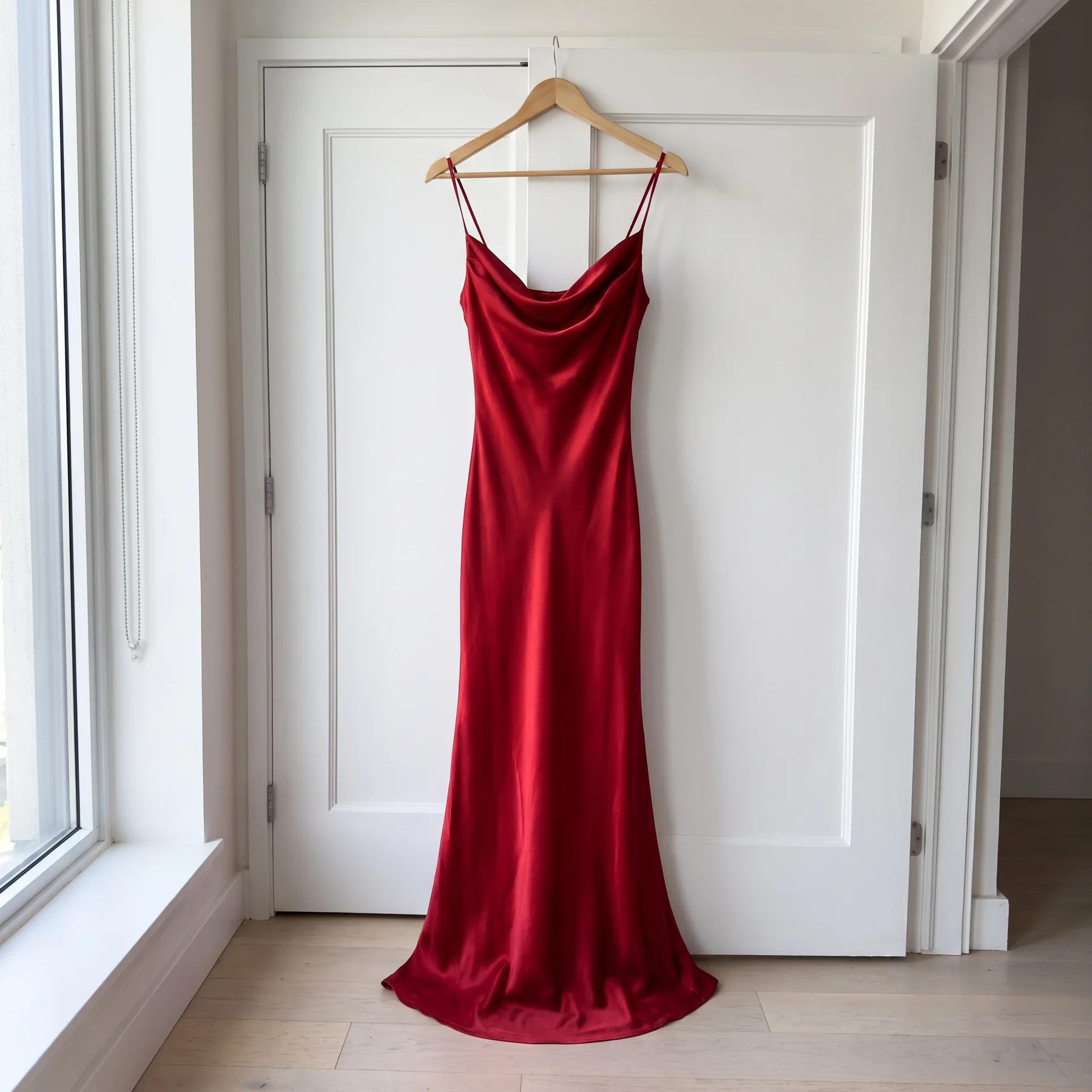
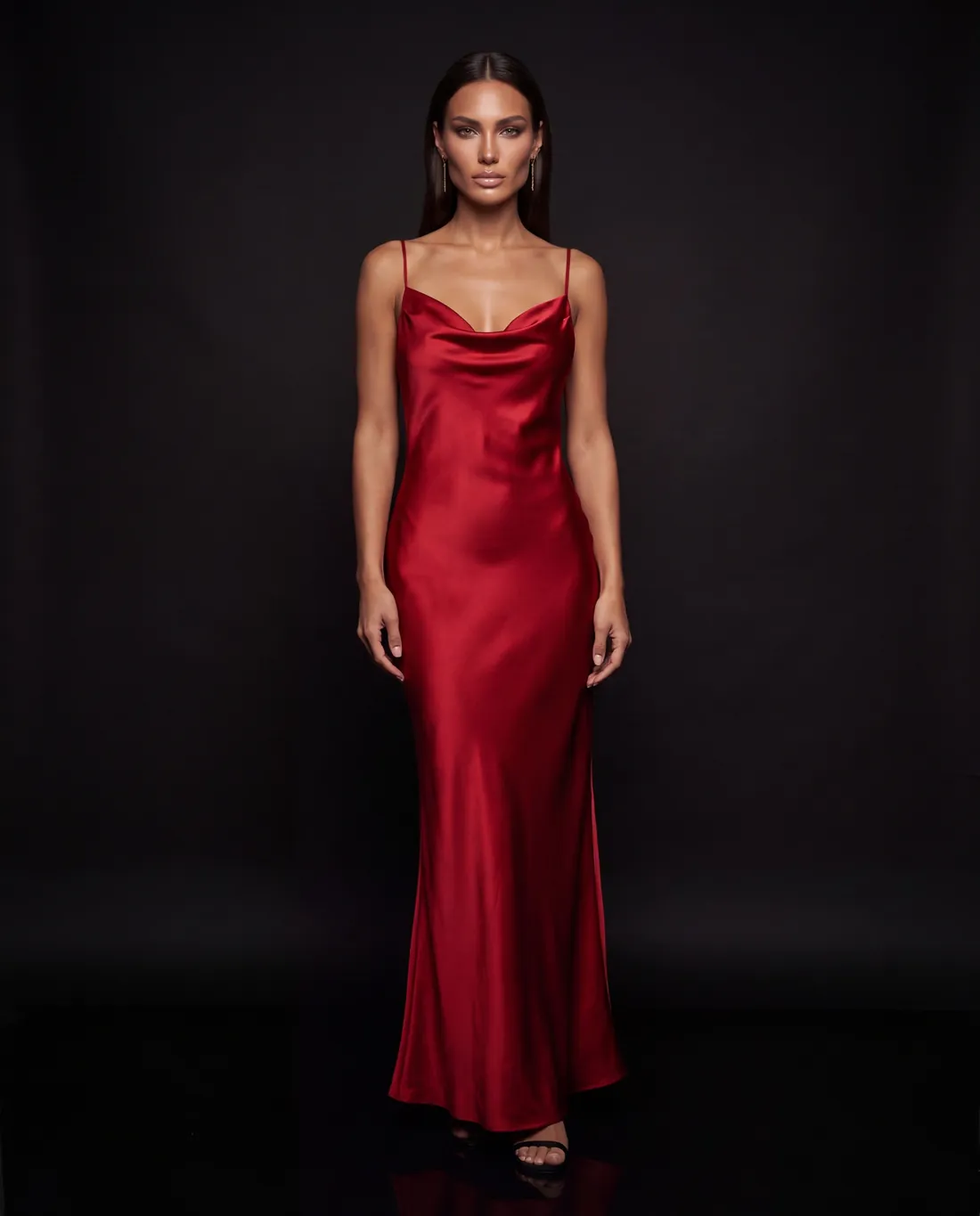
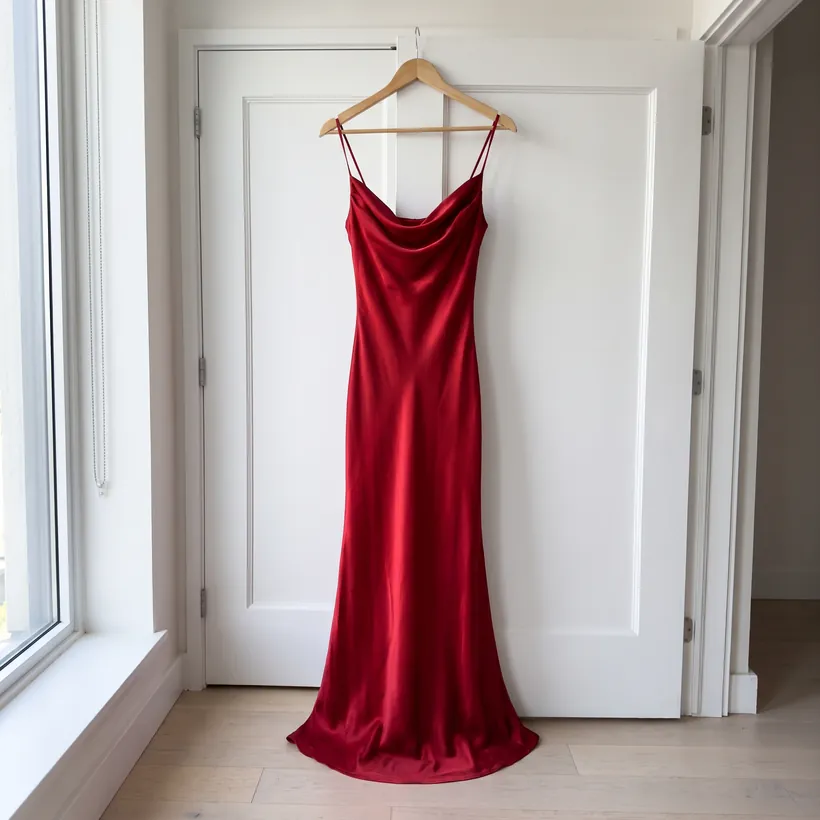
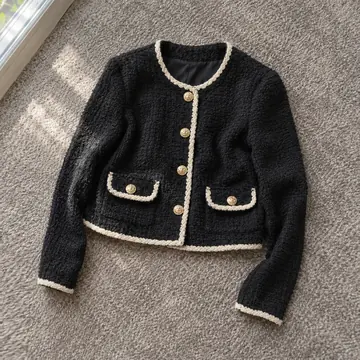
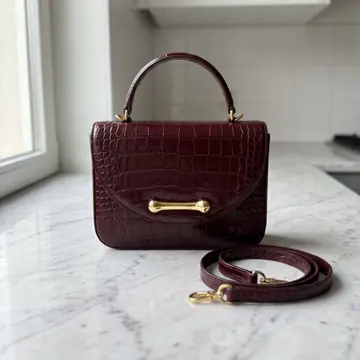
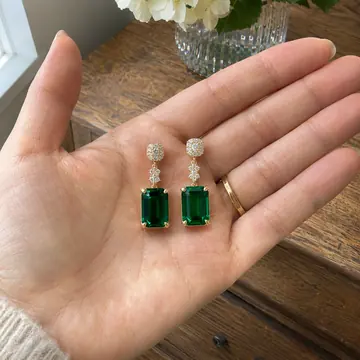
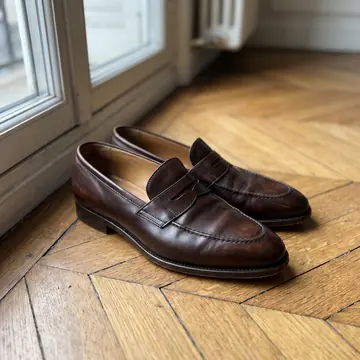
This is a phone photo. Look Atlas turns it into AI model photos, right inside your Shopify store.
Your product.
On your model.
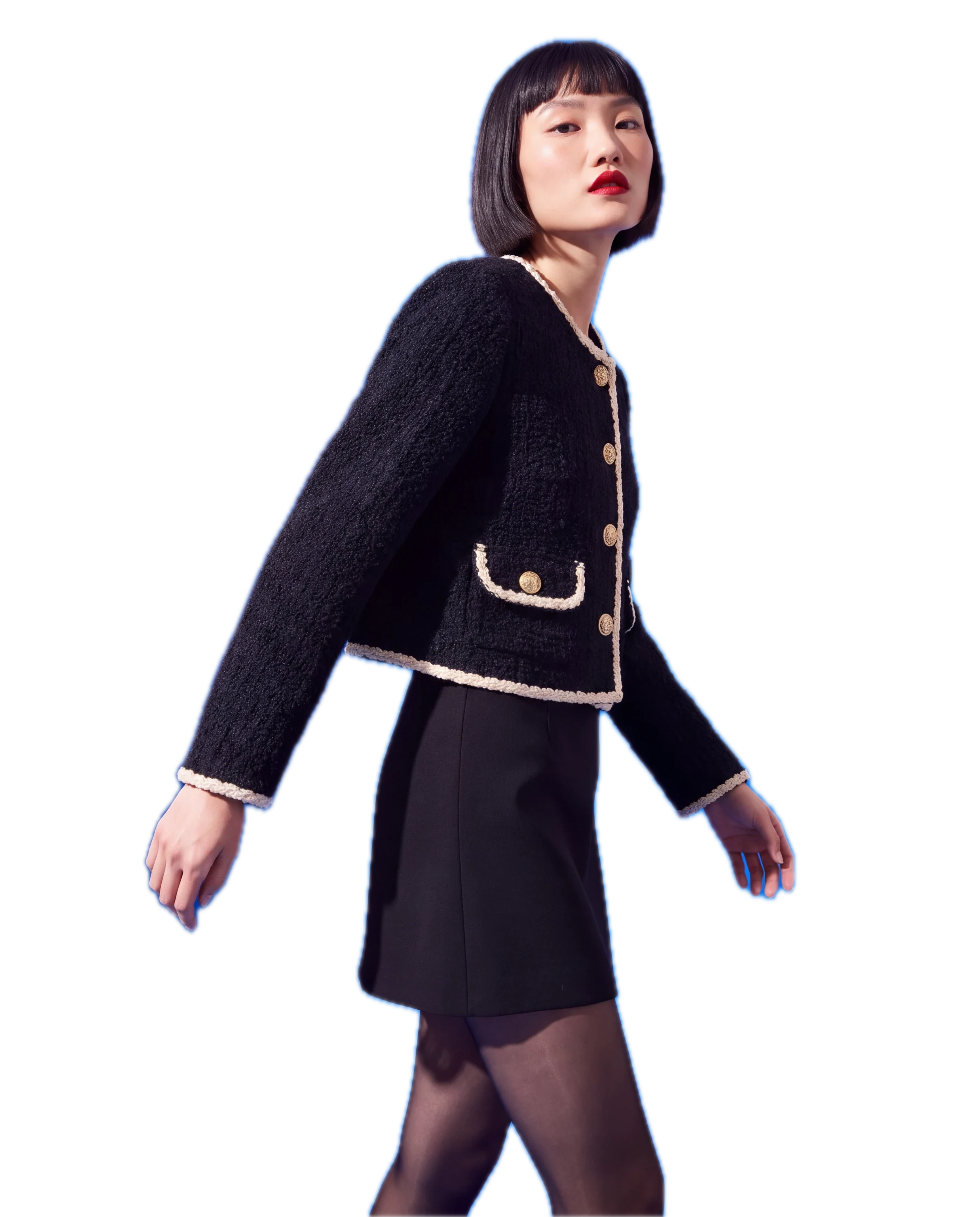
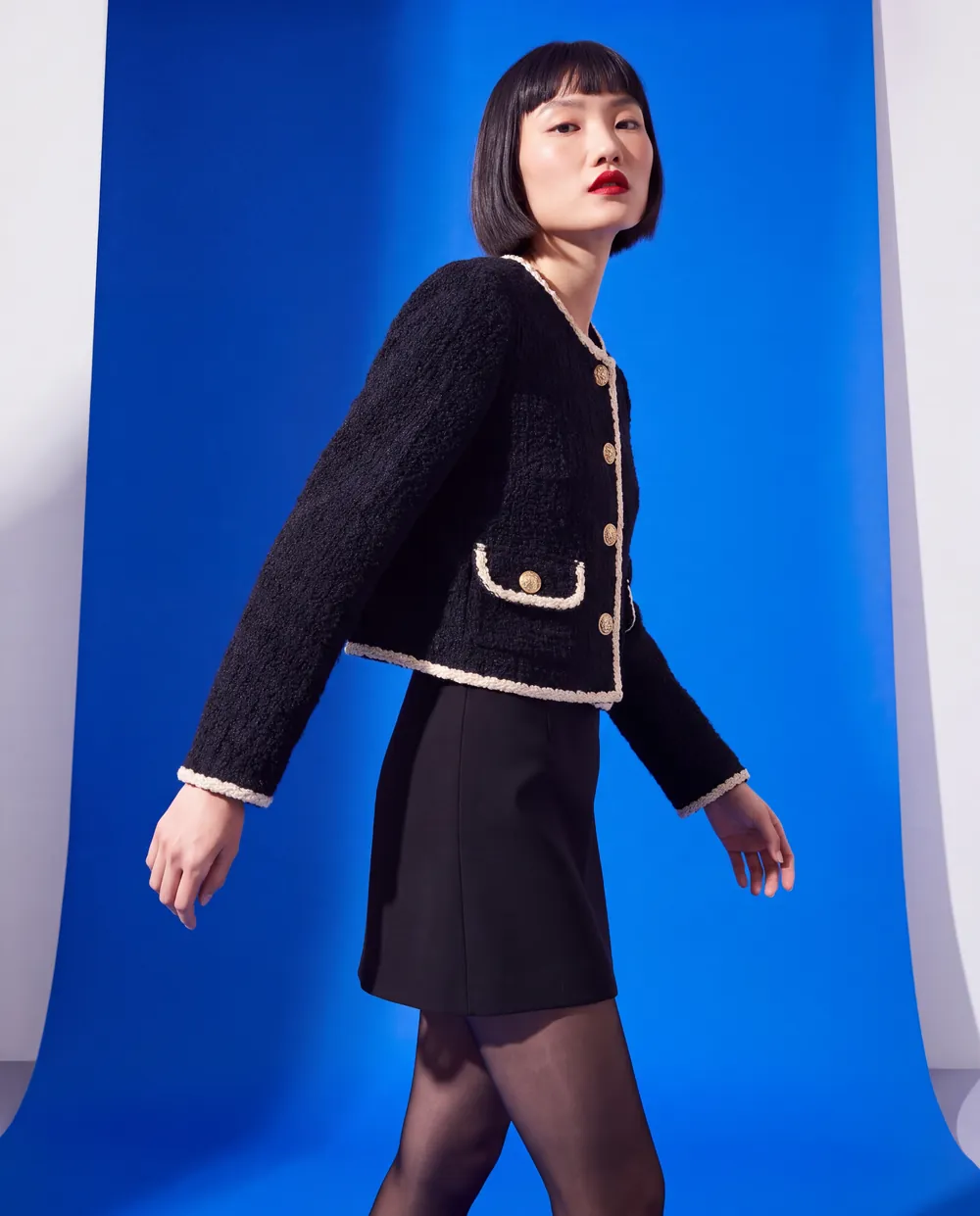
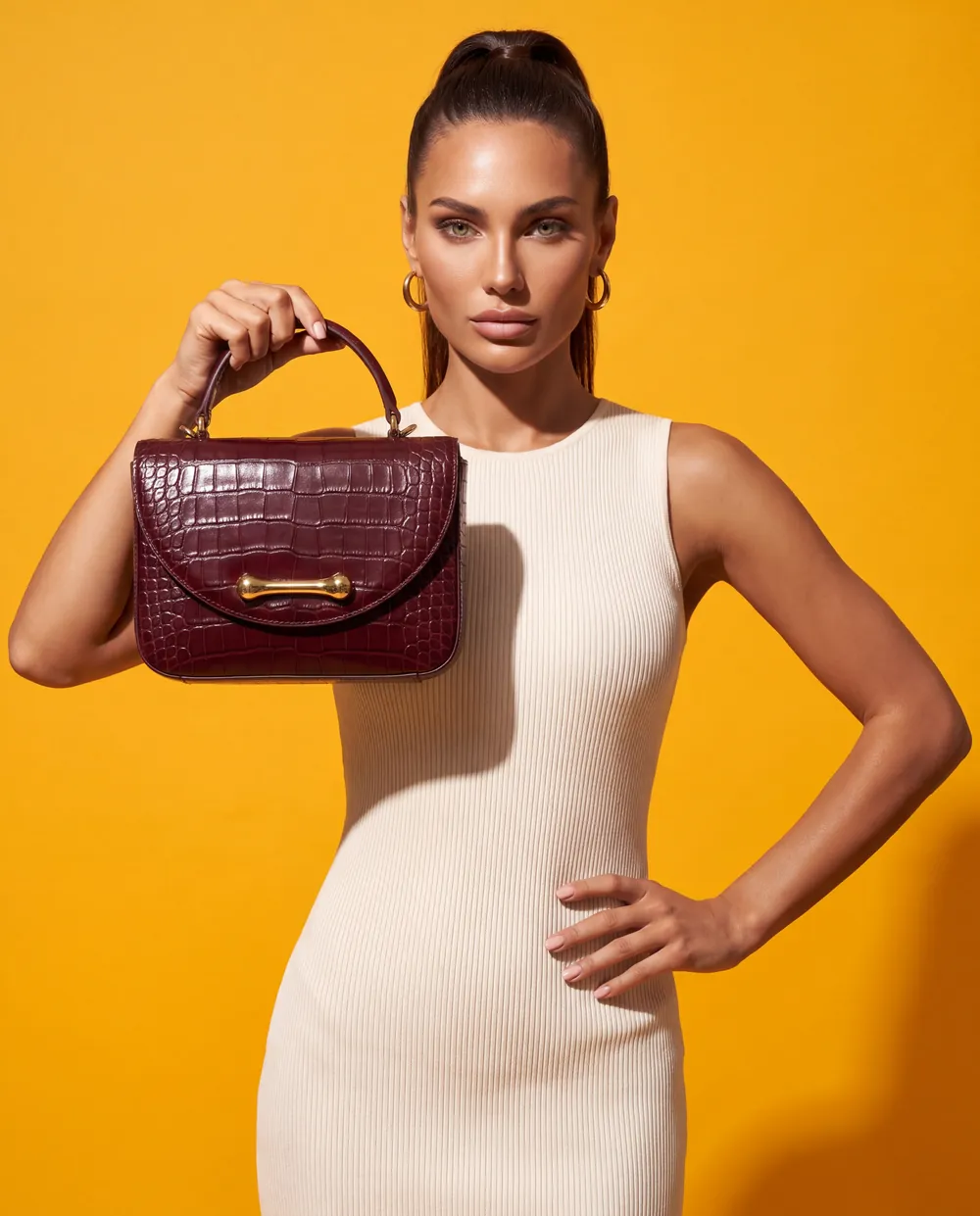
And this is what
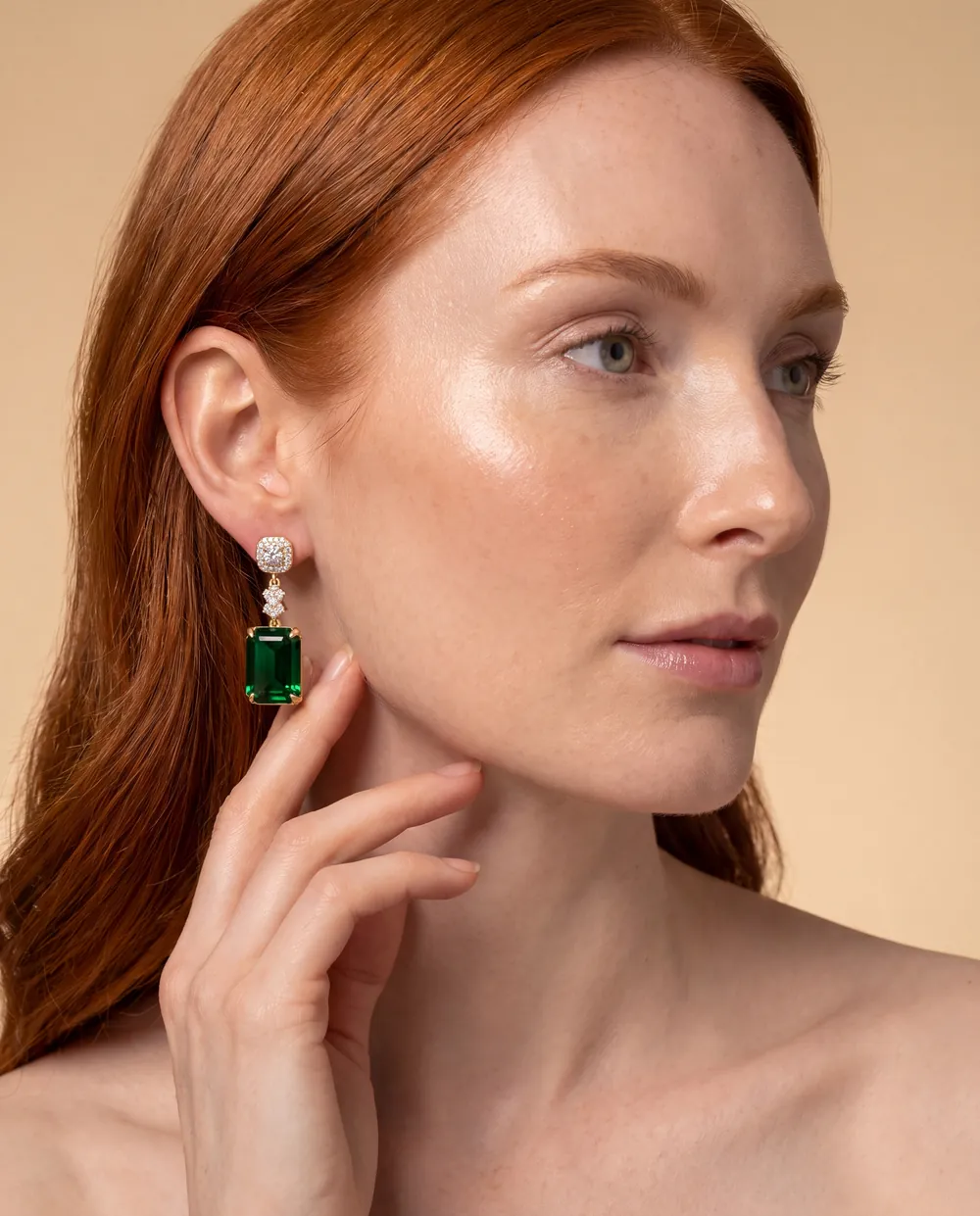
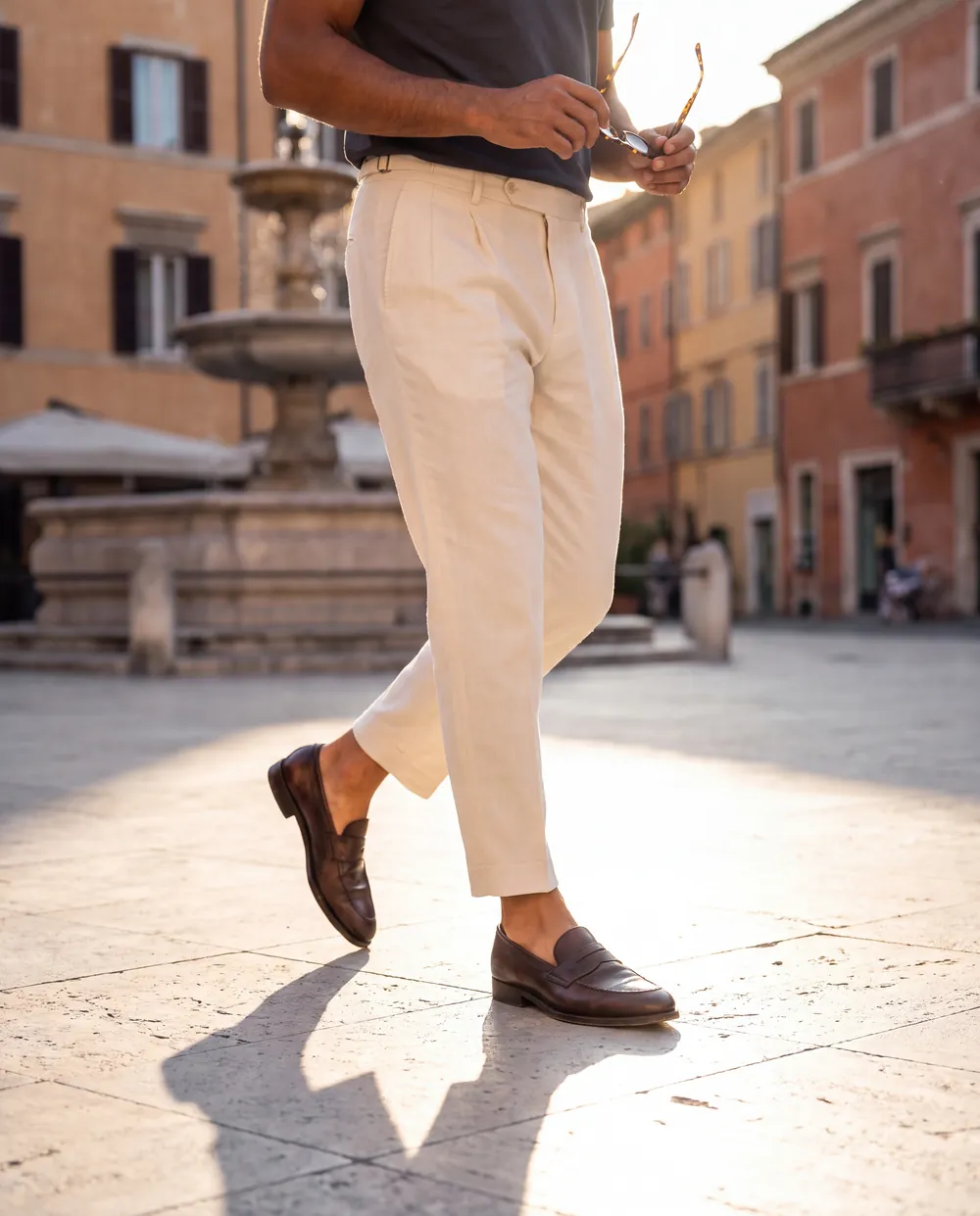
Look Atlas made from it.


Watch the film.
Any product.
Any style.

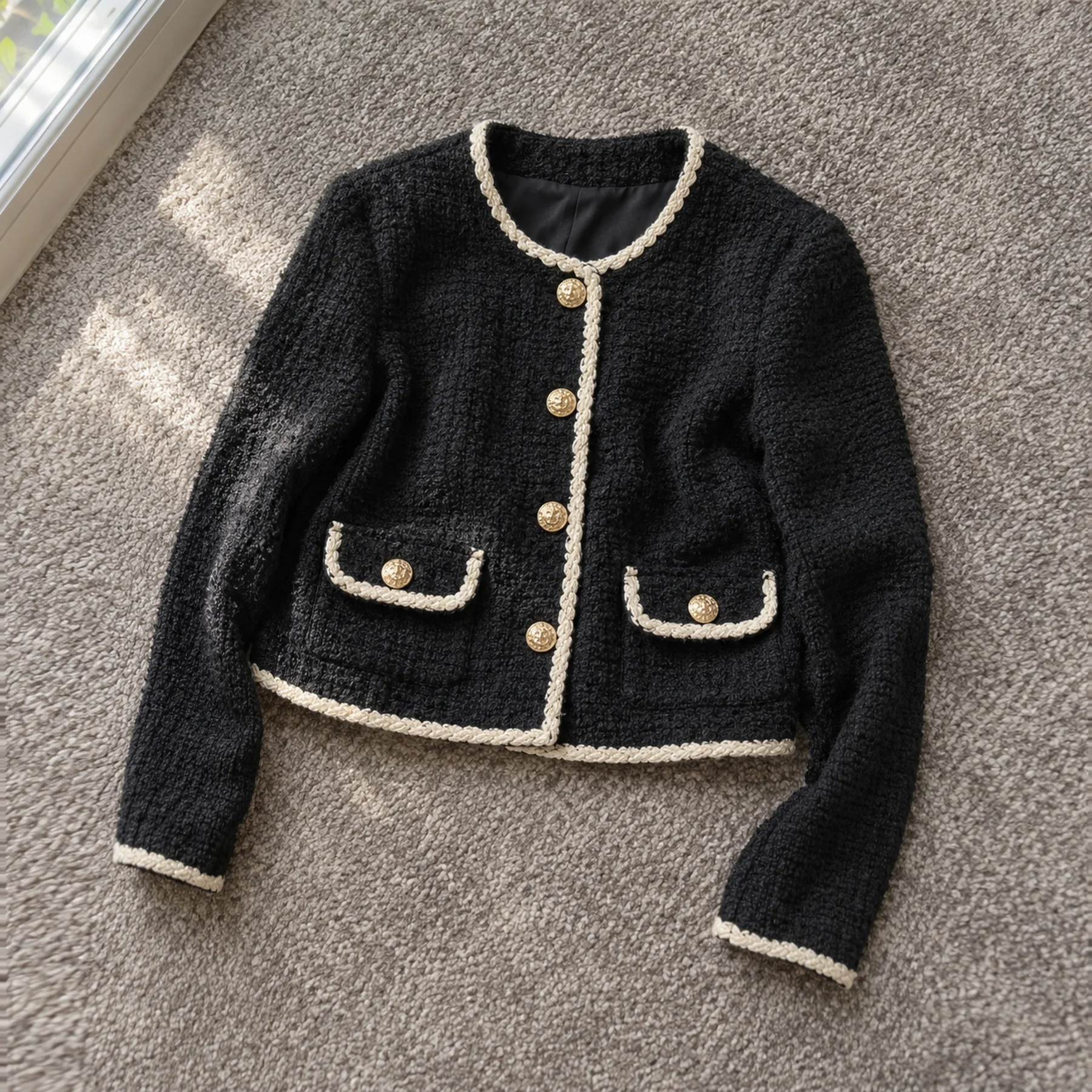
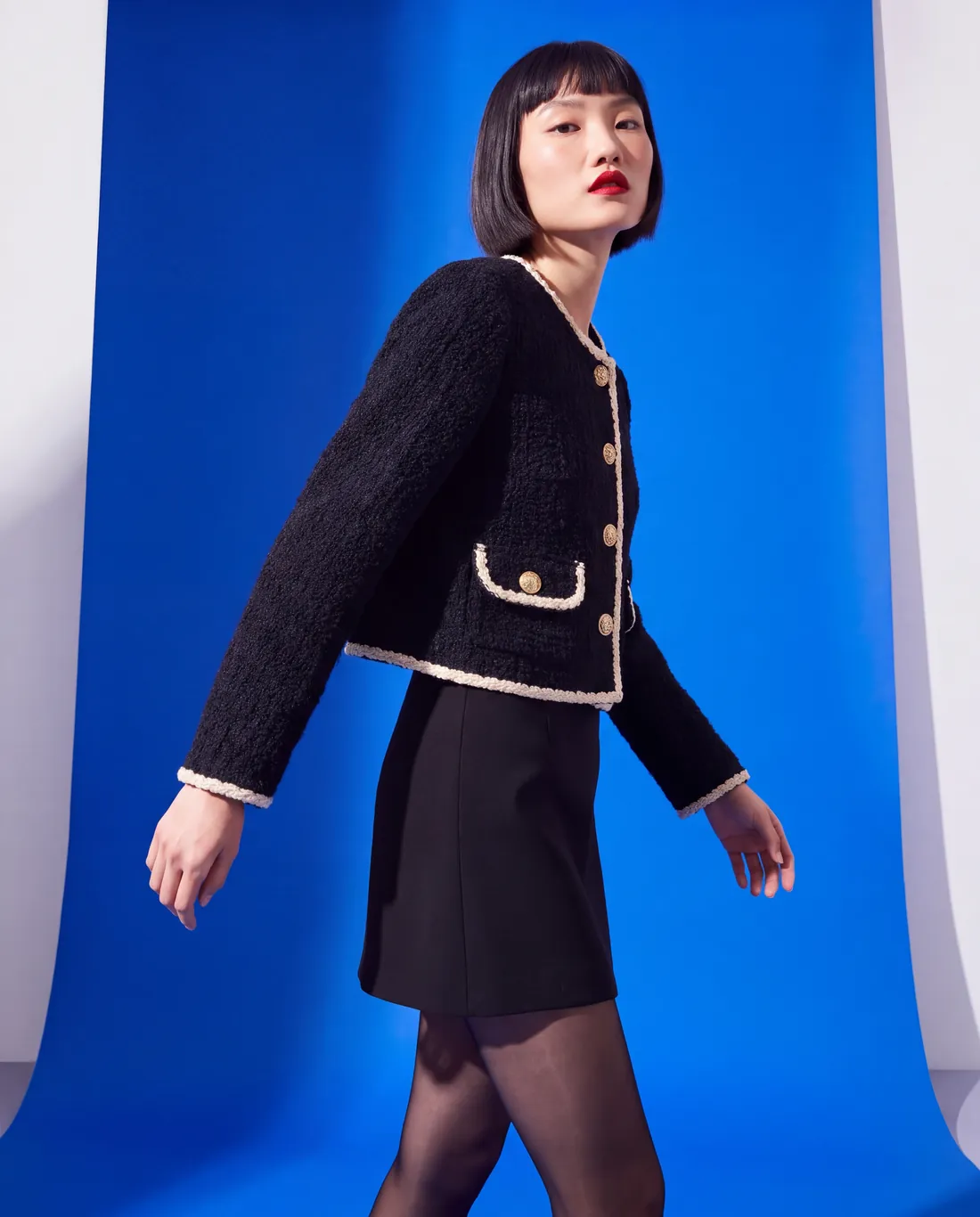
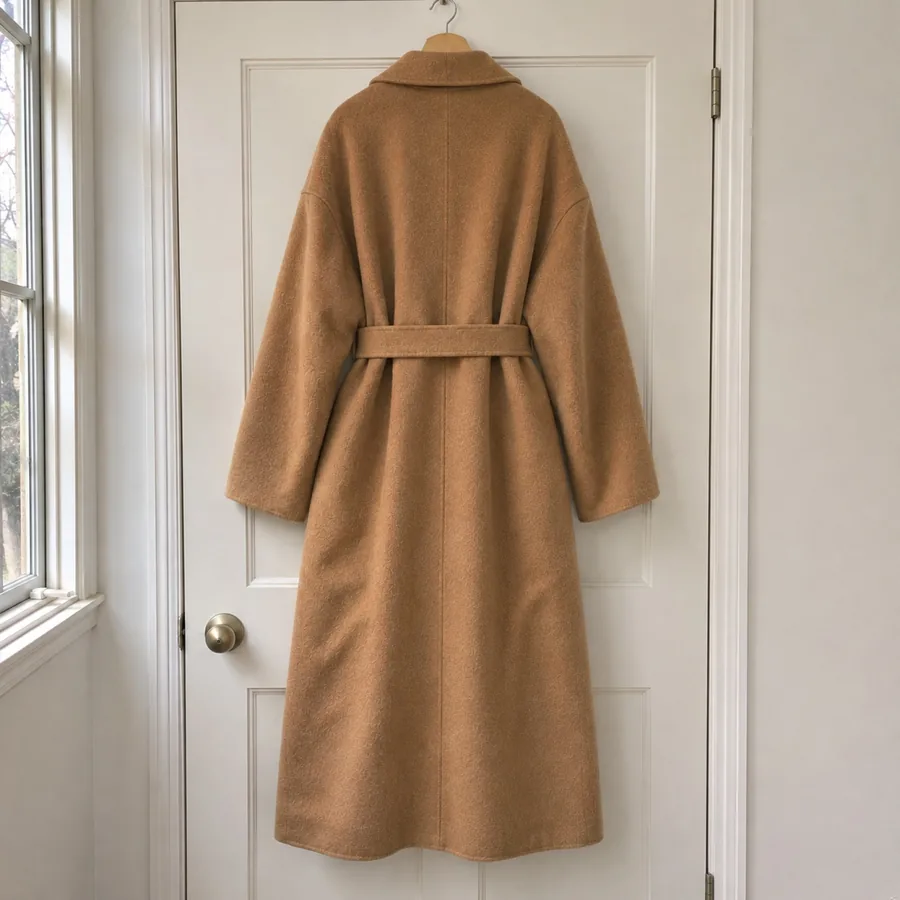
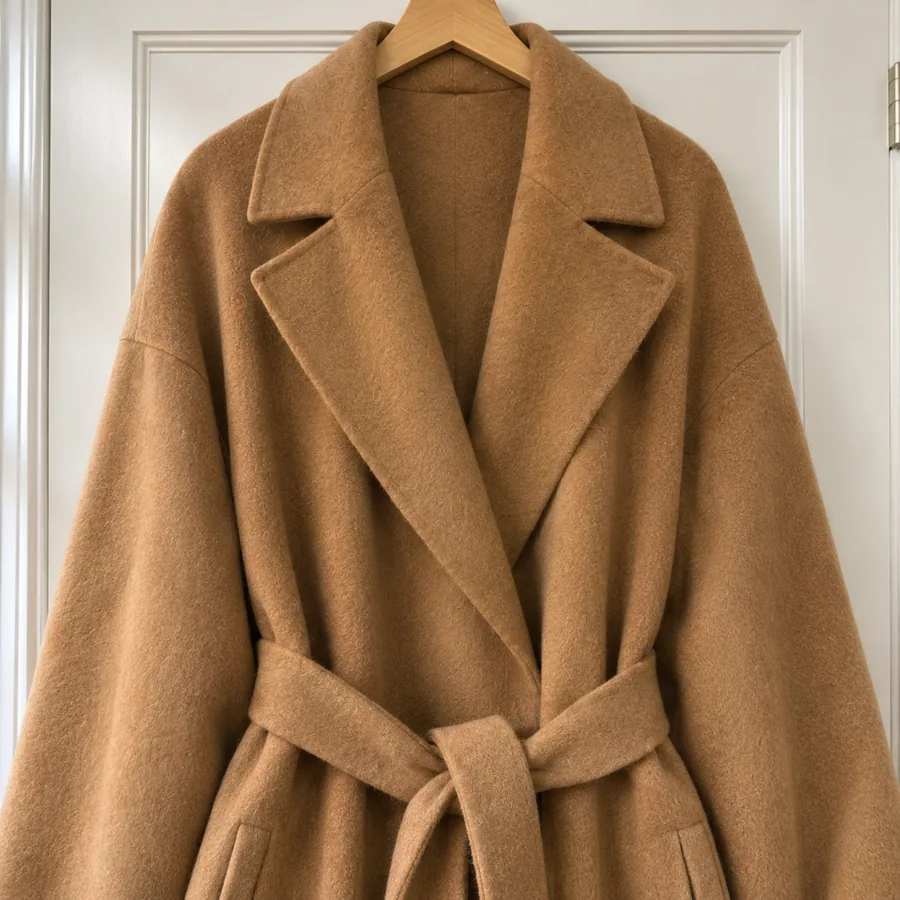
Add a few angles.
It studies every detail.
Same colors. Same details.
Directed by Isabella Romano · Luxury Editorial
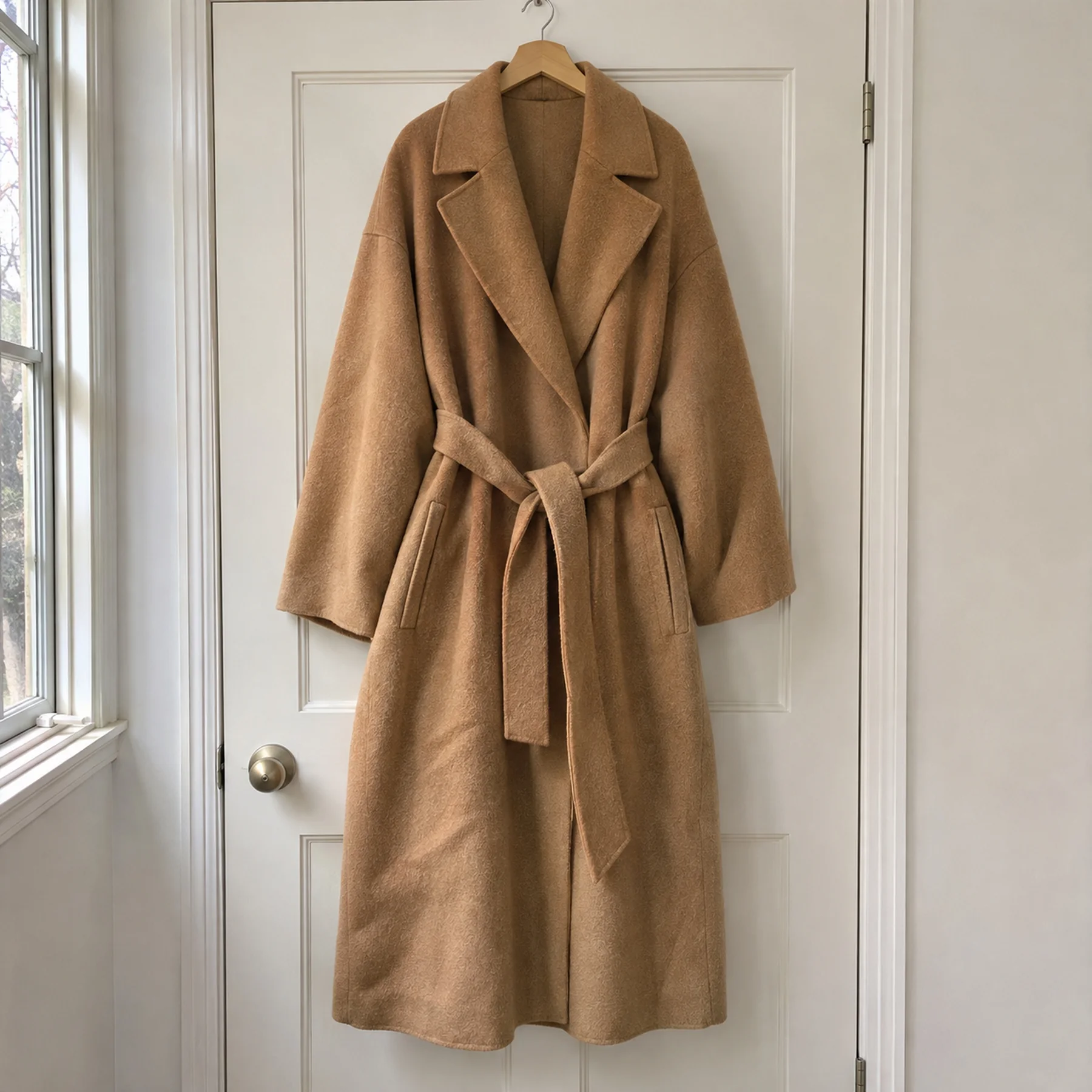
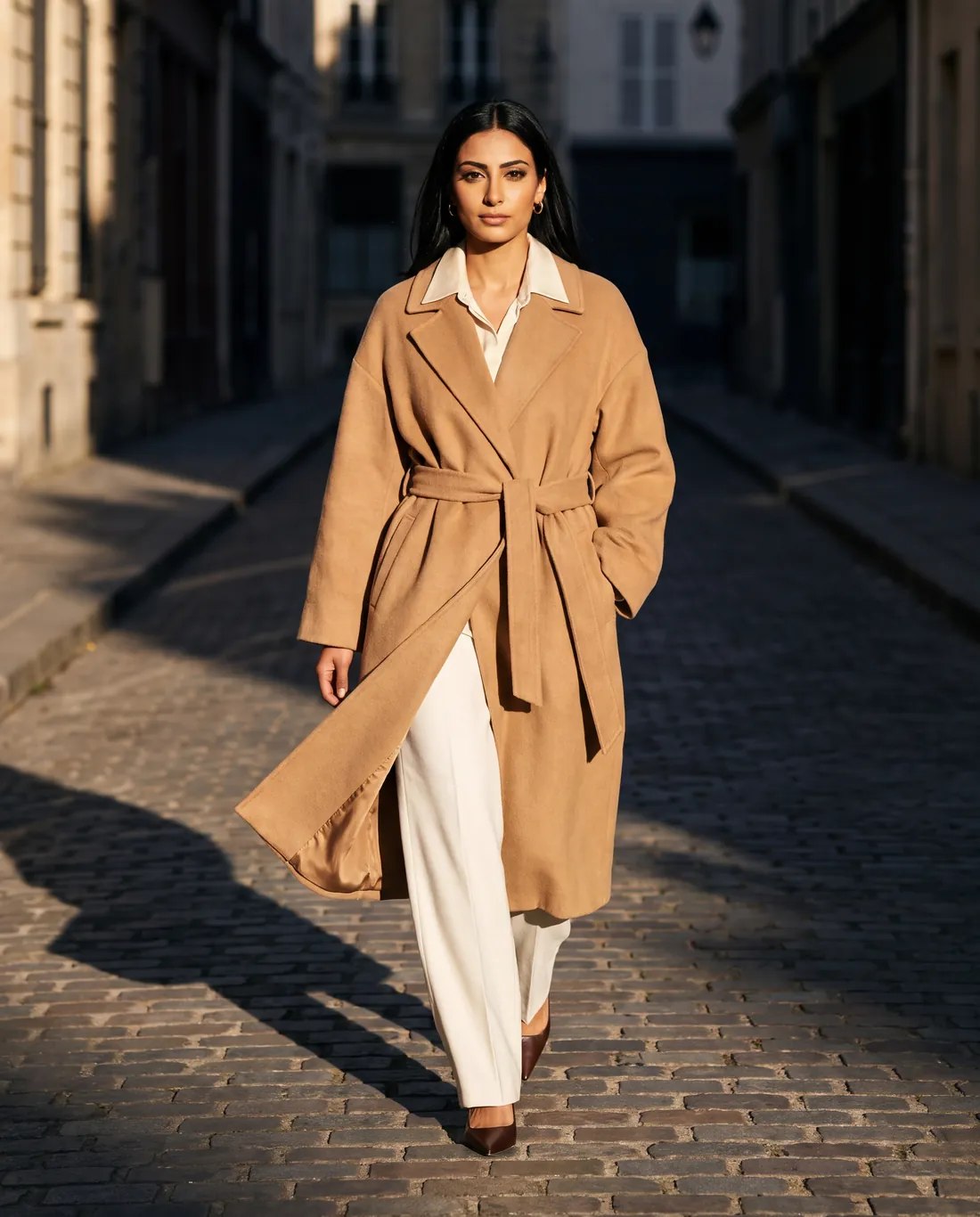
It all happens inside Shopify.
No new login. No files to move. Install it, and start.
Pick a product.
Any product in your store. It only needs a photo.
Pick a model.
From our library, or save your own for every shoot.
Pick a creative director.
Each one brings their own light, places and poses. We plan the shots. Change any you like.
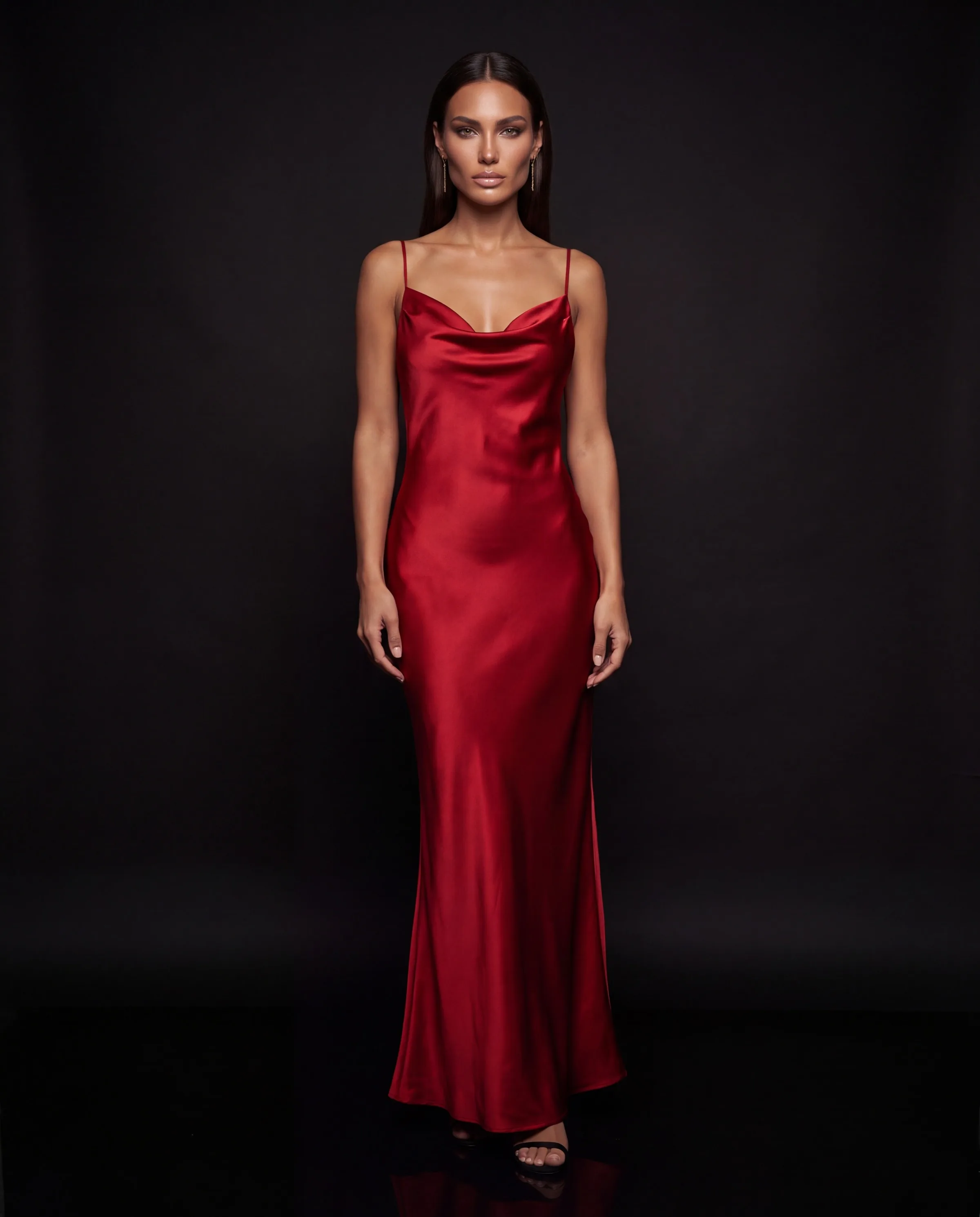
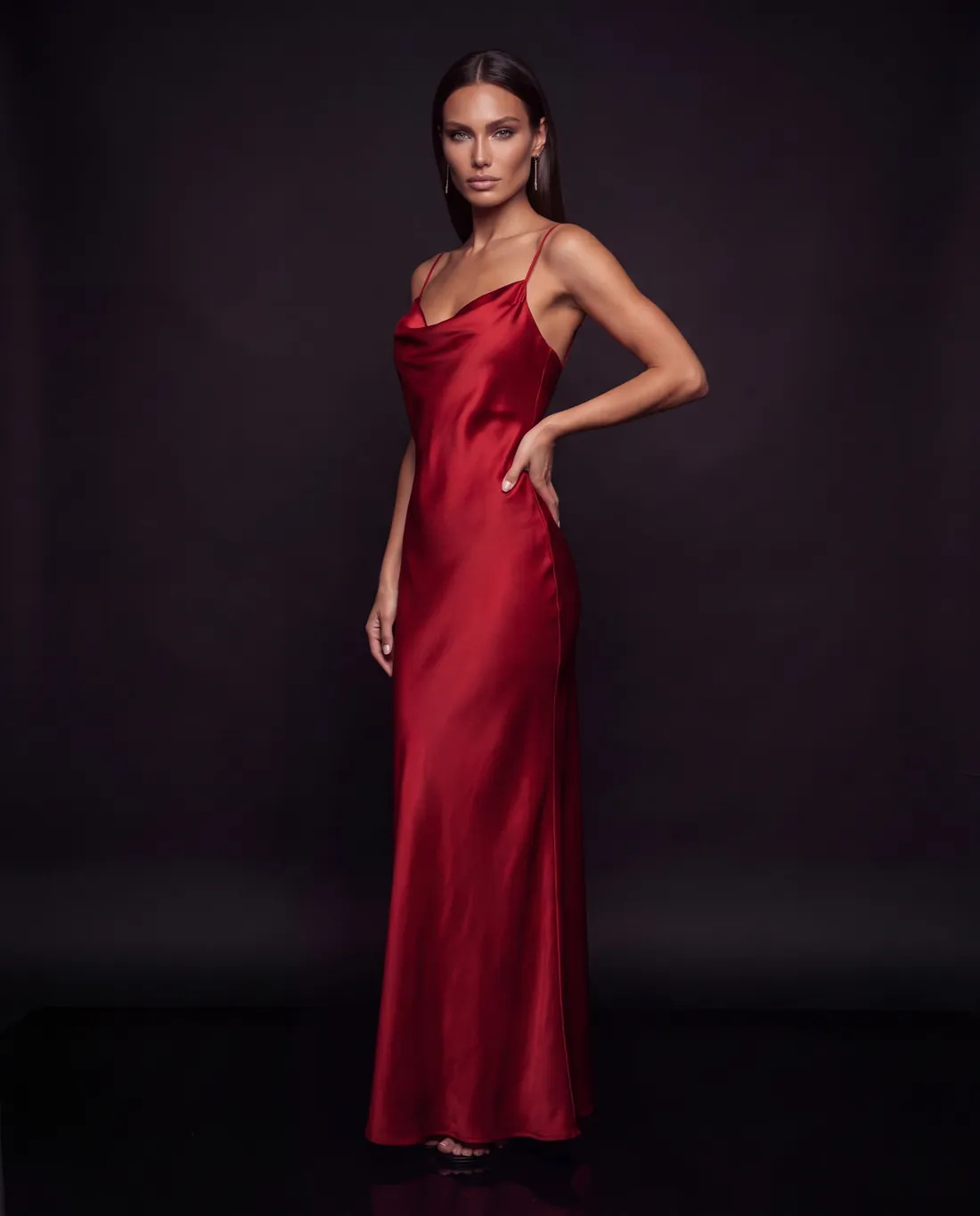
Choose your favorites.
Keep the ones you love. Nothing goes on your store until you pick it.
They go straight onto your product page.
Add them to a product or a single variant. Pick the photo shoppers see first.
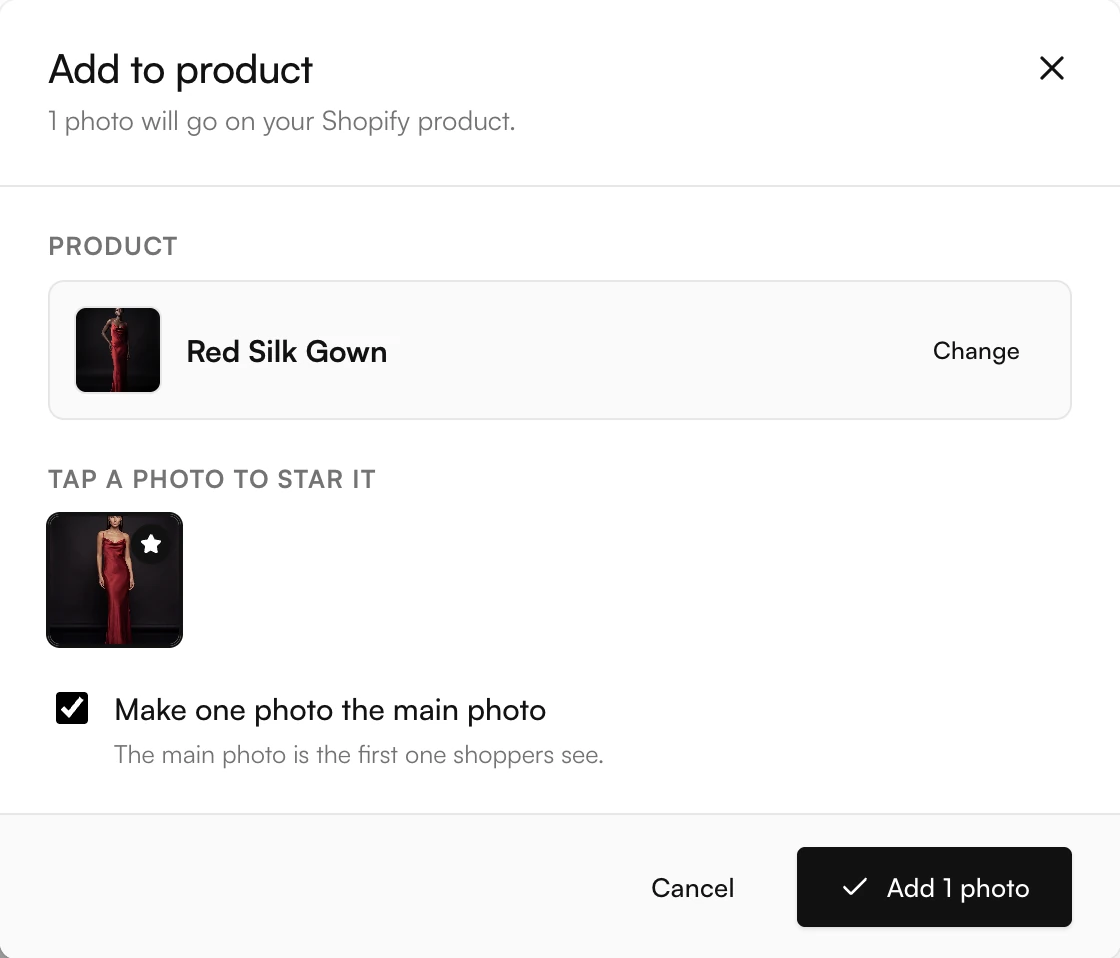
Your whole catalog, on models, from the photos you already have.
Want to see every click?
Here is the whole thing, from install to product page.
How to add AI model photos to your Shopify store
Look Atlas is a Shopify app for fashion stores. It takes the product photos you already have, even phone photos, and makes on-model photos of your own product. You don't need a studio, a photographer or a model.
Install Look Atlas from the Shopify App Store.
We set up your account when you install. There is no separate login.
Pick a product.
Choose any product in your store. One photo is enough. Two to five photos from different angles work best.
Pick a model.
Choose from our model library, or save your own house models, so your whole catalog has one look.
Pick a creative director.
Each one has a photo style, with its own light, places and poses: studio, street, lifestyle or fine jewelry. We plan the shots, and you can change any of them.
Choose your favorites and add them to your product.
Add photos to a product or a single variant, and pick the main image shoppers see first. Nothing goes on your store until you pick it.
On-model photos for clothes, bags, jewelry and shoes
Add to ShopifyYour first shoot is free. No card needed.
Common questions.
What is Look Atlas?
Look Atlas is a Shopify app that makes AI model photos of your own products. You give it a photo of your product, and it shows that product on a lifelike model, in a photo style you choose.
Do I need good photos?
No. A phone photo works. On the floor, on a hanger, on a table. Two to five photos from different angles work best.
What can I shoot?
Clothes, bags, jewelry and shoes.
Will it still look like my product?
Yes. Same colors, same details. You check every photo, and nothing goes on your store until you pick it.
Can I use the same model across my catalog?
Yes. Save your own house models and use them in every shoot, so your catalog has one look.
Do I need a new account?
No. We set one up when you install. There is no separate login.
How do I pay?
Through your Shopify bill. Your first shoot is free, and you don't need a card. Plans are listed on our Shopify App Store page.
What if a photo fails?
Shoots use credits. If a photo fails, you get them back automatically.
Can I use the photos anywhere?
Yes. Every photo is yours to use anywhere.