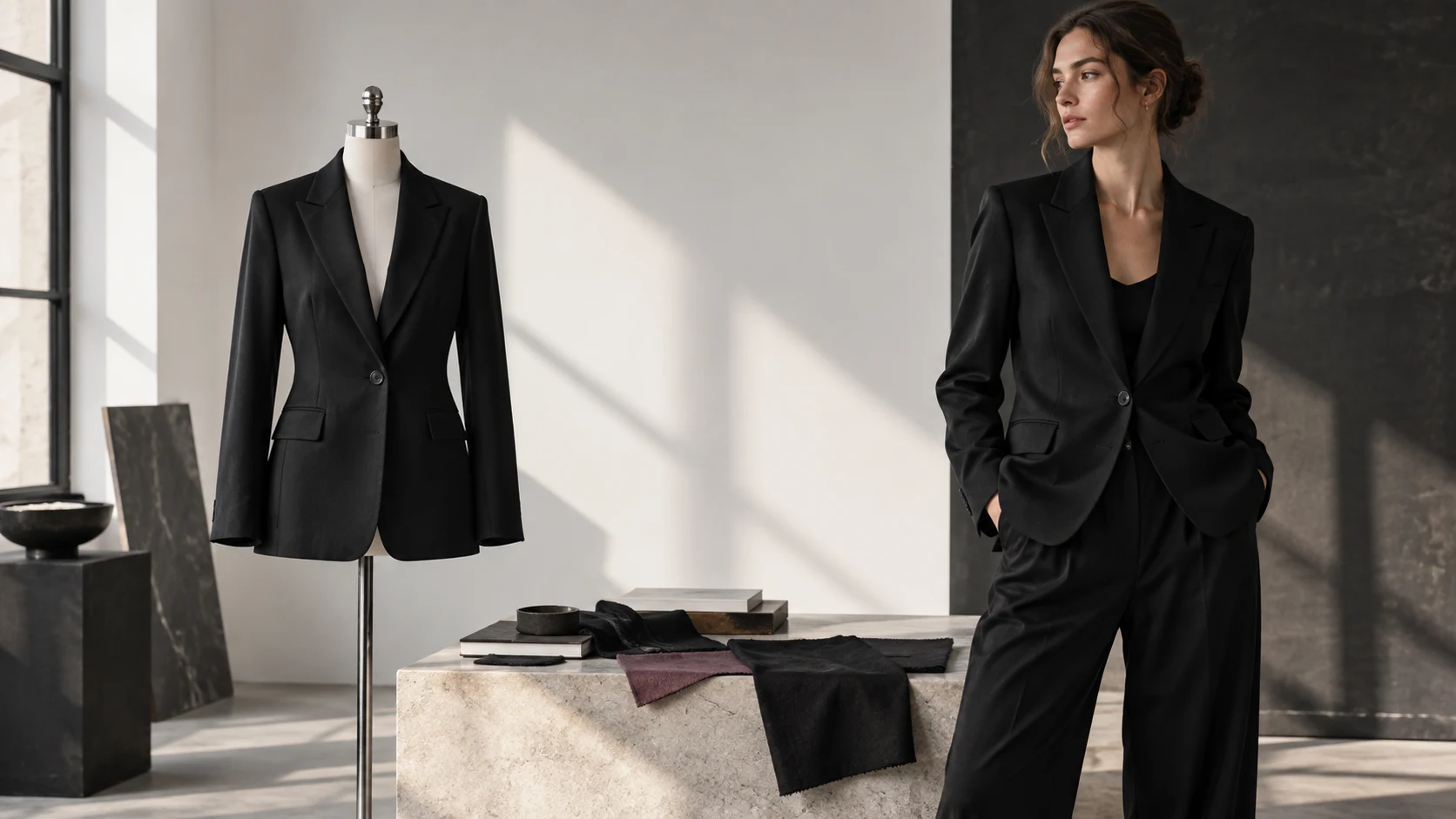
Mannequin to Model AI: A Garment-Truth Workflow
Mannequin-to-model AI can turn a mannequin or ghost-mannequin garment photo into an on-model image, but the output is a new visualization, not a measurement of physical fit. The safe workflow is to preserve the mannequin frame as product evidence, give the generator enough views to avoid guessing, and release only the details that can be checked against those sources.
That distinction changes the job. You are not asking whether the output looks like a plausible fashion photograph. You are asking whether it keeps the sellable garment intact while adding a model, pose, crop, and setting.
A mannequin source contains product facts, not a fit promise
A mannequin image can document the garment's front silhouette, neckline, visible seams, closures, pattern placement, and surface color. It cannot document a body that was never present. Once a new person and pose are introduced, the system must synthesize how fabric occupies that body, including folds, side volume, tension, and any construction hidden by the source angle.
Research on virtual try-on explains why this boundary matters. Google researchers describe detailed garment-characteristic preservation as an active technical challenge. The DualFit paper names logos and printed text as examples of fine detail that can be lost. Those studies do not score any commercial mannequin-to-model tool, but they support a practical rule: inspect the product separately from the realism of the person.
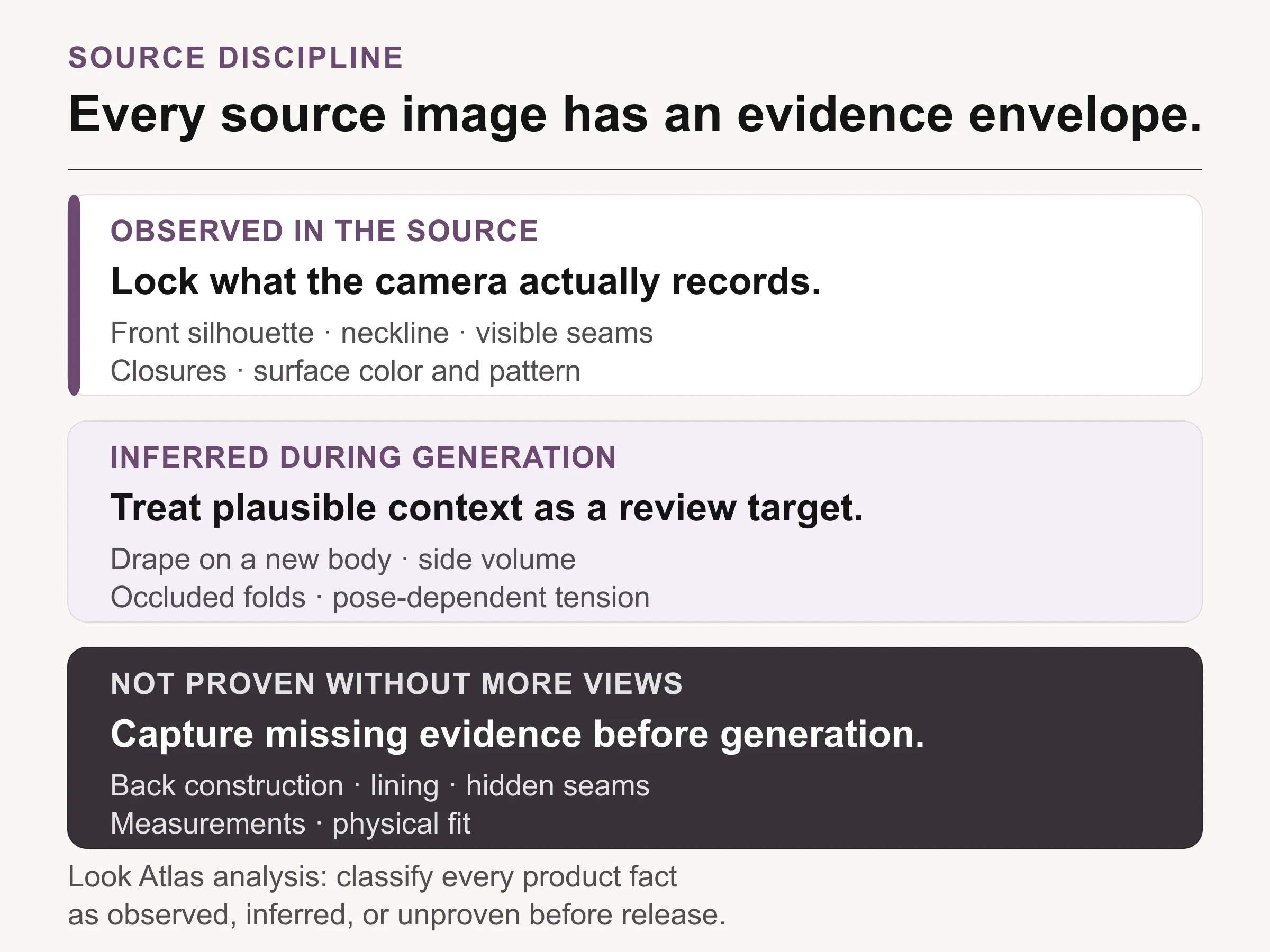
The source file sets an evidence boundary. Generated context can be reviewed, but it cannot reveal product facts the source never shows.
Use an evidence envelope for every SKU. Mark each release-critical attribute as observed, inferred, or unproven. An observed attribute is visible in a source file. An inferred attribute is introduced when the garment is fitted to a new body or pose. An unproven attribute is neither visible nor supported by another approved source.
The output can still be useful when it contains inference. Fashion imagery always makes choices about styling and context. The mistake is allowing a plausible choice to pass as product evidence.
Build the source pack around what the first frame hides
Start with the cleanest mannequin or ghost-mannequin frame you have, then add views according to the garment's risk. A plain, symmetrical knit needs less evidence than a checked blazer with an asymmetric closure, contrast lining, and branded hardware.
Do not collect views simply because more files feel safer. Add a frame when it resolves a specific unknown that the intended output will expose. A back source matters if you want a rear or turning pose. A straight detail matters when typography, embroidery, or hardware must remain exact. A side view matters when the silhouette depends on volume that a front frame compresses.
Garment risk | Source evidence to add |
|---|---|
Asymmetric closure or trim | Straight front detail and the relevant side view |
Logo, text, stripe, or check | Sharp perpendicular detail at release size |
Visible back or lining | Approved back and interior views before requesting that angle |
Sheer, reflective, or textured material | Neutral-light reference that preserves the surface response |
Loose, layered, or structured silhouette | Front, side, and three-quarter views that show volume |
Add a source view only when it resolves a product fact the intended output will expose.
Keep the source set tied to one exact SKU and color. Separate neighboring variants before generation. If the front image shows one button arrangement and the detail image shows another, the generator is not the first ambiguity in the workflow.
Write a change budget before choosing the model
A change budget states what the output may change and what it must preserve. For a mannequin-to-model job, the model, pose, background, crop, and lighting direction may be creative variables. The SKU, color, neckline, pattern scale and placement, closure count, hardware, seam paths, sleeve length, and hem logic should normally be protected facts.
Write the protected facts in product language. “Keep the jacket accurate” is too vague to review. “One-button front, peak lapel, welt chest pocket, two flap pockets, plain black wool, no visible logo” gives a reviewer observable checkpoints.
Then constrain the first output. Begin with a neutral standing pose and a studio background that leaves the garment unobstructed. Crossed arms, hands in pockets, dramatic twists, deep shadows, and layered styling can hide the exact areas the source pack is meant to protect. Earn those creative variations after the baseline frame passes.
If the workflow requires a tool decision first, use the AI clothing model generator evaluation guide. Its job is to compare platforms. This article begins after selection, when a mannequin source is moving through production.
Compare only the attributes visible in both frames
The strongest review is a side-by-side comparison with a narrow claim. Look at the source, look at the generated context, and name only the attributes that both frames visibly share. Do not let a matching color stand in for matching construction, or a plausible silhouette stand in for verified fit.
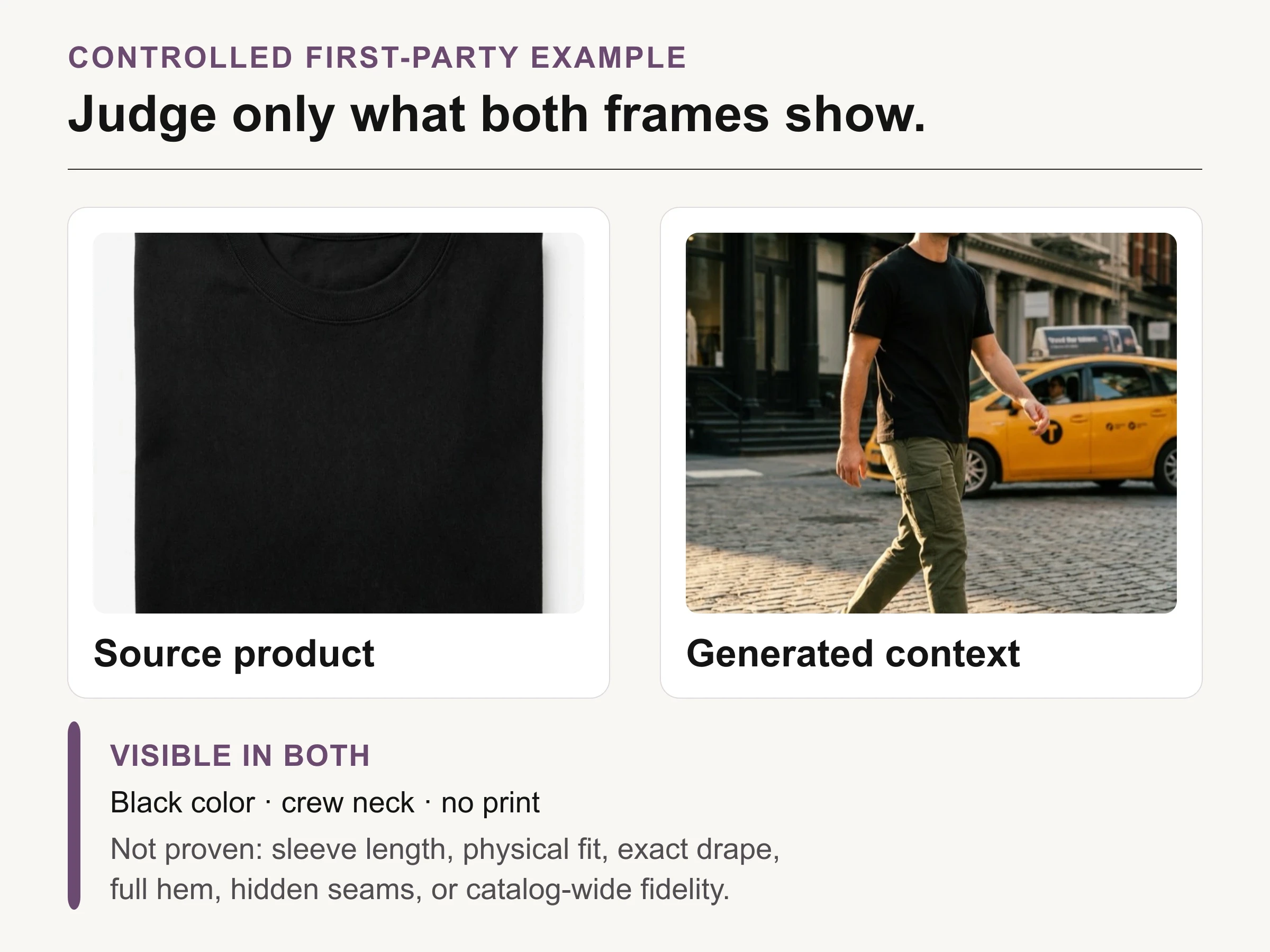
First-party controlled example: black color, crew neck, and no print are visible in both. Sleeve length, physical fit, exact drape, full hem, hidden seams, and catalog-wide fidelity are not proven.
The controlled example above supports three modest observations: black color, crew neck, and no print are visible in both frames. The folded source does not reveal sleeve length, the full hem, side seams, physical drape, or fit. The on-model frame therefore cannot prove those properties. This is the useful discipline: the limitation is part of the evidence, not a footnote added after approval.
For a real catalog review, repeat that logic at full size. Zoom into typography, hardware, seam junctions, cuff construction, and edge details. A frame may be attractive and still fail the product check.
Review the garment before the person
Faces, poses, and locations attract attention first, so reverse the review order. Hide or ignore the face during the first pass. Trace the garment from neckline to hem, compare left and right construction, count closures, inspect pattern continuity, and check whether hands or hair conceal a protected detail.
Use three outcomes rather than a vague quality score:
Pass: every protected visible fact matches the approved source, and no unproven property is presented as documentary truth.
Repair: the frame is salvageable through a new generation, crop, or art-direction change without inventing missing product information.
Reject: a protected fact changed, a required region is hidden, or the requested view depends on evidence the source pack does not contain.
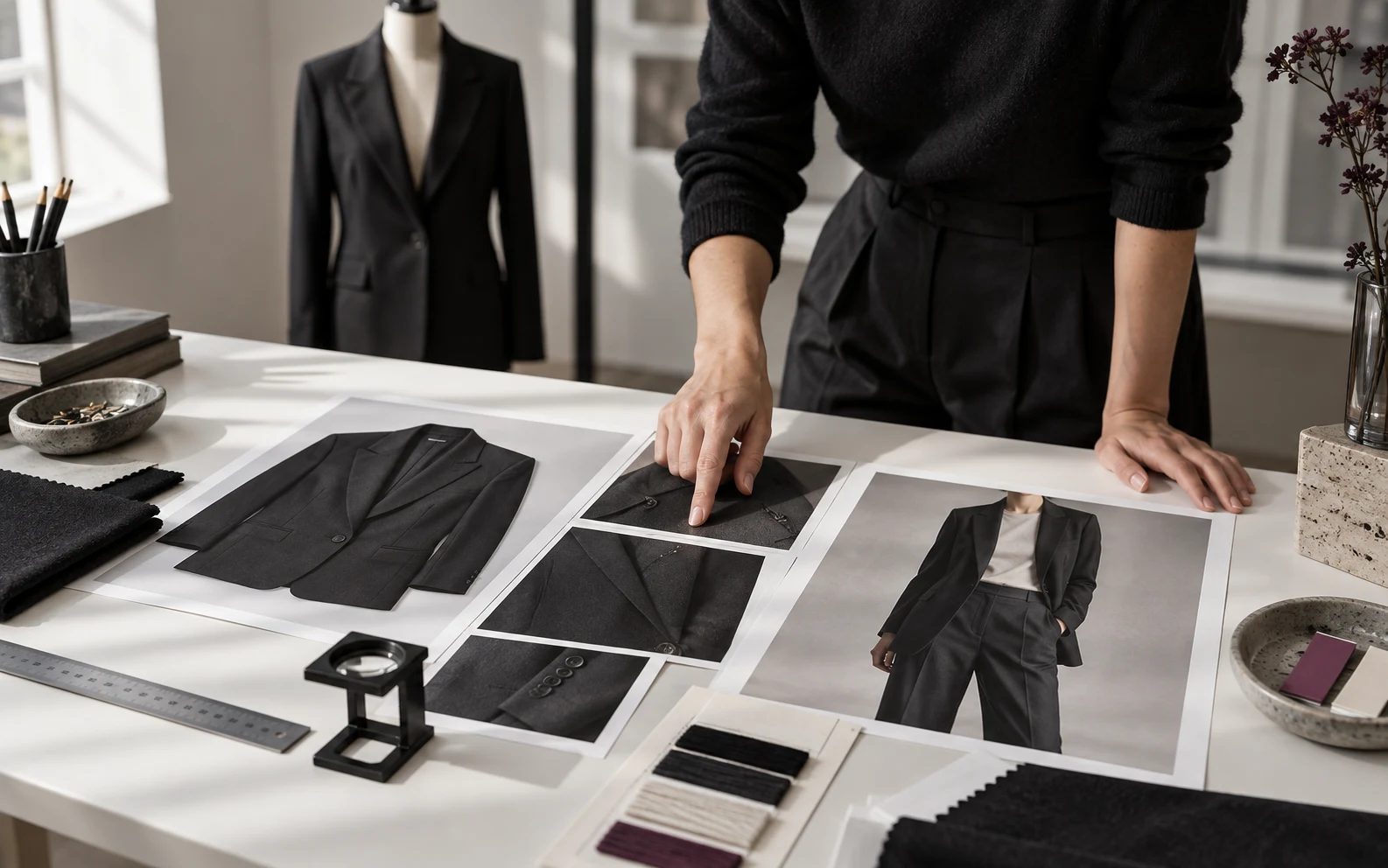
Conceptual illustration: a garment-first review desk with source views, detail frames, and an on-model context image; this is not fidelity proof.
Keep a defect log with the source version, output version, protected fact, observed change, decision, and reviewer. “Left cuff lost one button” can guide a repair. “Looks strange” cannot.
Use model context without replacing documentary product views
A mannequin-to-model output is best treated as a context layer in the product gallery, not the only record of the item. Keep clear product views for shape, color, construction, and detail. Use the generated on-model frame to add styling, scale cues, and campaign direction, while avoiding any claim that the synthetic person demonstrates physical fit.
This is where the clothing photography for ecommerce guide remains useful. It separates flat lay, ghost mannequin, on-model, studio, and lifestyle jobs. A strong gallery lets each frame answer a different buyer question instead of asking one image to carry product truth, fit, detail, and mood at once.
A paid-social crop can tolerate more atmosphere than a primary catalog view, but it should not change the product. A marketplace image may impose stricter background, crop, or metadata requirements. Decide the destination before final export, then verify its current rules.
Where Look Atlas fits in the workflow
Look Atlas is an AI product-imagery platform for ecommerce brands, including product-on-model, studio, lifestyle, and campaign-style imagery. In this workflow, it belongs after the source pack and change budget are ready. Start from the approved product imagery, direct the model and visual styling, then apply the same garment-first review before an output enters a gallery or campaign.
That order matters more than prompt polish. The source pack defines what is known. The change budget defines what may move. The review record defines what was accepted.
Release the image with provenance and a source trail
Keep the approved output connected to the exact source files and review decision. Record the tool or workflow, generation date, source permissions, model-image permissions when applicable, destination, and any limitations that a future editor needs to know.
For Google Merchant Center, current guidance says images created with generative AI must retain metadata indicating their digital source, including the IPTC DigitalSourceType value TrainedAlgorithmicMedia. Recheck that guidance and the destination's rules at export. Provenance metadata explains how an image was made. It does not certify that the garment is accurate, so the visual comparison and approval record remain separate gates.
The release question is simple: can a reviewer point to source evidence for every product fact the image appears to assert? If yes, the model context can extend the catalog. If not, add the missing source, narrow the crop, change the pose, or keep the frame out of product-facing use.
