
AI fashion photography generator: compare the job behind the upload
A jacket, a pair of trousers and a bag are three products. A jacket photograph, a model portrait and a mood image are three references. An AI fashion photography generator may accept both sets, but they ask it to do different work.
That distinction is useful when comparing tools for a coordinated look. Start by naming what each file must contribute: the merchandise, the person or the visual direction. Then choose an operation that accepts those roles. An upload count alone cannot tell you whether the tool will combine an outfit, transfer one item or borrow a setting.
This comparison uses current official workflow descriptions, checked October 29, 2026. It is not a hands-on quality ranking. The aim is to help a brand choose a suitable route before paying for a trial or briefing an integration.
Give every reference one job
Imagine a campaign for a teal jacket, cream trousers and a cognac bag, all sold separately. The brand has a clear photograph of each item and wants one on-model image showing the outfit. It also has a licensed portrait for casting direction and an architectural photograph for the setting.
The three product photographs specify merchandise. The portrait identifies a person or guides casting, depending on the tool. The architectural image describes the scene. Sending all five as undifferentiated attachments makes the brief ambiguous: should the generator reproduce the portrait's clothing, add its jewelry, or merely use the face?
Write the intended relationship beside each file before uploading it. For this hypothetical brief, the jacket, trousers and bag are required products; the portrait supplies identity only if the chosen operation supports it; the architecture supplies the background. None of those instructions establishes that the eventual output is accurate.
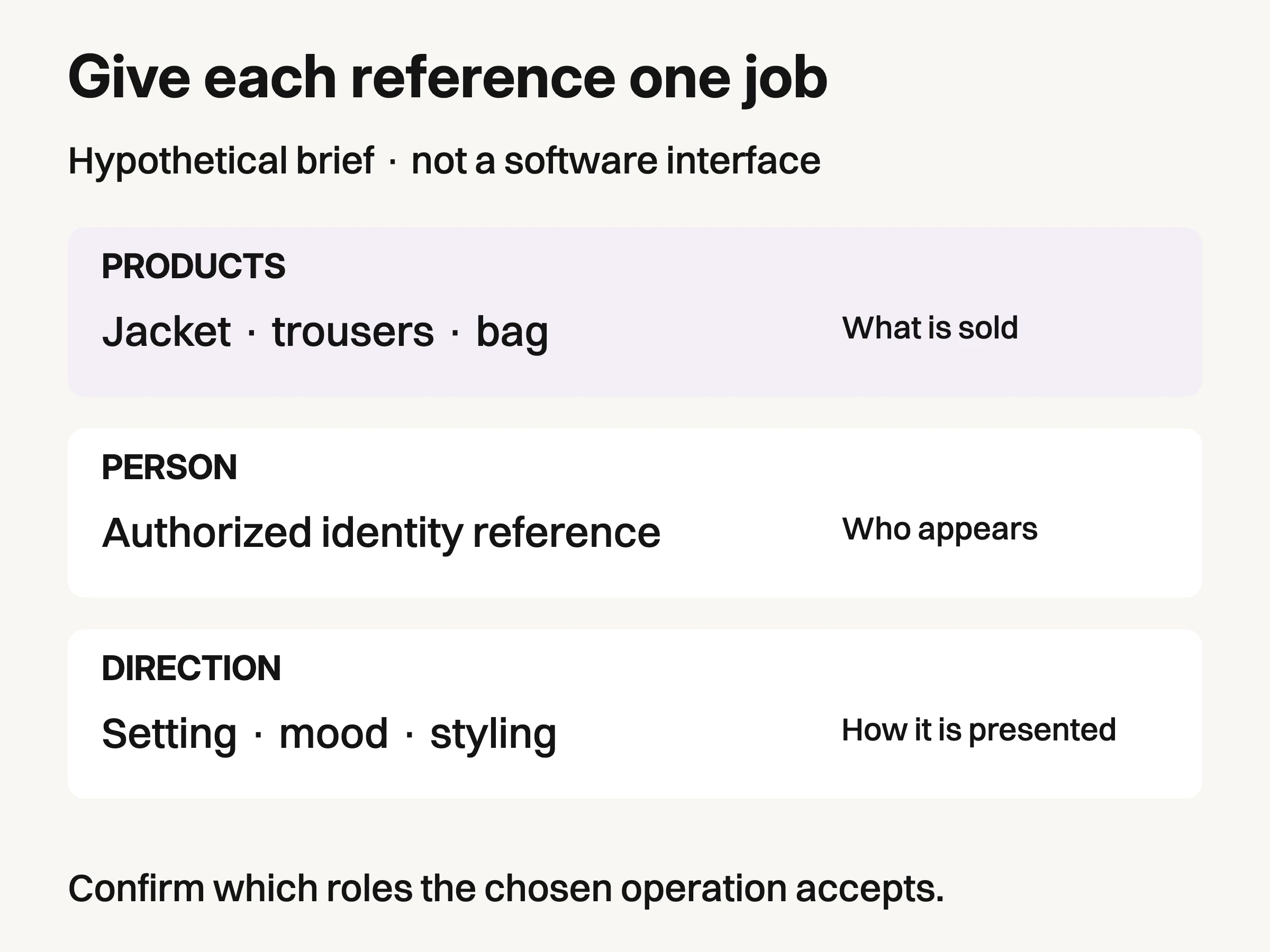
Hypothetical commissioning roles, not software UI. Confirm which inputs and relationships the chosen operation supports.
This distinction also prevents a quieter mistake: confusing several views of one garment with several garments. A jacket front and jacket back describe one product. A jacket front and trouser front describe two. The same phrase, “additional images,” can mean either, so check the specific tool and surface rather than relying on its marketing category.
Compare the operation, then the brand
FASHN Product to Model is a documented route for assembling separate products. Its current guide allows up to three product images for one look. It also distinguishes optional image guidance, background and face references. For our hypothetical jacket, trouser and bag brief, that is a relevant operation to investigate. It is not evidence that all three items will survive generation unchanged.
FASHN Try-On starts from an existing person image. The Try-On guide describes a model image and a product image as required inputs. That route fits a different brief: keep a chosen person, pose and background while applying the item. Do not assume a face reference in a composition tool provides the same control as a complete target-person photograph in a transfer tool.
Photoroom's AI Fashion Models tool documents outfit inputs. Its help guide allows several clothing and accessory images, alongside model, background, pose and prompt settings. That makes it another documented candidate for the three-product brief. The guide's wording does not establish a universal maximum or prove that every surface exposes identical controls.
Botika describes a useful route when the look is already photographed. Its model page says existing on-model images retain pose and body type while the person and background change. It also describes flat-lay and mannequin routes and says custom text prompts are unavailable. If the approved outfit arrangement is already visible in a photograph, investigate that operation before rebuilding the outfit from separate pieces. We have not verified a separate-product outfit assembly limit for it.
These are differences in documented jobs, not scores. A tool that suits a pre-styled frame may be a poor starting point for assembling independent products, without being a worse generator overall.
Three inputs and four outputs describe different things
The distinction becomes concrete in FASHN's Product to Model guide: up to three product images can feed a generation, while the output setting offers one to four images. The first count concerns supplied product images; the second concerns generated variations from the request.
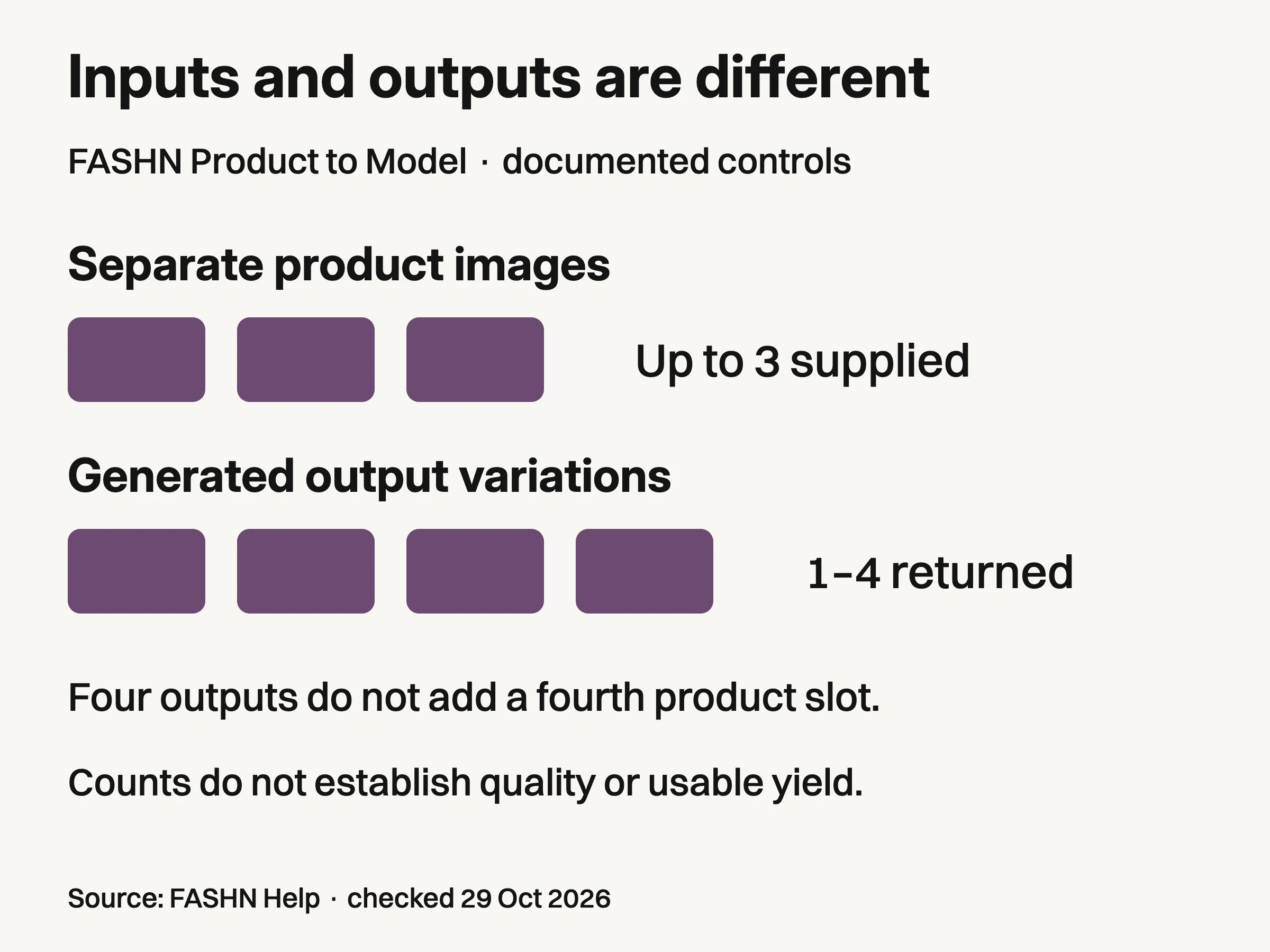
FASHN Product to Model documentation, checked October29,2026: up to three separate product images and one to four output variations per run. Counts describe different controls; they do not measure quality, accepted assets or distinct camera angles.
For the jacket, trousers and bag, requesting four outputs means reviewing four candidate images of the brief. It does not create a fourth separate product-image slot, certify four usable assets or guarantee four distinct camera angles. The chart records published controls only; we have not run this example through the service.
A four-piece look therefore needs a fresh answer from the provider about how that exact operation handles the extra product. Do not silently drop a sellable item into the style prompt and describe it as faithfully referenced. Nor should you assume a collage is equivalent to separately identified files. A combined image can change which details are visible and how clearly each item is distinguished.
This is the practical value of a numeric limit: it exposes a question before production starts. It does not select the best-looking output or measure garment fidelity.
A web workflow does not define an API field
Photoroom illustrates why the surface matters. The web-tool guide describes multiple clothing and accessory images for an outfit. Its API article describes virtualModel.additionalProductImages[] as extra views or details of the same product.
Those statements should not be collapsed into “the API assembles every item uploaded.” For an integration brief, ask which endpoint and field accept independently sold products together, and request a current example for that case. The documentation cited here does not establish that interpretation for this particular field.
This matters even without an engineering team. A buyer can demonstrate an outfit in a web tool and then commission automation that passes different data. Preserve the operation name and the meaning of its inputs when handing work from creative production to implementation.
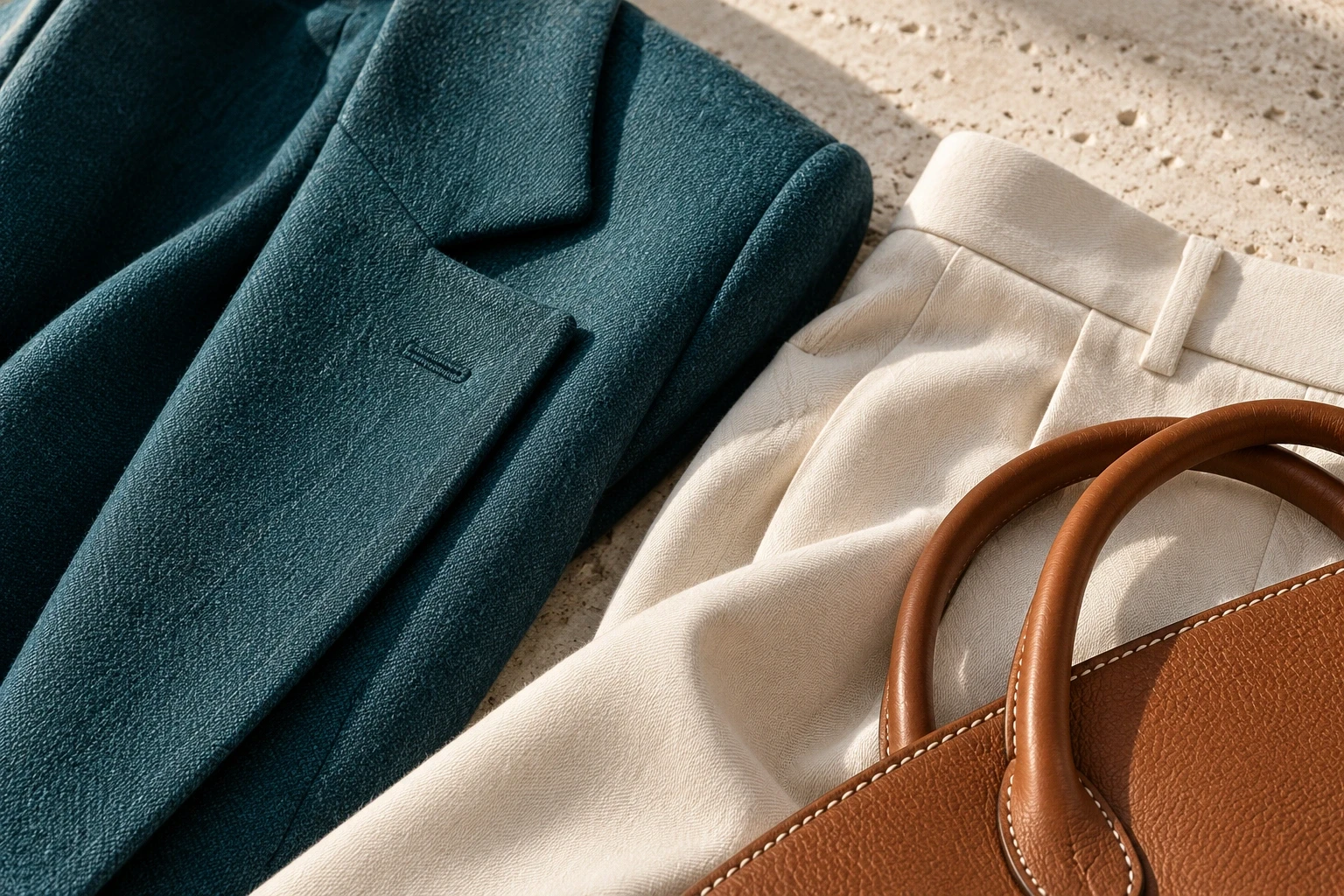
Conceptual illustration: independently generated fictional materials, not controlled views of the hero products or proof of a generator.
For the hypothetical campaign, the handoff should say “three separate products in one outfit,” not simply “three reference images.” If the vendor instead expects one primary item with supporting angles, the brief needs a different route or a confirmed capability before development proceeds.
Choose the route that matches what is fixed
What your brief fixes | Operation to investigate |
|---|---|
Separate products, with a new person and composition | A multi-product outfit operation with explicit product inputs |
An existing person, pose and scene, with an item to apply | A target-person try-on operation |
An already photographed outfit and pose, with a different person | An on-model replacement operation |
One product, with more views to explain its construction | A same-product reference route, not an assumed outfit builder |
A commissioning aid based on documented operation types; no service outcome is guaranteed.
The table is a commissioning aid, not a statement that any service guarantees the requested result. Keep the target channel in the brief too. A campaign composition can hide a bag clasp behind a hand; a product-detail image intended to show that clasp cannot. A supplied reference is useful only when the output gives the reviewer enough visible evidence to compare it.
Once the route fits, use the AI clothing model generator evaluation guide for a controlled vendor audition. This article's reference mapping cannot replace that test. Generated people should be identified as synthetic in the creative context, and source permissions and current usage terms still need to cover the intended work.
Where Look Atlas belongs in this decision
Look Atlas is relevant when the work begins with product photos and extends into studio, lifestyle, campaign or on-model imagery. The AI product photography guide explains the broader category; the AI fashion photography page is the starting point for evaluating the current offering.
We are not claiming a particular multi-product input limit or target-person transfer control for Look Atlas here. Bring the same explicit brief to it: which files identify sellable products, which guide the person or setting, and which relationships must remain fixed.
The useful buying question is precise: “Can this operation combine these three separately sold products, with this person or casting direction, on the surface we will actually use?” Get that answer before comparing polished sample images. It determines whether you are evaluating the right job at all.
