The honest comparison · Last updated August 12, 2026
Look Atlas vs Photoroom
Photoroom is the most popular photo utility in e-commerce, and at $7.99 a month it earns the popularity. It removes backgrounds brilliantly, batches like a machine, and its Virtual Model feature makes passable listing images. Look Atlas is a different animal: the specialist studio for on-model fashion photography, with six creative directors, a house-model pipeline, and an in-house image model tuned for fabric. One makes tiles. The other makes campaigns.
The scoreboard
Side by side, no spin
| Look Atlas | Photoroom | |
|---|---|---|
| What it is | The on-model fashion photography specialist | All-purpose photo editor with AI features |
| Price | $49 to $399 per month | ✓ Free tier; Pro about $7.99/mo |
| Background removal, batch, API | Not our lane | ✓ Best in class. Genuinely |
| On-model output | ✓ Editorial campaign grade, art-directed | Marketplace listing grade |
| Casting | ✓ 100+ editorial models + unlimited private custom models, every plan | Generic model generation |
| Art direction | ✓ Lighting, settings, styling built in | None |
| Support reputation | ✓ Founder-close support | Trustpilot 1.3 of 5, ~233 reviews |
Competitor details verified from public pricing pages, July 2026. Check ✓ marks the stronger side per row, including theirs.
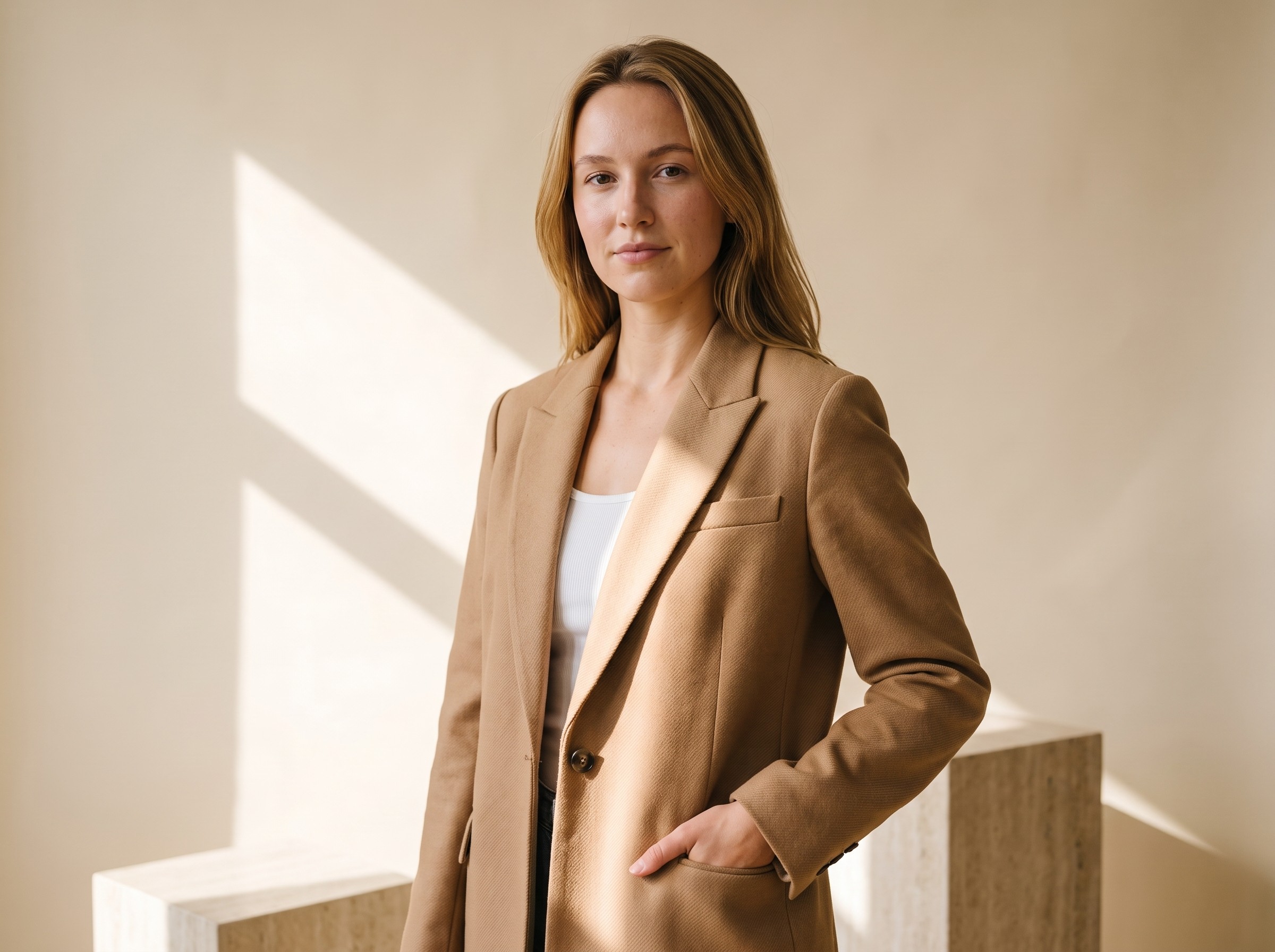
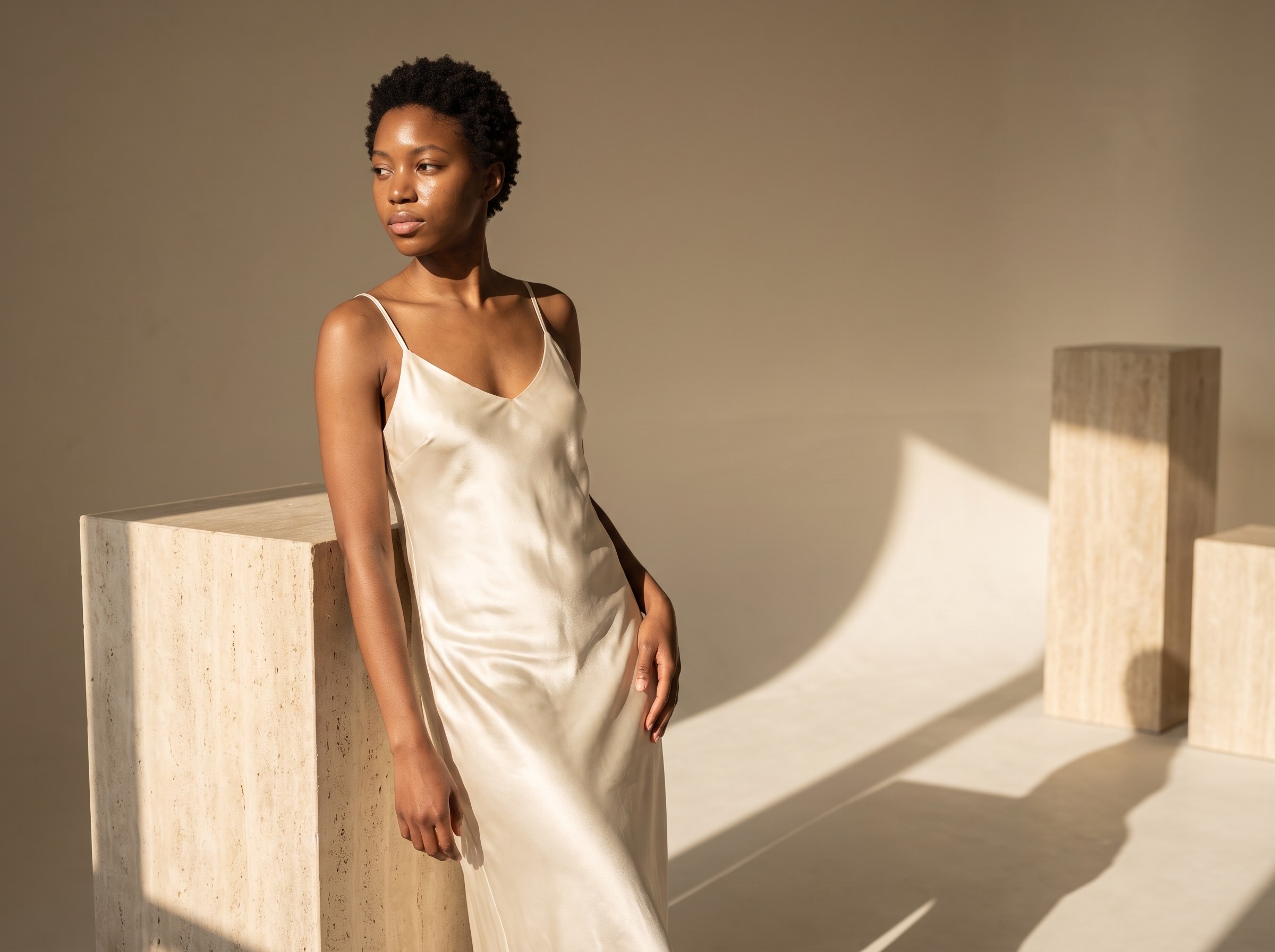
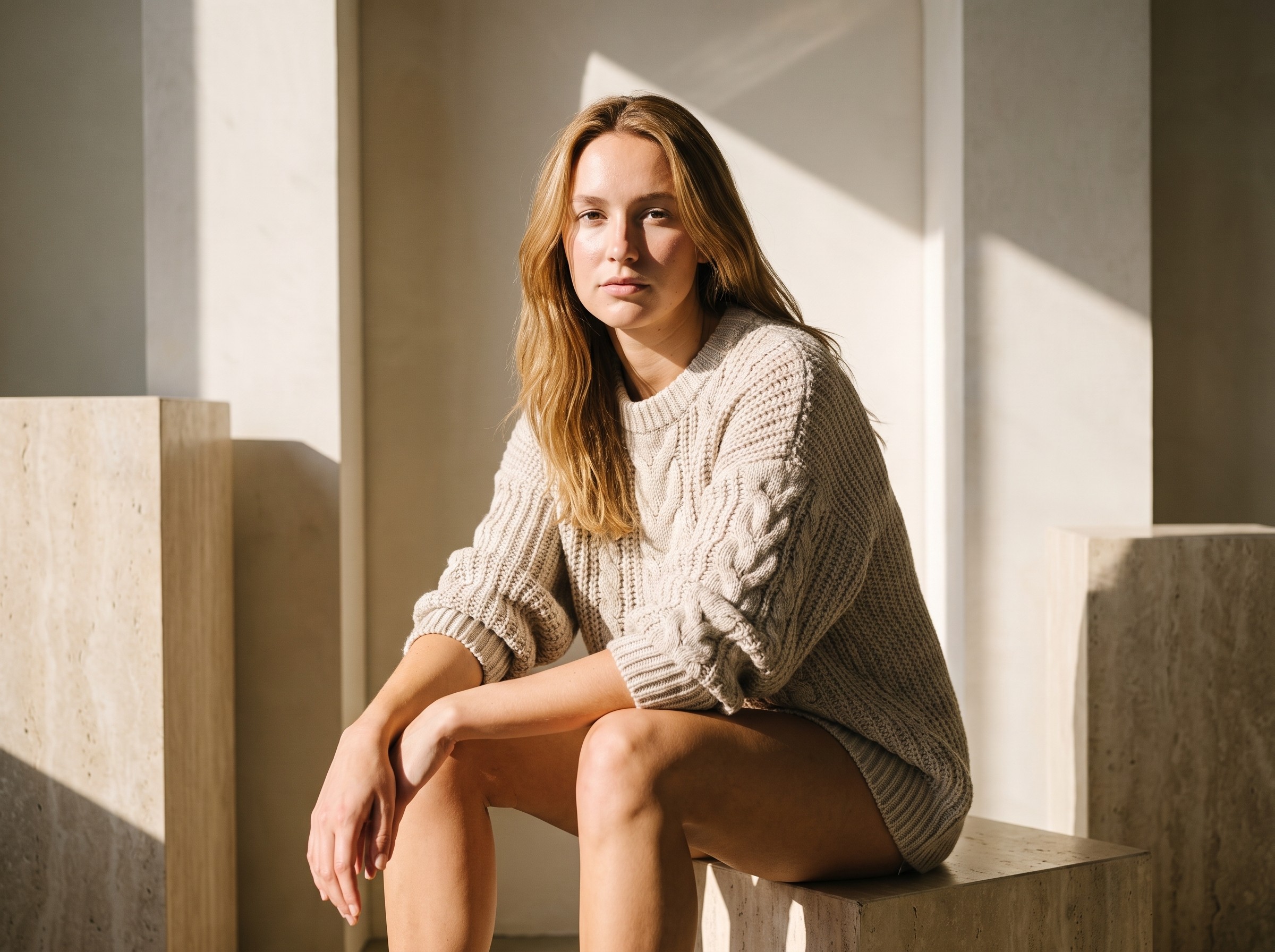
Unretouched Look Atlas output. One product photo in, campaign photography out.
The real question
Listing image or campaign image?
A listing image answers what the product is. A campaign image makes someone want it. Photoroom is engineered for the first at incredible scale and price. Look Atlas is engineered for the second.
The test: look at your homepage hero, your ads, your best PDP. If those images came from a $7.99 utility and conversions are fine, keep the utility and close this tab. If your imagery is the reason people bounce, the utility is the reason.
Nobody ever screenshotted a background-removed product tile and said: I need this brand in my life.
Where they win
Photoroom is a great tool. Use it for what it is
We will not pretend otherwise: 150 million downloads, a proper API, the best background remover on the market, and batch tooling that saves marketplace sellers real hours every week. Plenty of our own customers keep Photoroom for tile work while running campaigns through Look Atlas. That is the correct setup, not a compromise.
The caution flag is service, not software: a 1.3 of 5 Trustpilot driven by billing and support complaints (July 2026). At $7.99 you are the volume, not the customer.
Where we win
The specialist gap, in three specifics
- → Casting. Photoroom generates a plausible person. Look Atlas runs a pre-validated roster of 100+ editorial models plus private custom models on every plan, so your whole catalog wears one recognizable face.
- → Direction. Six creative directors, trained on the archives of top fashion brands, handle lighting, setting, and styling end to end. Photoroom outputs a person on a plain background, because that is all a listing needs.
- → The engine. Look Atlas renders on its own in-house model, tuned for how fabric drapes and catches light. Generalist engines blur exactly where fashion buyers zoom in.
The math
What the $41 gap actually buys
One traditionally shot on-model photo costs $150 to $500. Look Atlas Starter is $49 for 80 credits, roughly 40 editorial images at the default 2K resolution, and unused credits roll over. If specialist output replaces even one studio shot a month, the plan pays for itself several times over.
If your images live on marketplace tiles at thumbnail size, keep the $41 and use Photoroom. That is the honest boundary between these tools.
The honest split
Who should pick which
Pick Photoroom if
- ○You need utility editing: background removal, batch, templates, API.
- ○Your images live on marketplace tiles at thumbnail size.
- ○The budget is under $10 a month, full stop.
- ○You already have campaign photography from elsewhere.
Pick Look Atlas if
- ✓Your imagery has to carry the brand: heroes, ads, lookbooks, PDPs.
- ✓You want consistent casting and direction across every drop.
- ✓You would rather find the ceiling of a specialist than hit the ceiling of a utility mid-campaign.
Quick answers
Frequently asked
Yes, its Virtual Model feature dresses AI-generated people in your product from flat-lay photos. It is listing-grade output without art direction or curated casting.
The two-minute test
Your product. A real model. Two minutes.
Upload one photo and judge the output against Photoroom yourself. That settles it faster than any comparison page.
Start Your First Shoot FreeKeep comparing