Image ToolsFREE · NO SIGNUP

Image Aspect Ratio Calculator

Upload an image to detect its dimensions automatically, or enter width and height manually to calculate its exact ratio and a proportional target size.

FREE TO USEA LOOK ATLAS TOOL
01 USE IT NOW02 NO ACCOUNT03 FIELD NOTES BELOW
LIVE TOOL
ASPECT RATIOFREE TO USE
WORKING INPUTS

Build the scenario.

FASTEST METHODDrop an image here.Or choose one from your device.

Your image stays on this device. We only read its pixel dimensions.

OR ENTER DIMENSIONS
LIVE RESULT

Simplified aspect ratio

2048:13651,200 × 800 px preserves this proportion.
ORIGINAL SIZE2048 × 1365 px
NEW SIZE1200 × 800 px
ORIENTATIONLandscape
width ÷ greatest common divisor : height ÷ greatest common divisor
15

THE FRAME, REDUCED

Keep the composition while the pixels change.

Aspect ratio describes shape, not file size. One proportion can travel across storefront cards, social placements, and campaign crops.

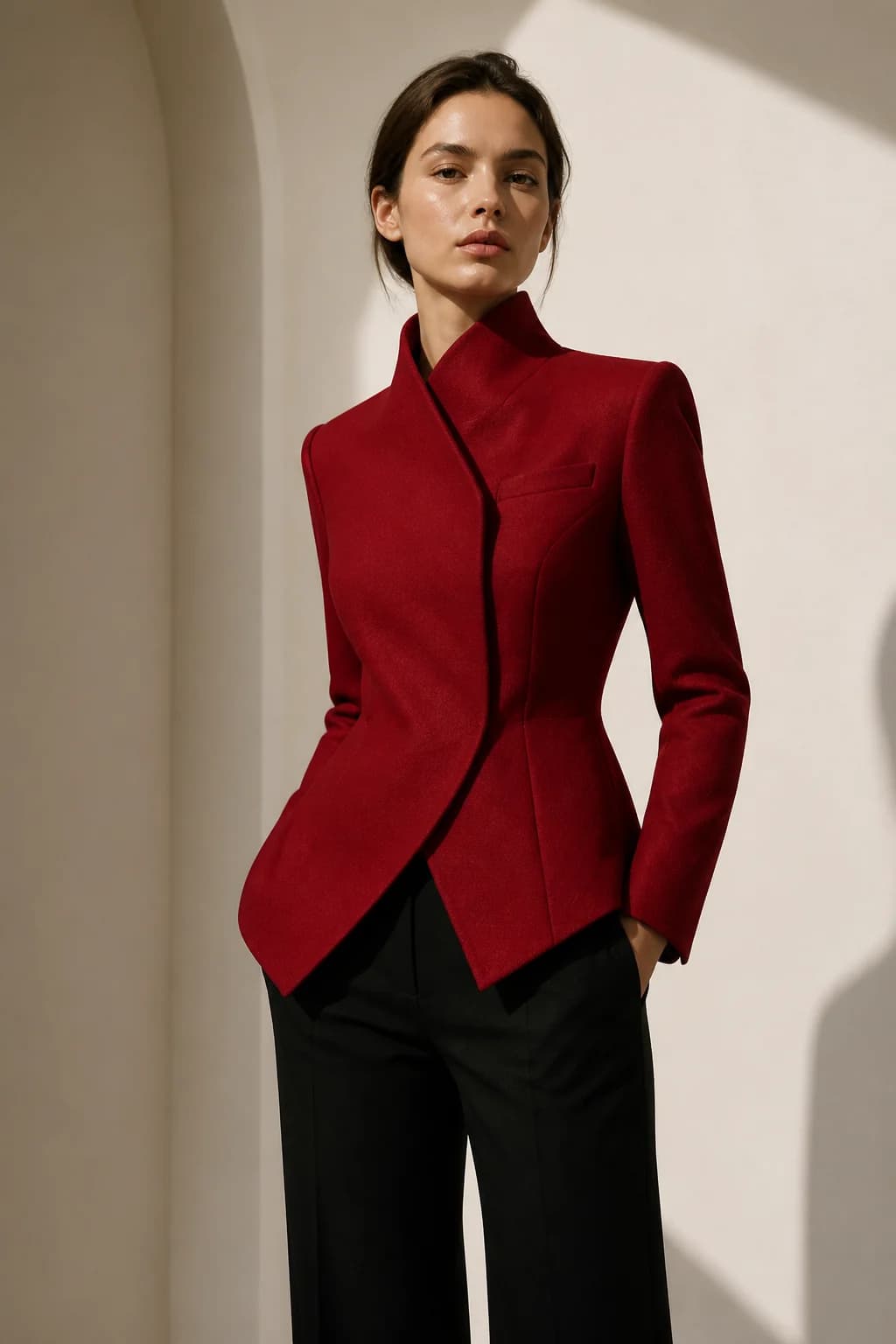
Fashion model in a red jacket framed for an ecommerce image ratio study
LOOK ATLAS / PRODUCT STUDYLOOK ATLAS / FIELD STUDY
WORKING VIEW
2048:1365PROPORTIONAL RESIZE
METHODwidth ÷ greatest common divisor : height ÷ greatest common divisor
WORKING NOTE1200 × 800 px after proportional rounding
INPUTS → CLEAR OUTPUT

THE FIELD NOTES

Quick answer above. Better decisions below.

Use the result now, then read the practical notes for assumptions, examples, limitations, and the choices behind it.

PROPORTIONAL RESIZE2048:1365

1200 × 800 px after proportional rounding

01

How to calculate image aspect ratio

Upload a photo and the tool reads its real pixel width and height locally, or enter both dimensions manually. It divides the dimensions by their greatest common divisor. For 1920 by 1080, the divisor is 120 and the reduced ratio is 16:9.

02

Calculate a proportional image size

To preserve shape, multiply the target width by the original height-to-width ratio. This tool rounds the calculated pixel height to the nearest whole pixel.

03

Common ecommerce image ratios

Square 1:1 works well for many product grids. Portrait 4:5 is common in social feeds, while 3:2 and 4:3 are familiar camera and editorial shapes.

04

Aspect ratio is not image quality

Matching a ratio does not guarantee enough resolution, correct color, small file size, or a good crop. Enlarging a small image can still look soft.

THE PRODUCT IS NEXT

Turn the product into the campaign.

Use Look Atlas to transform one straightforward product photo into premium on-model ecommerce imagery for your store, ads, and social channels.
TRY YOUR FIRST SHOOT FREENO CREDIT CARD REQUIRED

How to calculate image aspect ratio

Upload a photo and the tool reads its real pixel width and height locally, or enter both dimensions manually. It divides the dimensions by their greatest common divisor. For 1920 by 1080, the divisor is 120 and the reduced ratio is 16:9.

Some real image dimensions do not reduce to a familiar small pair. In that case the exact integer ratio may remain large, which is more accurate than forcing it into the nearest standard format.

Calculate a proportional image size

To preserve shape, multiply the target width by the original height-to-width ratio. This tool rounds the calculated pixel height to the nearest whole pixel.

A one-pixel rounding difference is normal. Cropping, stretching, or independently changing both dimensions alters the composition.

Common ecommerce image ratios

Square 1:1 works well for many product grids. Portrait 4:5 is common in social feeds, while 3:2 and 4:3 are familiar camera and editorial shapes.

Always check the destination’s current requirements. A platform may crop previews even when it accepts the uploaded dimensions.

Aspect ratio is not image quality

Matching a ratio does not guarantee enough resolution, correct color, small file size, or a good crop. Enlarging a small image can still look soft.

Use a resizer or editor when you need actual pixel output. This calculator only returns the shape and proportional dimensions.

Questions, answered.

What is aspect ratio?

Aspect ratio is the proportional relationship between an image’s width and height, written as width:height.

Does Look Atlas upload my image?

No. Your browser reads the image dimensions on your device; the selected image is not sent to a Look Atlas server.

How do I keep an image from stretching?

Lock the aspect ratio and change only one target dimension; calculate the other dimension proportionally.

Why is my simplified ratio still a large number?

The original integer dimensions may share only a small divisor. A large exact ratio is preferable to an inaccurate familiar label.

BUILT BY LOOK ATLAS

Your product deserves more than a marketplace thumbnail.

Turn a simple product photo into polished, campaign-ready creative for your store, ads, and social channels. No studio. No reshoots.

Create your first shoot free, then keep going when you’re ready.
A red statement jacket shown as a product photo and transformed into on-model campaign imagery
01 PRODUCT PHOTO CAMPAIGN