BACKGROUNDLOGO + PRODUCTBACKGROUND
Image ToolsFREE · NO SIGNUP
Etsy Banner Resizer
Resize an Etsy big or mini shop banner, preview a conservative mobile-safe center, and download the finished image.
FREE TO USEA LOOK ATLAS TOOL
01 USE IT NOW02 NO ACCOUNT03 FIELD NOTES BELOW
Etsy Banner Resizer
Upload your banner image to preview common responsive crops. The tool resizes it to Etsy’s recommended dimensions and marks a conservative center guide for the content you most want to protect.
Etsy crops banners on smaller screens by keeping the center and cutting the edges. Use this tool to ensure your logo and important text stay visible on all devices.
Select Banner Type
or drag & drop your image here
📦 1600 × 400px (4:1 ratio) • Image files • Max 10MB
01
FROM PRODUCT TO STOREFRONT
One product. Two ways to tell the story.
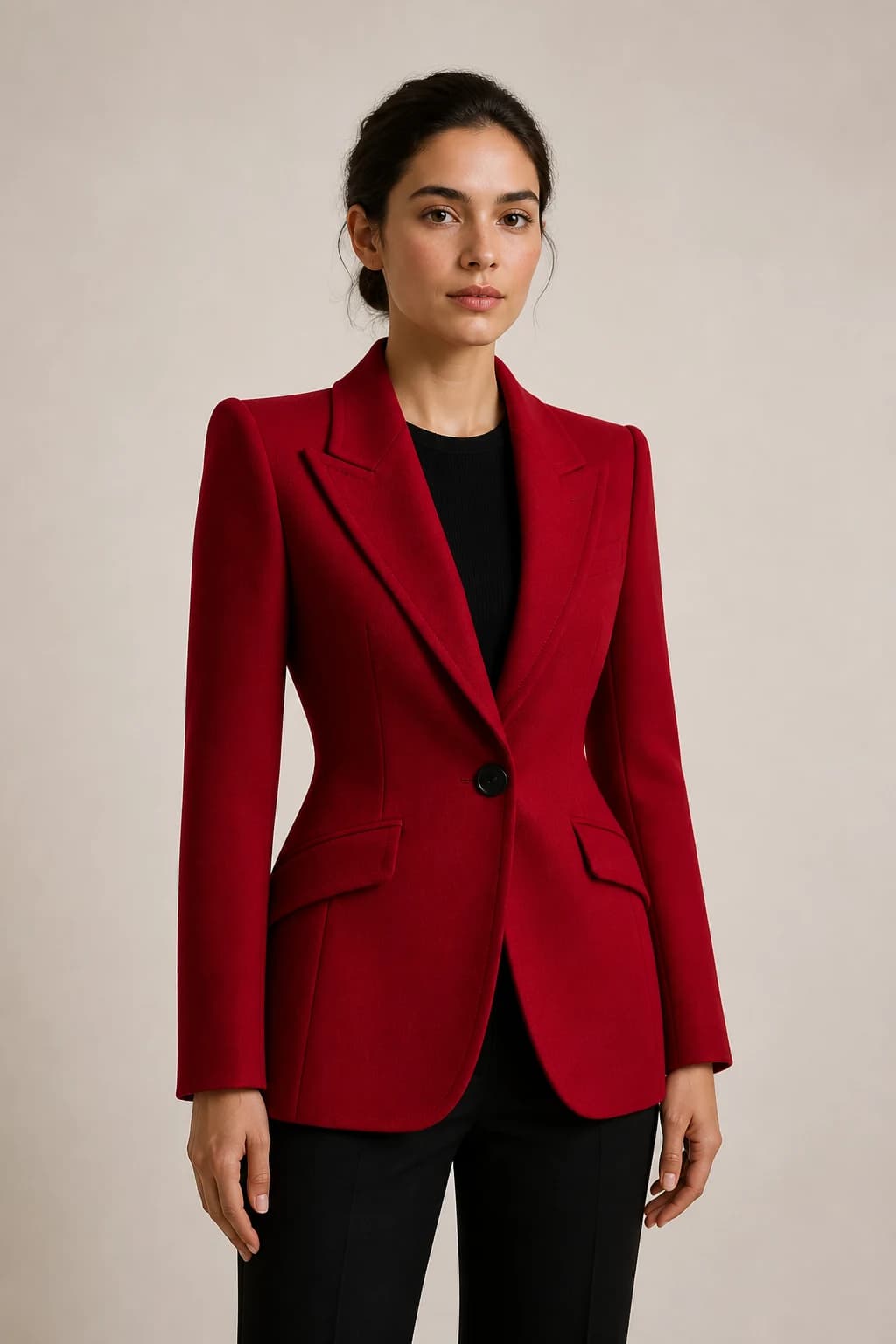
The same jacket moves from a product-only frame to an on-model frame. The safe-zone preview keeps the garment and the message intact when Etsy crops the edges.

THE FIELD NOTES
Quick answer above. Better decisions below.
Use the result now, then read the practical notes for assumptions, examples, limitations, and the choices behind it.
Questions, answered.
What is the Etsy banner size requirement?
Etsy currently recommends 1600×400 pixels for a big shop banner and 1600×213 pixels for a mini shop banner. Etsy's documented minimums are 1200×300 and 1200×160 pixels respectively.
What is the safe zone?
The safe zone is the center 60% of your banner where important elements should be placed. This ensures your design displays properly on mobile, tablet, and desktop.
Why is the safe zone important?
Different devices crop or display banners differently. The safe zone ensures your logo, text, and important visuals are visible on all screen sizes without being cut off.
Can I upload any image format?
This tool accepts common browser-supported image formats up to 10MB and exports a JPG. For best results, start with an image at least 1600×400px for a big banner.
What if my image is smaller than 1600×400?
The tool will resize your image to fit the banner dimensions, but enlarging a smaller source can introduce pixelation. Start at Etsy's recommended size or larger when possible.
How do I download my resized banner?
After resizing and confirming your safe zone visibility, click the 'Download Banner' button. Your banner will be saved as a PNG file ready to upload to Etsy.
Can I see how my banner looks on mobile?
Yes! The device visibility guide shows how your banner appears on desktop (full view), tablet (75% visibility), and mobile (50% visibility).
What color is best for the edge area outside the safe zone?
Edge areas are less visible, so use solid colors, patterns, or gradients that complement your safe zone design. Avoid important text or logos in these areas.
BUILT BY LOOK ATLAS
Your product deserves more than a marketplace thumbnail.
Turn a simple product photo into polished, campaign-ready creative for your store, ads, and social channels. No studio. No reshoots.
Create your first shoot free, then keep going when you’re ready.
01 PRODUCT PHOTO → CAMPAIGN