01
One color, two CSS notations
sRGB hex → hue, saturation and lightness. Hex #ff0000 has a red hue of 0°, full saturation and 50% lightness. The result is hsl(0 100% 50%).
Convert a 3- or 6-digit sRGB hex color to copyable HSL CSS. See hue, saturation and lightness without uploading an image.
No result yet. Enter values or load the worked example.
sRGB hex → hue, saturation and lightness
ONE WORKED EXAMPLE
Hex #ff0000 has a red hue of 0°, full saturation and 50% lightness. The result is hsl(0 100% 50%).
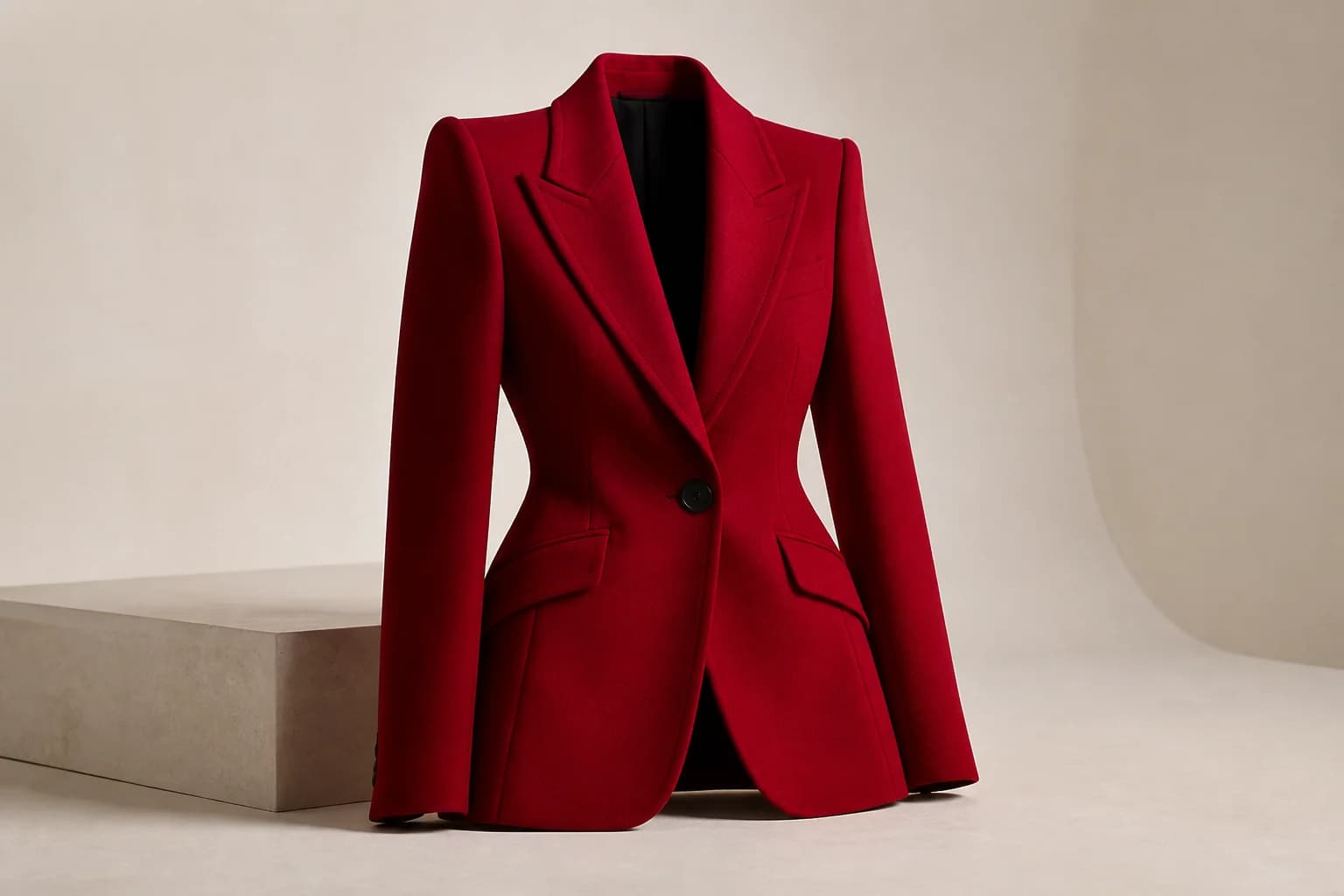
#ff0000hsl(0 100% 50%)Same sRGB red · notation changes, color does not
THE FIELD NOTES
Use the result now, then read the practical notes for assumptions, examples, limitations, and the choices behind it.
Hex #ff0000 has a red hue of 0°, full saturation and 50% lightness. The result is hsl(0 100% 50%).
sRGB hex → hue, saturation and lightness. Hex #ff0000 has a red hue of 0°, full saturation and 50% lightness. The result is hsl(0 100% 50%).
Hex #ff0000 has a red hue of 0°, full saturation and 50% lightness. The result is hsl(0 100% 50%).
Use the image color picker to sample a hex value from your product image. Use the CMYK to RGB converter to convert percentage-based print-color values separately; CMYK conversion does not reproduce a press profile.
Only opaque 3- or 6-digit sRGB hex is accepted. Four- and eight-digit alpha colors are rejected. HSL values are displayed to at most four decimals; achromatic hue is reported as 0° by convention, not as a measured hue.
THE PRODUCT IS NEXT
sRGB hex → hue, saturation and lightness. Hex #ff0000 has a red hue of 0°, full saturation and 50% lightness. The result is hsl(0 100% 50%).
Hex #ff0000 has a red hue of 0°, full saturation and 50% lightness. The result is hsl(0 100% 50%).
Use the image color picker to sample a hex value from your product image. Use the CMYK to RGB converter to convert percentage-based print-color values separately; CMYK conversion does not reproduce a press profile.
Only opaque 3- or 6-digit sRGB hex is accepted. Four- and eight-digit alpha colors are rejected. HSL values are displayed to at most four decimals; achromatic hue is reported as 0° by convention, not as a measured hue.
Convert a 3- or 6-digit sRGB hex color to copyable HSL CSS. See hue, saturation and lightness without uploading an image.
Only opaque 3- or 6-digit sRGB hex is accepted. Four- and eight-digit alpha colors are rejected. HSL values are displayed to at most four decimals; achromatic hue is reported as 0° by convention, not as a measured hue.
No. The tool processes your input locally and excludes it from analytics. Copy the result before closing or refreshing this page.
BUILT BY LOOK ATLAS
Turn a simple product photo into polished, campaign-ready creative for your store, ads, and social channels. No studio. No reshoots.
Create your first shoot free, then keep going when you’re ready.