
Virtual photoshoot: what can you change after the first image?
You approve a product image, then ask to see the other side. Whether that is a small revision or a new production task depends on what exists behind the picture. Before buying a virtual photoshoot, establish whether the supplier is remotely operating a physical camera, rendering a retained 3D scene, or generating an image from references.
All three can produce useful ecommerce imagery. They leave different starting points for the next request. A polished download alone does not tell you which one you have bought.
Three meanings of virtual photoshoot, three different starting points
A remote photoshoot still photographs something physical. In Shutter Studio's tutorial, a photographer directs a session and operates a phone camera remotely. The distance changes who controls capture, not whether the subject exists in front of a camera. A later reverse view may need the product, an operator and a recreated setup; nobody should assume the original set remains standing.
A 3D photoshoot starts with modeled objects inside a scene. Omi's product-visual tutorial separates adding the product, selecting a camera, choosing light and downloading the render. The scene and its output image are different things. Confirm who can reopen the scene after delivery.
An AI photoshoot can generate new imagery from product and creative references. For example, Photoroom's Virtual Model documentation describes clothing photos becoming an image with a predefined or custom model. That documented image workflow does not, by itself, promise a portable 3D scene.
These methods can also be combined. Ask what was retained for your particular job rather than treating “virtual” as a file specification.
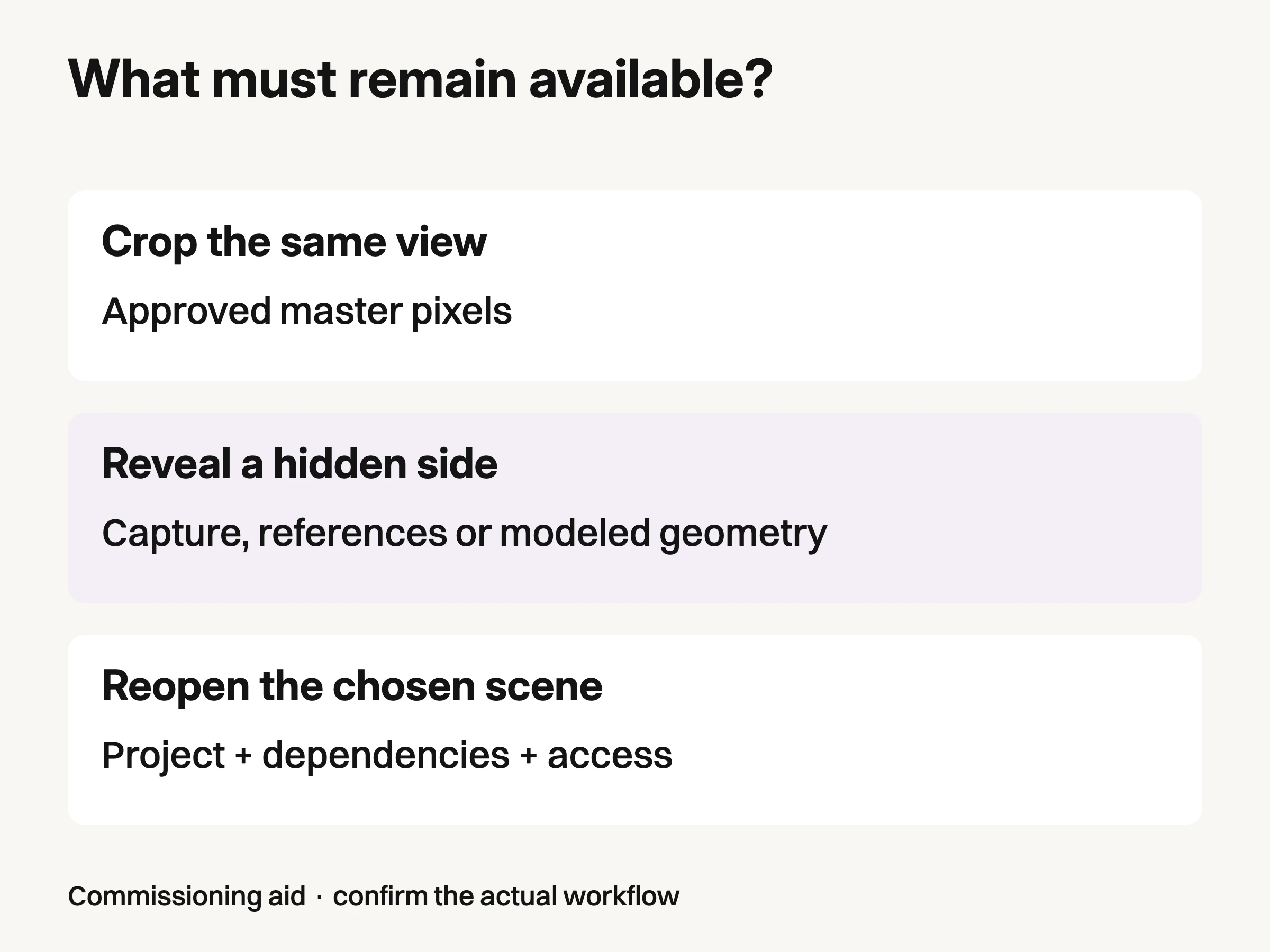
Commissioning aid: confirm the actual workflow and retained dependencies, not just the delivered file extension.
A new viewpoint needs more than the exported pixels
Cropping an existing photograph removes part of its visible frame. It does not expose the back of the object. Moving a virtual camera through an existing 3D scene is a different operation: the renderer can show geometry that was already modeled but hidden from the first camera.
Adobe's Stager camera documentation describes cameras as objects positioned within a scene, with different perspectives and settings. Its staging guide separately describes rendering scene data into images. That separation explains why receiving a PNG is not the same as receiving the project that made it.
For the controlled example below, we built a simple labeled box in Three.js and rendered it twice. The geometry stayed fixed. The camera moved from directly in front to an oblique position. The second capture shows the deliberately modeled SIDE face that the first view hides.
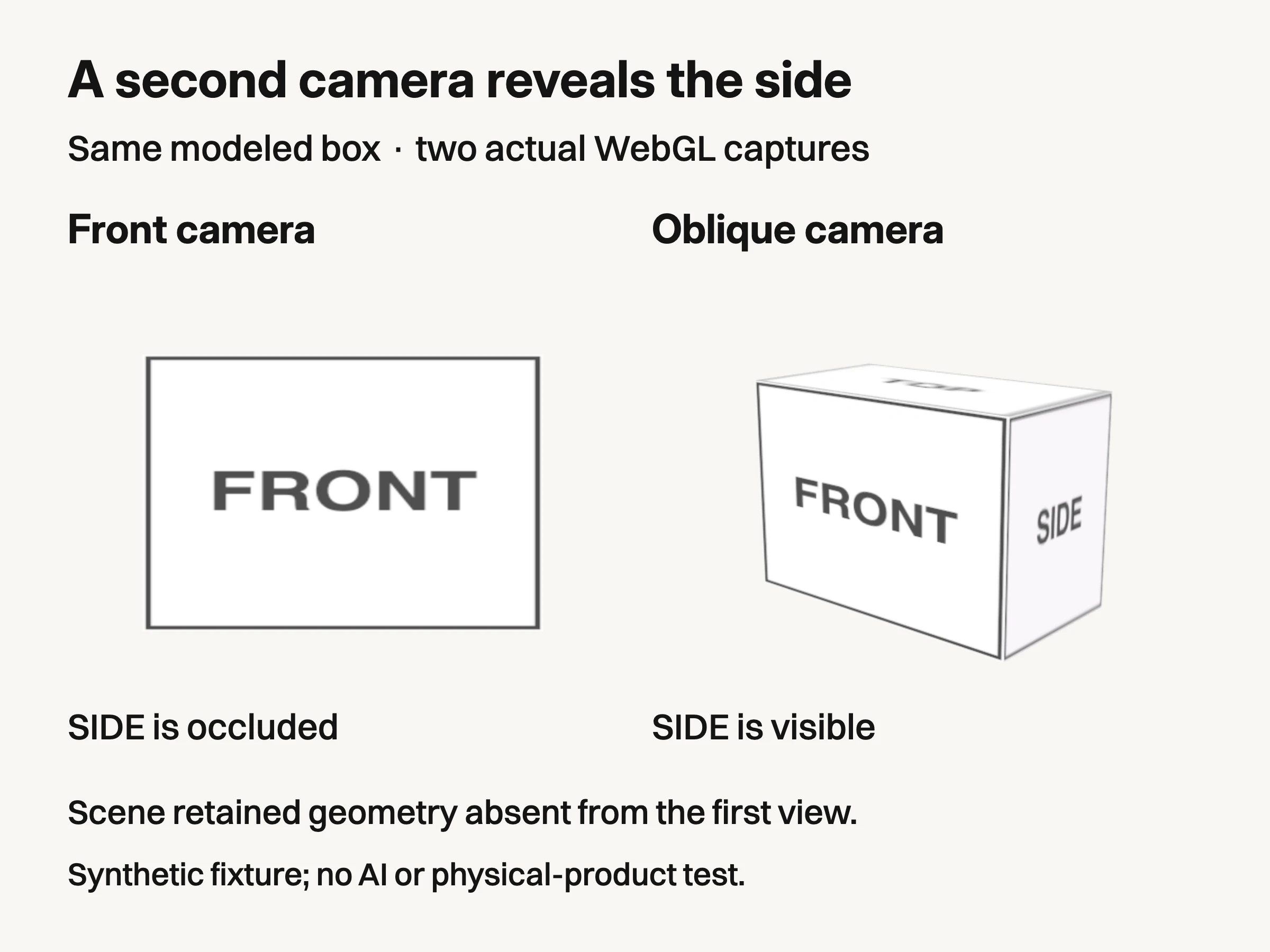
Controlled local 3D example: the same modeled box, two camera positions. The side was explicitly modeled before either capture. This is not an AI reconstruction test, a physical product or a vendor capability benchmark.
The retained example uses one box measuring 2.6 × 1.8 × 1.4 arbitrary scene units, a 35-degree camera field of view and 900 × 650 captures. Camera positions are (0, 0, 7) and (5, 2.1, 6), both looking at the origin. These are reproducible teaching parameters, not product measurements or a photographic test.
This proves a narrow point: our second image came from retained geometry, not from uncovering information inside the first PNG. It does not show that AI cannot propose another angle. An image model may generate or reconstruct a plausible view, but that is a different source of information and needs its own verification. Nor does our box prove that any supplier's digital model matches a physical product.
For a real bag, an unmodeled rear pocket remains missing from the scene. A wrong model can be consistently wrong from every camera.
Turn the next request into an explicit dependency
Use the approved image as a starting point and name one change. “More versions” is too vague to establish what must be retained.
Suppose the first image is a front view of a travel case on a pale background. A tighter square crop can usually begin with that raster if enough resolution remains. A three-quarter rear view requires another source of product information. Changing only the room may be an image edit, a scene edit or a fresh generation, depending on the actual workflow.
The following is a commissioning aid, not a promise that every supplier provides these files.
Next request | Agree on this dependency |
|---|---|
Crop the approved frame for another placement | Retain the approved master and confirm that the requested crop has enough usable pixels. |
Show a previously hidden side | Identify the physical capture, verified references or modeled geometry that supplies that side. |
Change the environment while keeping the chosen view | Specify whether the supplier edits layers, reopens a scene or generates a new candidate; identify what must be rechecked. |
Replace the product with its revised design | Supply the revised product reference or model and identify dependent images that need new approval. |
Let another team continue production | Confirm usable project files, linked assets, software compatibility, permissions and access rather than requesting “source files” alone. |
Commissioning aid, not a promise of universal supplier deliverables.
A layered image can be useful for background and compositing changes without containing a movable 3D product. Conversely, a mesh file alone may omit the textures, materials, lighting or other dependencies needed to reproduce the approved image. Ask the receiving team to open the actual handover and attempt the agreed revision. File extensions are a weak substitute for that demonstration.
You do not always need to own an editable project. Supplier-managed scene access can be enough if the arrangement covers who can request changes, what is retained, and what happens when that access ends. For a physical set, agree whether a later request means another session. For an AI workflow, agree which references and selected outputs remain available.
Build the AI branch around the product, then separate the outputs
For an AI virtual photoshoot, start with the exact product reference rather than treating the first attractive generated image as a replacement source. The broader AI product photography guide covers that foundation. Here, the practical addition is to keep each requested output and its later revisions attached to the original product evidence.
A studio image, lifestyle scene, campaign crop and on-model frame do not have identical revision dependencies. Write four short requests instead of one instruction to produce a complete shoot.
For a studio output, specify the visible product view and background. If the next request changes the angle, supply evidence of that angle rather than asking the team to treat the original approval as sufficient.
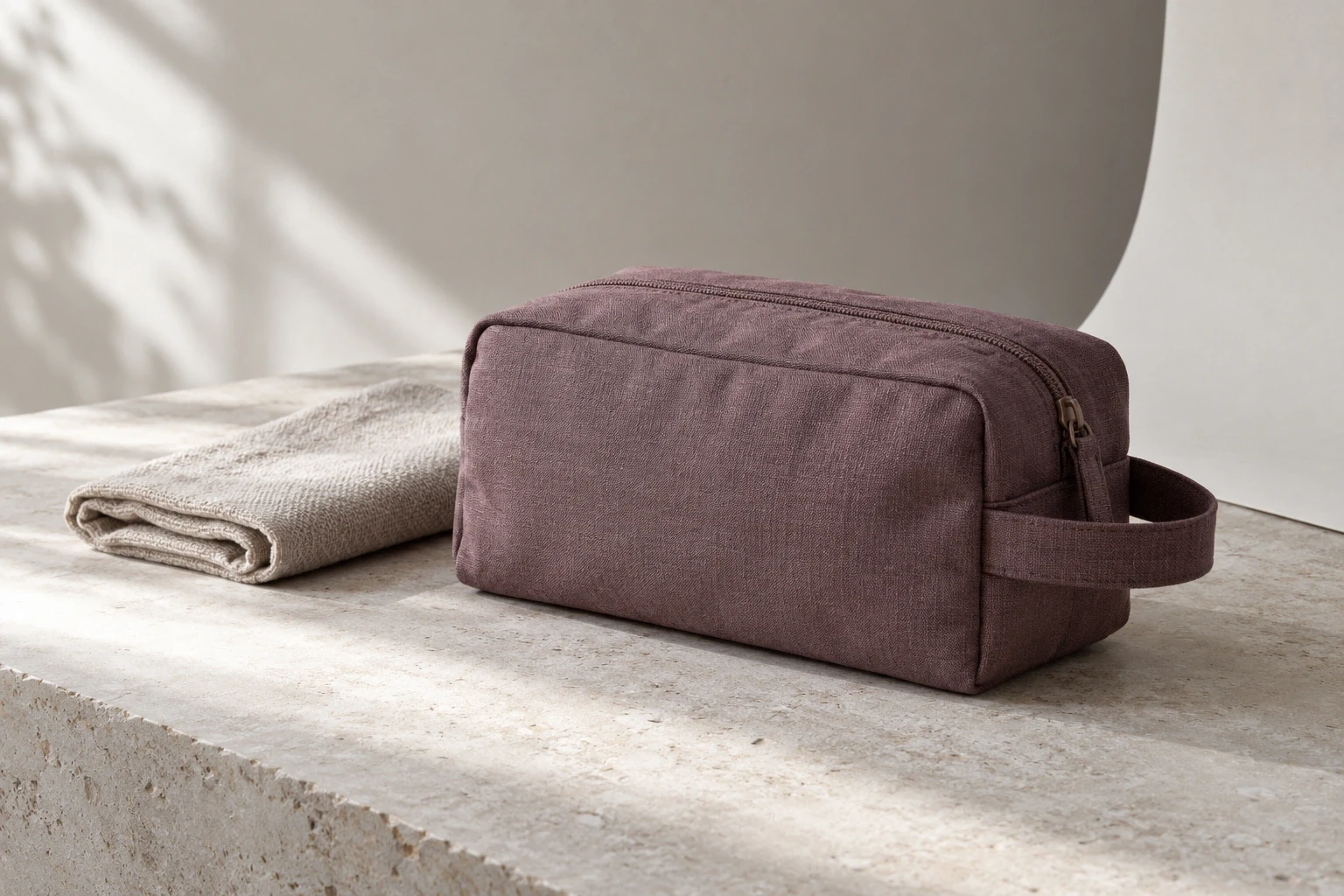
Conceptual illustration: a separately generated fictional pouch and set, not the hero item, the geometric fixture or a documented before-and-after.
For a lifestyle output, name the environmental change separately from the product. Moving a travel case from a shelf to a bench can introduce new contact, shadows and occlusion. Approval of the earlier shelf image does not approve those new relationships.
For a campaign output, distinguish a crop of the accepted master from newly generated space around it. A larger canvas containing invented surroundings is a new candidate, even when the central product appears unchanged.
For an on-model output, identify any generated person as generated and keep the product references attached to the selection. A new pose may expose a surface or construction detail absent from the earlier view; it is not merely a different crop. Do not use that frame as evidence of measured fit.
These are production distinctions, not claims that a particular app supports every operation. For apparel projects, the Look Atlas AI fashion photography page is the relevant place to assess the current offering. Ask how your intended revision would be handled before assuming an image download includes an editable scene or transferable project.
Ask for one revision demonstration before the handover closes
Choose the likely second request while the first frame is still under review. Ask the supplier to explain and demonstrate the operation: crop this master, reopen this scene with a different camera, recapture this side, or generate a new candidate from these references.
Then record what actually made that revision possible and who retains access to it. That answer is more useful than an undefined promise of unlimited virtual photoshoots. It tells the next person whether they can continue from the delivered work or must commission a new source.
