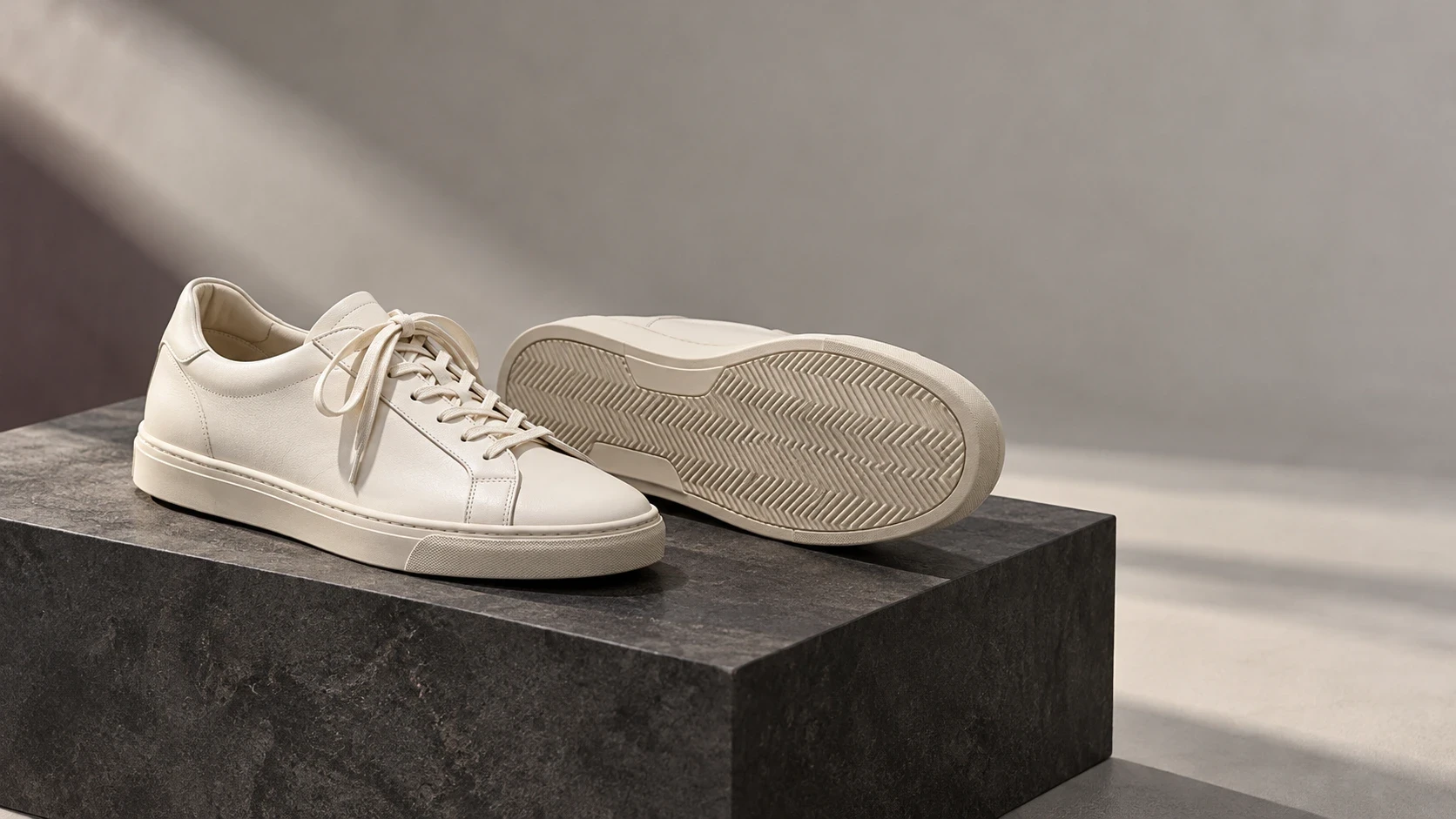
Commercial ecommerce photography: follow the image across placements
The same sneaker can appear in a shopping feed, a collection card, a product page and a campaign. A styling image that makes sense in one place can conceal the product in another. Commercial ecommerce photography is partly a commissioning problem: which image belongs in each placement, and what would count as evidence that the choice helped?
Follow one buyer uncertainty across those placements before replacing a whole set. In the worked example here, a store wants to show how a white sneaker works with tailored trousers, without making the shoe harder to identify. The commission and comparison are hypothetical; there are no test results behind them.
Trace one question across four different image jobs
First confirm that the styling question matters using product-specific conversations or research you are authorized to review. A creative preference is not evidence of a customer problem. Keep personal details out of the production record, and do not assume every return or abandoned visit was caused by imagery.
Then distinguish the image jobs. The feed identifies the offered product under that channel's requirements. The collection card helps someone choose what to inspect. The product detail page, or PDP, must support closer evaluation of the selected item. A campaign can develop the outfit idea, but its product link must not leave the visitor searching for the pictured variant.
The uncertainty is shared; the image does not have to be. Commission a small placement family rather than force one master into every role:
Placement in this example | Commission and boundary |
|---|---|
Shopping feed | Supply the exact variant's qualifying identity image. Do not assume a campaign scene satisfies feed rules. |
Collection card | Evaluate an outfit crop against the current product-only card. The sneaker must remain identifiable at the actual card size. |
Product page | Keep factual inspection views and sizing information available. Styling context is not evidence of physical fit. |
Campaign placement | Show the outfit idea at its intended crop and link to the correct product. Do not imply trousers are included. |
One hypothetical placement family, not a gallery order or commercial-results guarantee.
Use the source pair to bound the commission
The retained first-party example below is relevant to that styling commission, but it is not a finished commercial evaluation. It pairs an existing product-source photograph with an existing generated context. The source shows white sneakers at an oblique angle; the context places white sneakers with black trousers in a concrete interior.
The pair makes a styling situation visible. It does not show whether shoppers understand the outfit, recognize the shoe at card size or prefer it. Neither frame exposes the entire outsole or establishes traction, physical fit or comfort. The scene is not a second physical photograph, and the pair is not a product-accuracy test.
For a new physical commission, photograph the exact sneaker with the chosen trousers and leave crop room around the shoe and trouser hem. Make the intended collection-card crop before releasing the set. If it loses the sneaker in a field of fabric, revise the framing rather than sharpen a tiny shoe afterward. Any missing factual view, such as tread, needs its own actual product capture; do not invent it within a styling scene.
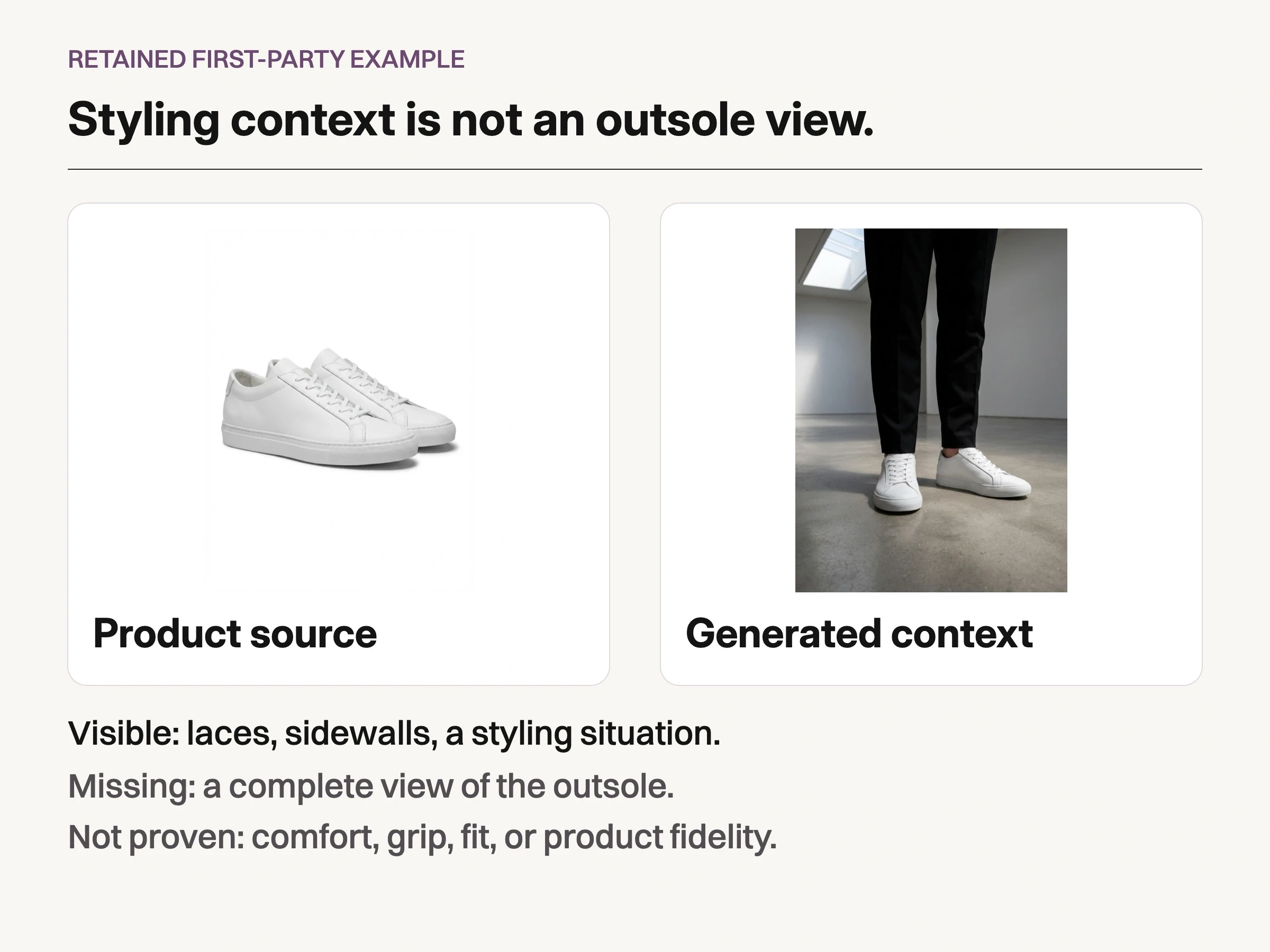
Retained first-party example: product-source and generated-context pixels show laces, sidewalls and a styling situation, not the entire outsole. This is not a new test or proof of comfort, grip, fit or product fidelity.
Verify each destination before calling the family finished
Separate channel eligibility from storefront display. Google Merchant Center's image guidance calls for variant-matched imagery and notes possible automatic cropping. Approval of a campaign image does not establish feed eligibility, and a compliant feed image need not carry the entire outfit idea.
Shopify's product-media documentation explains that display depends on the theme, with different image sizes used for collection and product-page contexts. Inspect the real card and destination, not just the export folder. Check variant mapping, crop and the route from campaign to product separately.
For this commission, keep an identity master, the chosen outfit source and named destination crops connected to the same SKU. Record which derivatives are cleared for feed, card and campaign use. A crop approved for a wide campaign banner is not automatically cleared for the collection card.
Use the lifestyle product photography services guide for the context-production lane. If you need to rebuild the inspection gallery itself, that is a separate job from evaluating this placement family.
Test the card choice without moving every other placement
Commissioning the family does not mean testing it everywhere at once. For the hypothetical store, compare only the collection-card choice first. Keep the feed image, campaign creative, PDP, price, offer and stock policy unchanged:
Question and change: Does the outfit card help eligible collection visitors progress toward evaluating and buying this sneaker? Change only that card's image, not its position, label or destination.
Population and assignment: Visitors eligible for the same collection experience with the relevant product in stock. Assign consistently at visitor level before exposure; keep return visits in the same condition.
Primary outcome: The proportion of assigned eligible visitors who add that sneaker to cart within a predeclared observation window. Deduplicate visitors and match the product identity. Card clicks are a diagnostic, not the primary outcome.
Diagnostics and guardrails: Actual card-image visibility, correct destination and variant, downstream purchases, and image-related loading problems. Record concurrent traffic, merchandising or inventory changes.
Decision policy: Set the necessary sample, observation period and stopping rule with the person responsible for experiment design before launch. No universal traffic threshold or duration makes every image test reliable.
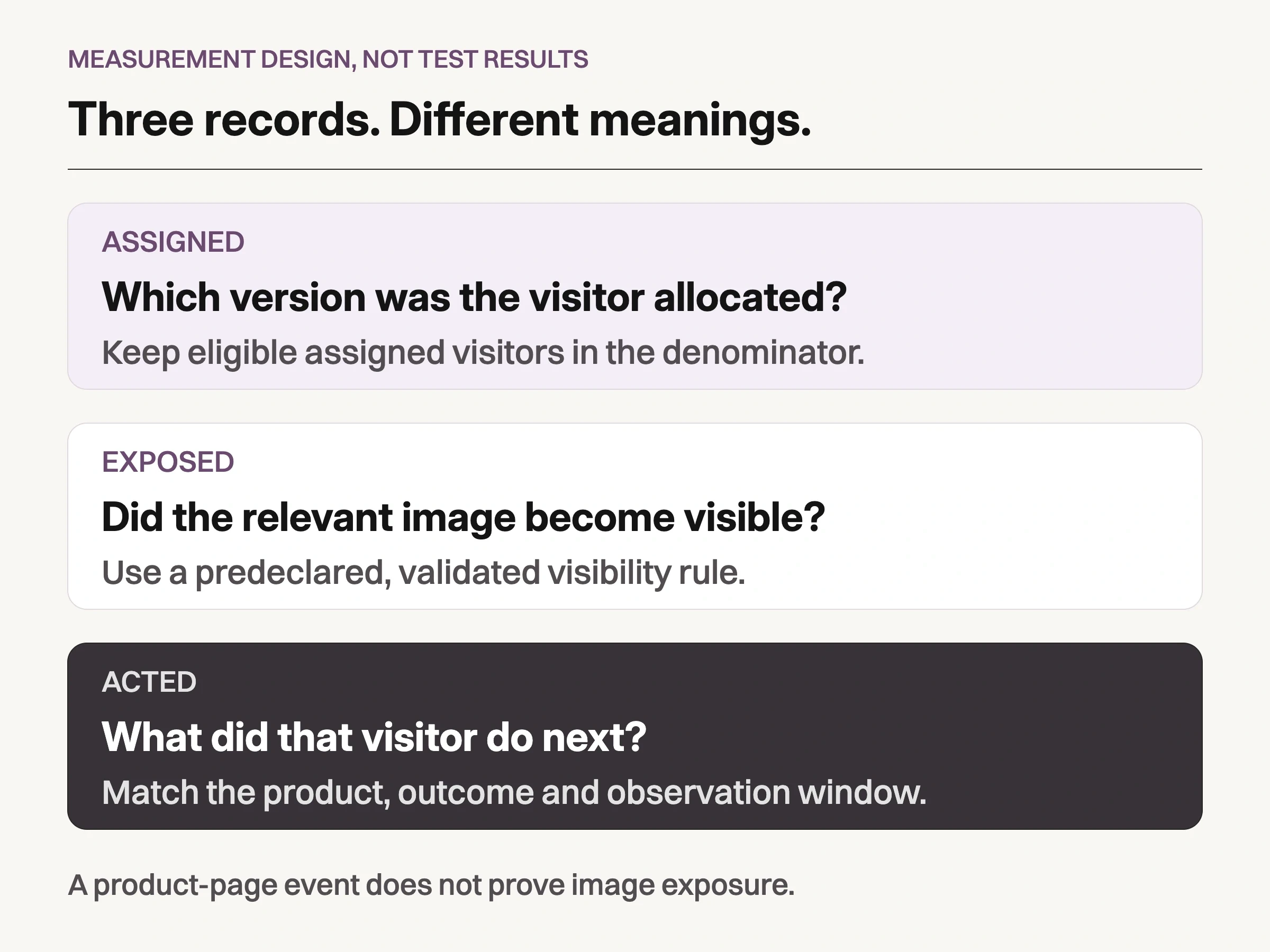
Look Atlas planning analysis, not test results: keep assigned visitors in the primary comparison; validate image visibility separately from shopping actions.
Do not mistake a shopping event for image exposure
Keep assignment, exposure and action separate. Assignment records which version a visitor was allocated. Exposure records whether the relevant image became visible under a rule chosen in advance. Action records what happened next. A card image can load below the fold without being seen.
Google's GA4 ecommerce implementation guide describes events such as view_item, add_to_cart and purchase. Those shopping events do not, by themselves, identify a particular image as viewed. Validate separate visibility instrumentation, including scrolling, lazy loading and repeat visits, before relying on it. Also check that assignment survives the move from collection to PDP and cart.
For this visitor-level comparison, retain assigned visitors in the primary denominator. Looking only at visitors who clicked the card selects a different group after the treatment. Use exposure and clicks diagnostically, rather than silently changing the comparison population afterward.
GA4 distinguishes event-scoped and item-scoped ecommerce metrics. Preserve the unit you declared. Dividing raw cart-event counts by product-view events does not turn them into a visitor conversion rate.
If assignment or downstream tracking is unavailable, the commercial question remains unresolved. A before/after release can be described observationally, with its confounds; it is not an A/B test. If both the campaign and card changed, report a package comparison rather than attributing the result to one photograph.
Produce variants for a named placement, not a vague improvement
Use creative variations when context is the question. They cannot supply an absent outsole, verified dimensions or a promised product experience. Physical capture remains appropriate when the needed fact is not present in approved sources.
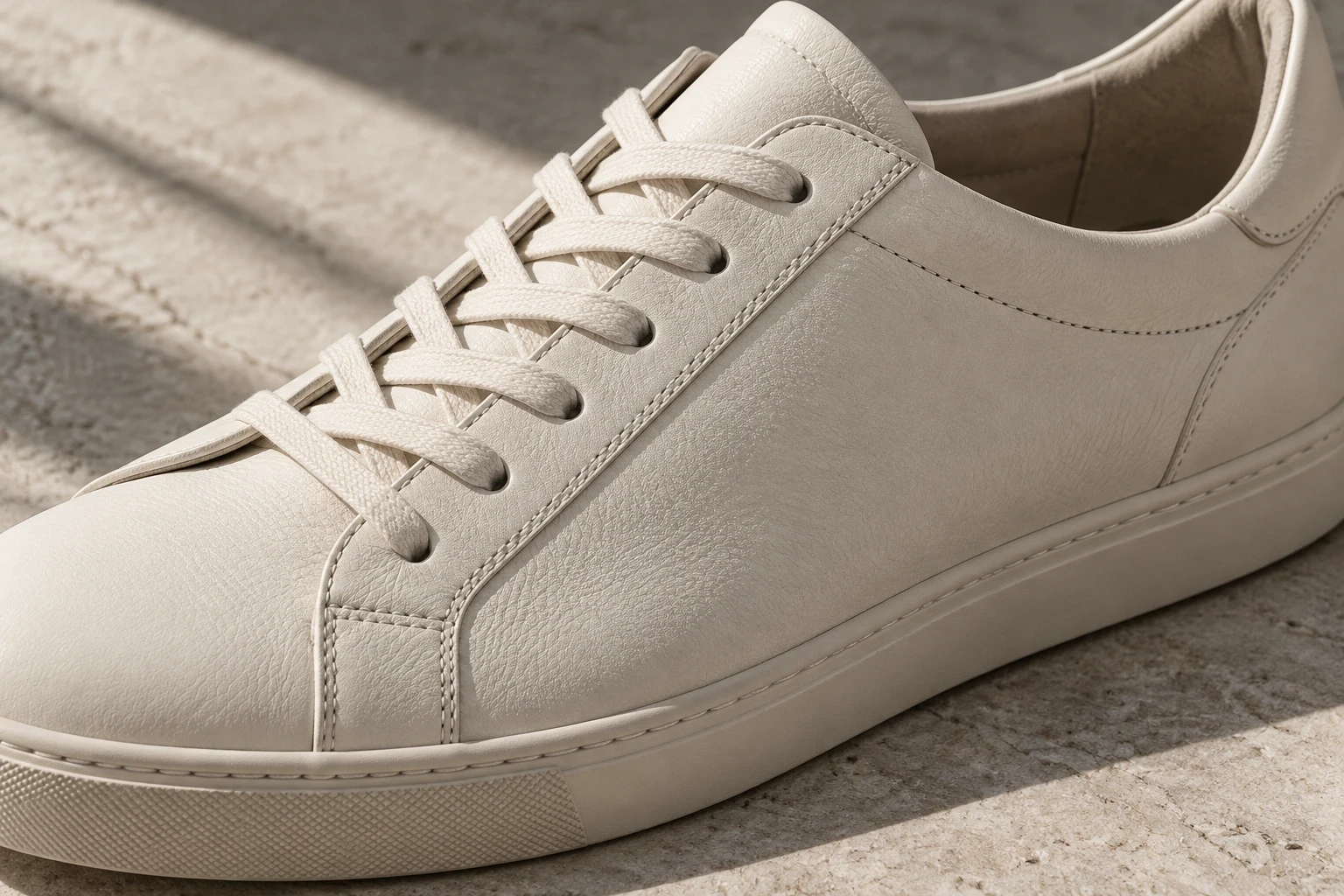
Conceptual illustration: a closer crop gives visible construction more space. This fictional generated shoe is unrelated to the retained example and does not establish materials or performance.
For a defined styling or campaign role, Look Atlas offers AI product imagery, including on-model and lifestyle contexts. Review proposed outputs against approved product photographs, then assess each actual destination crop. A fictional detail illustration like the one above is not authority for a real SKU. Generated scenes do not establish fit, material performance or commercial uplift.
Finally, decide what the comparison permits. More card clicks without a clear downstream change is not proof of commercial success. Even a supported cart-rate improvement would not establish better comprehension, inspection or physical fit; those need evidence suited to those questions. An uncertain result remains uncertain; do not call a tie a winner. A wrongly mapped variant fails regardless of engagement. If the image was rarely visible, investigate delivery before commissioning another concept.
Keep the placement family and the test result separate in the handoff: which assets are approved for which jobs, what changed in the comparison, and what remains unknown. That gives the next commission a reason to exist without pretending that one photograph explained the whole journey.
