
SEO & listingsFREE · NO SIGNUP

XML Formatter

Indent XML for inspection while keeping mixed text and preserved spaces intact. Format locally, copy the result and keep the original for comparison.

FREE TO USEA LOOK ATLAS TOOL
01 USE IT NOW02 NO ACCOUNT03 FIELD NOTES BELOW
LIVE TOOL
XML FORMATTERFREE TO USE

Indent structure without changing a sentence.

Inputs stay in this browser. Review the method and limits below before using the result.

Formatted XML

No result yet. Enter values or load the worked example.

Validate XML → preserve text-sensitive subtrees → indent element-only structure

22

ONE WORKED EXAMPLE

Indent structure without changing a sentence

Two spaces reveal the nested SKU element. Its literal text remains 001.

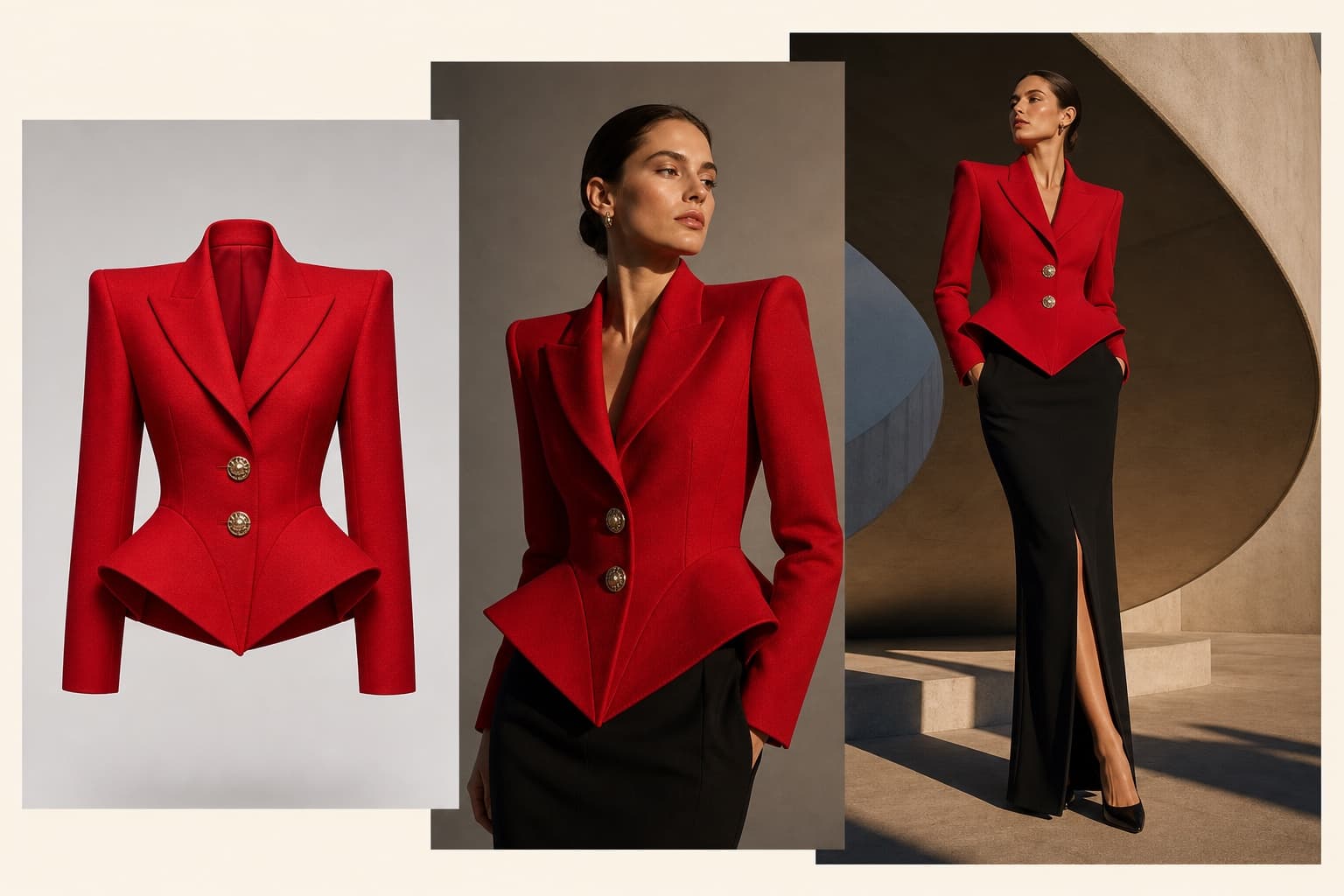
Red tailored jacket photographed as a premium ecommerce product
LOOK ATLAS / PRODUCT STUDYLOOK ATLAS / FIELD STUDY
WORKING VIEW
Element structure
<catalog>
  <sku>001</sku>
</catalog>
Mixed text stays inline<p>Hello <b>world</b>!</p>

THE FIELD NOTES

Quick answer above. Better decisions below.

Use the result now, then read the practical notes for assumptions, examples, limitations, and the choices behind it.

WORKED EXAMPLETwo-space indentation

Two spaces reveal the nested SKU element. Its literal text remains 001.

01

Indent structure without changing a sentence

The formatter checks that the XML is well formed, then adds two-space indentation around element-only structure. Mixed text, CDATA and subtrees marked xml:space="preserve" stay together without inserted spaces.
02

Work through the example

Two spaces reveal the nested SKU element. Its literal text remains 001.

03

Continue the workflow

For a different catalog source format, the json to csv converter extracts a table from JSON records and the csv formatter changes CSV delimiters. Neither accepts XML; this formatter keeps XML as XML.

04

Know the limits

DTDs, entity declarations and processing instructions are unsupported. XML parsing can normalize line endings and entity spelling, so keep the original when byte identity or a digital signature matters. This is formatting, not XSD validation or XML canonicalization.

THE PRODUCT IS NEXT

Turn the product into the campaign.

Create premium ecommerce product imagery with Look Atlas after using the complete free tool.
TRY YOUR FIRST SHOOT FREENO CREDIT CARD REQUIRED

Indent structure without changing a sentence

The formatter checks that the XML is well formed, then adds two-space indentation around element-only structure. Mixed text, CDATA and subtrees marked xml:space="preserve" stay together without inserted spaces.

Work through the example

Two spaces reveal the nested SKU element. Its literal text remains 001.

Continue the workflow

For a different catalog source format, the json to csv converter extracts a table from JSON records and the csv formatter changes CSV delimiters. Neither accepts XML; this formatter keeps XML as XML.

Know the limits

DTDs, entity declarations and processing instructions are unsupported. XML parsing can normalize line endings and entity spelling, so keep the original when byte identity or a digital signature matters. This is formatting, not XSD validation or XML canonicalization.

Questions, answered.

What does this tool check or calculate?

Indent XML for inspection while keeping mixed text and preserved spaces intact. Format locally, copy the result and keep the original for comparison.

What assumptions should I review?

DTDs, entity declarations and processing instructions are unsupported. XML parsing can normalize line endings and entity spelling, so keep the original when byte identity or a digital signature matters. This is formatting, not XSD validation or XML canonicalization.

Does my input leave this browser?

No. Inputs are processed locally in this browser and are not included in analytics. Keep your own source copy before closing or refreshing the page.

BUILT BY LOOK ATLAS

Your product deserves more than a marketplace thumbnail.

Turn a simple product photo into polished, campaign-ready creative for your store, ads, and social channels. No studio. No reshoots.

Create your first shoot free, then keep going when you’re ready.
A red statement jacket shown as a product photo and transformed into on-model campaign imagery
01 PRODUCT PHOTO → CAMPAIGN