01
Batch Barcode Generator method
Paste one printable ASCII inventory code per line. The tool preserves case, punctuation and internal spaces, and allows repeated codes as repeated labels. It reports duplicates rather than silently deleting them.
Create a batch of Code 128 labels from one internal code per line. Preview each label, then download a ZIP of SVG and PNG files with a row-to-code manifest.
Labels in this batch
3 labelsEXACT INTERNAL CODESCODE128 · RENDERING LABELS…
Keep quiet zones and aspect ratio. Verify allocation where required and scan the final print before labeling stock.
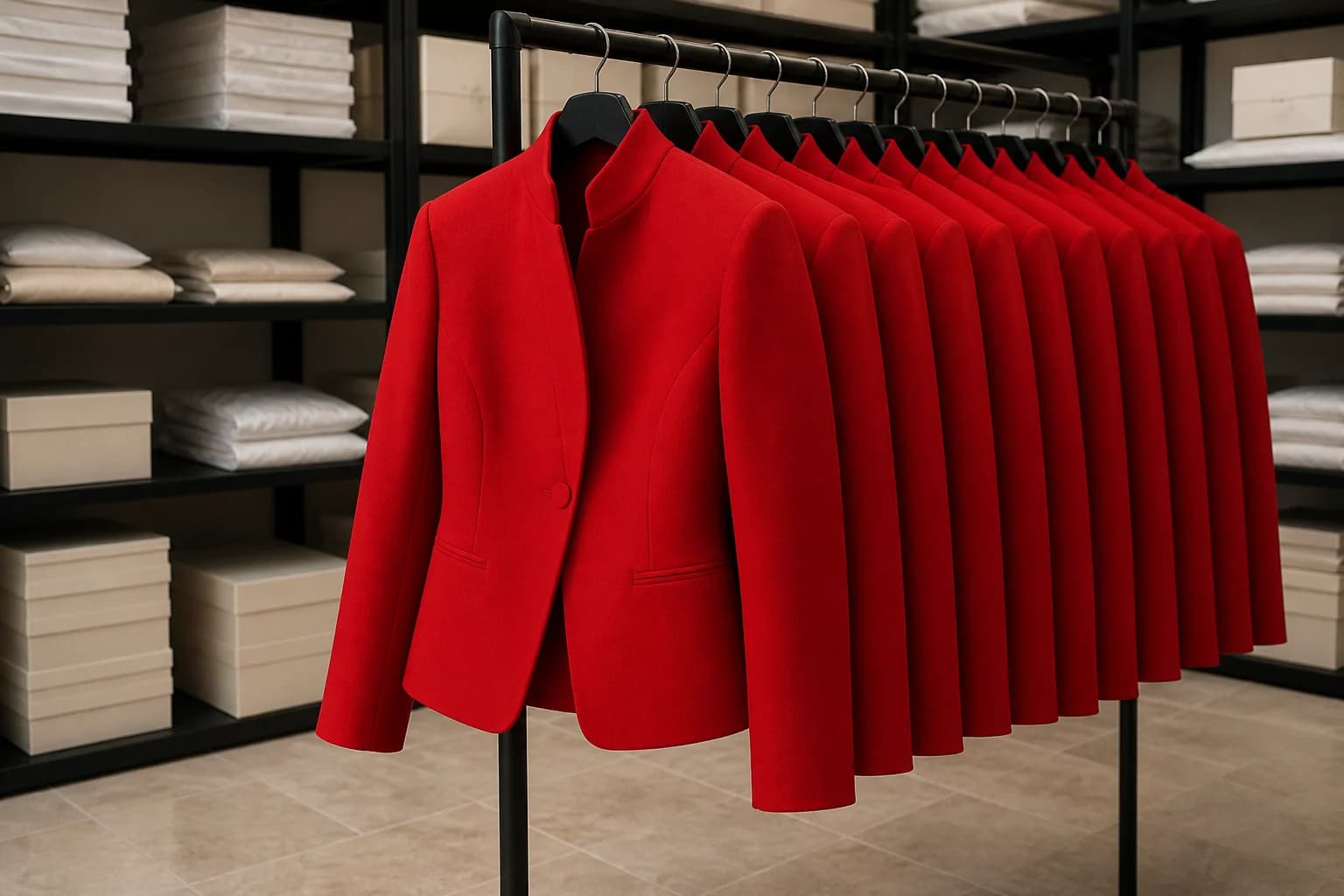
FROM ONE CODE TO THE WHOLE RACK
Indexed filenames preserve order and avoid collisions when repeated codes are intentional. Each visible label keeps its exact human-readable code beside the bars.
THE FIELD NOTES
Use the result now, then read the practical notes for assumptions, examples, limitations, and the choices behind it.
The ZIP contains three SVGs, three PNGs and a CSV manifest linking each indexed filename to its exact code.
Paste one printable ASCII inventory code per line. The tool preserves case, punctuation and internal spaces, and allows repeated codes as repeated labels. It reports duplicates rather than silently deleting them.
Download the local ZIP after checking the preview. Each label has an indexed SVG and PNG filename; manifest CSV text is protected against spreadsheet formulas without changing the barcode payload.
Use the sku generator first if the products lack stable internal codes. For one label rather than an archive, use the inventory barcode generator.
Code 128 internal labels do not allocate GS1 identifiers or establish marketplace acceptance. Keep quiet zones and aspect ratio; test the final printed labels with the scanner used in your workflow.
THE PRODUCT IS NEXT
Paste one printable ASCII inventory code per line. The tool preserves case, punctuation and internal spaces, and allows repeated codes as repeated labels. It reports duplicates rather than silently deleting them.
Download the local ZIP after checking the preview. Each label has an indexed SVG and PNG filename; manifest CSV text is protected against spreadsheet formulas without changing the barcode payload.
Use the sku generator first if the products lack stable internal codes. For one label rather than an archive, use the inventory barcode generator.
Code 128 internal labels do not allocate GS1 identifiers or establish marketplace acceptance. Keep quiet zones and aspect ratio; test the final printed labels with the scanner used in your workflow.
Paste one printable ASCII inventory code per line. The tool preserves case, punctuation and internal spaces, and allows repeated codes as repeated labels. It reports duplicates rather than silently deleting them.
Download the local ZIP after checking the preview. Each label has an indexed SVG and PNG filename; manifest CSV text is protected against spreadsheet formulas without changing the barcode payload.
Code 128 internal labels do not allocate GS1 identifiers or establish marketplace acceptance. Keep quiet zones and aspect ratio; test the final printed labels with the scanner used in your workflow.
BUILT BY LOOK ATLAS
Turn a simple product photo into polished, campaign-ready creative for your store, ads, and social channels. No studio. No reshoots.
Create your first shoot free, then keep going when you’re ready.