If you’ve ever tried to take product photos for your online store, you know the struggle. Getting the lighting just right can feel like a full-time job. That's where a light box for product photography comes in—it’s essentially a mini, self-contained studio designed to give you perfectly diffused, even lighting every single time. It's the fastest way to get rid of those harsh shadows and messy backgrounds, helping you create clean, professional product photos without a steep learning curve.
This one piece of gear is a game-changer, solving the biggest lighting headaches that plague so many e-commerce sellers.
Why a Light Box Is Essential for E-commerce
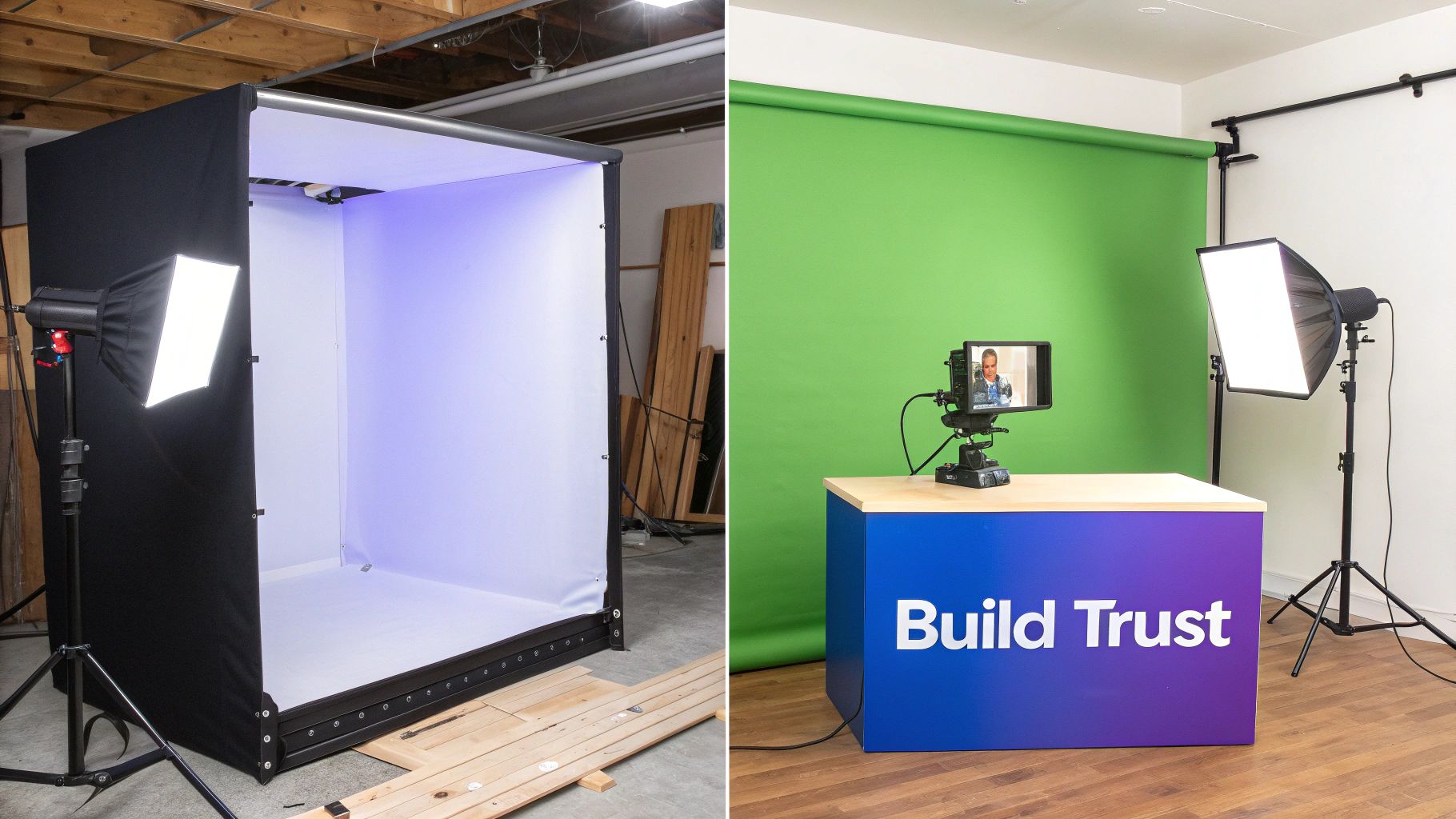
Let's be clear: a light box is more than just a convenient tool. It's a strategic investment that directly impacts your sales and how customers perceive your brand. Whether you're running a small Etsy shop or managing a larger retail operation, your product images are doing the heavy lifting. Bad photos create doubt and hide details, which is a surefire way to send a potential buyer clicking away.
A photo light box tackles these issues head-on. By bathing your product in soft, uniform light, it produces that clean, high-end look that’s incredibly tough to replicate with desk lamps or unpredictable window light. This consistency is key to creating a polished, cohesive brand across your entire online storefront.
How a Light Box Solves Common Photo Problems
To see just how effective this simple tool is, here's a quick look at the direct benefits a light box provides for e-commerce photography.
Problem Without Light Box | Solution With Light Box |
|---|---|
Harsh, distracting shadows hide product details. | Diffused light softens or eliminates shadows completely. |
Inconsistent lighting creates color inaccuracies. | Daylight-balanced LEDs ensure true-to-life colors. |
Cluttered or unprofessional backgrounds. | A seamless "infinity sweep" creates a clean, focused look. |
Photos look different from one product to the next. | A controlled environment ensures consistent quality. |
Ultimately, it's about making your products look as good online as they do in person, which builds immediate trust with your customers.
Building Trust Through Visual Clarity
Think about it: when a customer can't hold your product, your photos have to do all the talking. A light box makes sure every detail is shown clearly and accurately.
No More Distracting Shadows: Harsh shadows can warp the shape of an item, hide important textures, and just make things look cheap. A light box wraps light around the product, giving customers a clear, unobstructed view.
True-to-Life Colors: Bad lighting can wreak havoc on colors. A red shirt might look orange, or a white background might appear yellow. The daylight-balanced LEDs inside most light boxes render colors accurately, which means fewer returns from customers whose expectations weren't met.
A Clean, Professional Backdrop: That seamless white background (often called an "infinity sweep") makes your product the undeniable hero. This clean aesthetic is the standard on major marketplaces like Amazon for a reason—it signals quality and professionalism.
A light box is your shortcut to consistency. It gives you a repeatable, controlled setup so that every photo you take—today, tomorrow, or a year from now—hits the same high standard. That visual reliability is the bedrock of a trustworthy brand.
This push for better visuals is having a real impact on the market. In 2023, the global photography light box market was valued at around $150 million and is expected to nearly double to almost $300 million by 2032. Why the surge? E-commerce businesses have caught on that fantastic images boost customer confidence and, just as importantly, cut down on product return rates. You can find more insights about this growing market trend and what it means for online sellers.
Picking and Setting Up Your First Light Box
Choosing the right light box can feel like a big decision, but it really comes down to two main types. Each one is built for different products, spaces, and workflows. Figuring out which one fits your needs is the key to creating a photo setup you can rely on day in and day out.
The most common starting point is a portable, foldable light box. These things are a lifesaver for e-commerce sellers working out of a small office or even a spare bedroom. They're usually just fabric stretched over a frame that pops open, complete with built-in LED lights and a few different colored backdrops. Their biggest selling point is pure convenience—you can have one up and running in minutes and then pack it away flat when you’re done.
Then you have the more permanent, rigid-structure light boxes. Think of these as a semi-permanent studio. They're often built from acrylic or plastic panels that lock together, giving you a much sturdier shooting space. While you won't be folding one up every day, they're perfect if you have a dedicated spot for photography and just want everything to be ready to go. They also tend to be bigger, which is great for shooting larger items like handbags or small appliances.
From Flat-Packed to Photo-Ready
Once you have your box, getting it assembled is pretty quick. For a foldable one, you just unfold it and let the magnets or Velcro tabs snap the sides into place. The rigid models take a few extra minutes to click the panels together. But the real magic happens in the small details—the little things that separate amateur shots from professional ones.
One of the biggest culprits of an unprofessional photo? A creased backdrop. Those little lines are a nightmare to edit out.
My Go-To Trick: Before you even think about putting a fabric backdrop in, hit it with a handheld steamer or a quick pass with an iron on low heat. If you've got a vinyl or plastic one, unroll it and lay it flat under a few books for about an hour. It's a tiny bit of prep that saves a ton of time in post-production.
After you’ve smoothed out the backdrop, clip it into the box. You're trying to create what’s called an "infinity sweep"—that smooth, seamless curve from the back wall down to the floor. This little trick makes the horizon line vanish, so your product looks like it’s floating in a clean, distraction-free space.
Getting Your Lighting Just Right
Most light box kits these days come with LED light strips already installed, usually right at the top front. That setup is a decent starting point, but don't just leave it there. To really make your products look their best, especially if they have tricky textures or shiny surfaces, you need soft, even light without any distracting glare.
Here’s how I dial in my lighting:
Soften It Up: Your kit probably came with a white fabric diffuser panel. Use it. Always. It clips right over the LEDs and scatters the light, which immediately softens harsh shadows and kills those ugly hotspots on things like jewelry, glass, or chrome.
Play with Placement: If your LEDs can be moved, start experimenting. Shifting them back a little can cut down on that direct, frontal glare. Moving them to the side can be a game-changer for highlighting the texture on a leather wallet or a cozy sweater.
Fill in the Gaps: Even with a diffuser, you might still see some pesky shadows. The easiest fix is to grab a piece of white foam board (or even just a sheet of printer paper) and use it as a bounce card. Just prop it up opposite your main light to reflect some light back into the shadows, giving you a perfectly balanced, professional look.
Mastering Your Lighting and Camera Settings
Owning a light box is a great first step, but truly mastering the light inside it is where the magic happens. Great photos are made when you ditch the "auto" mode and take full control of your lighting and camera. This is how you get those sharp, bright, and professional images, and the controlled environment of a photo booth makes it surprisingly straightforward.
Your first move is to tame the light source itself. Most kits include a thin, white fabric panel called a diffuser. Don't underestimate this simple piece of cloth—it's your secret weapon against the biggest enemy of product photos: harsh glare.
Clip the diffuser directly over the built-in LED lights. It instantly scatters and softens the light, wrapping it evenly around your product. For anything tricky like jewelry, glass, or glossy items, using the diffuser is non-negotiable. It kills those distracting white hotspots and lets the product’s real texture and detail pop.
This visual guide breaks down the simple process of choosing, unpacking, and putting together your light box.
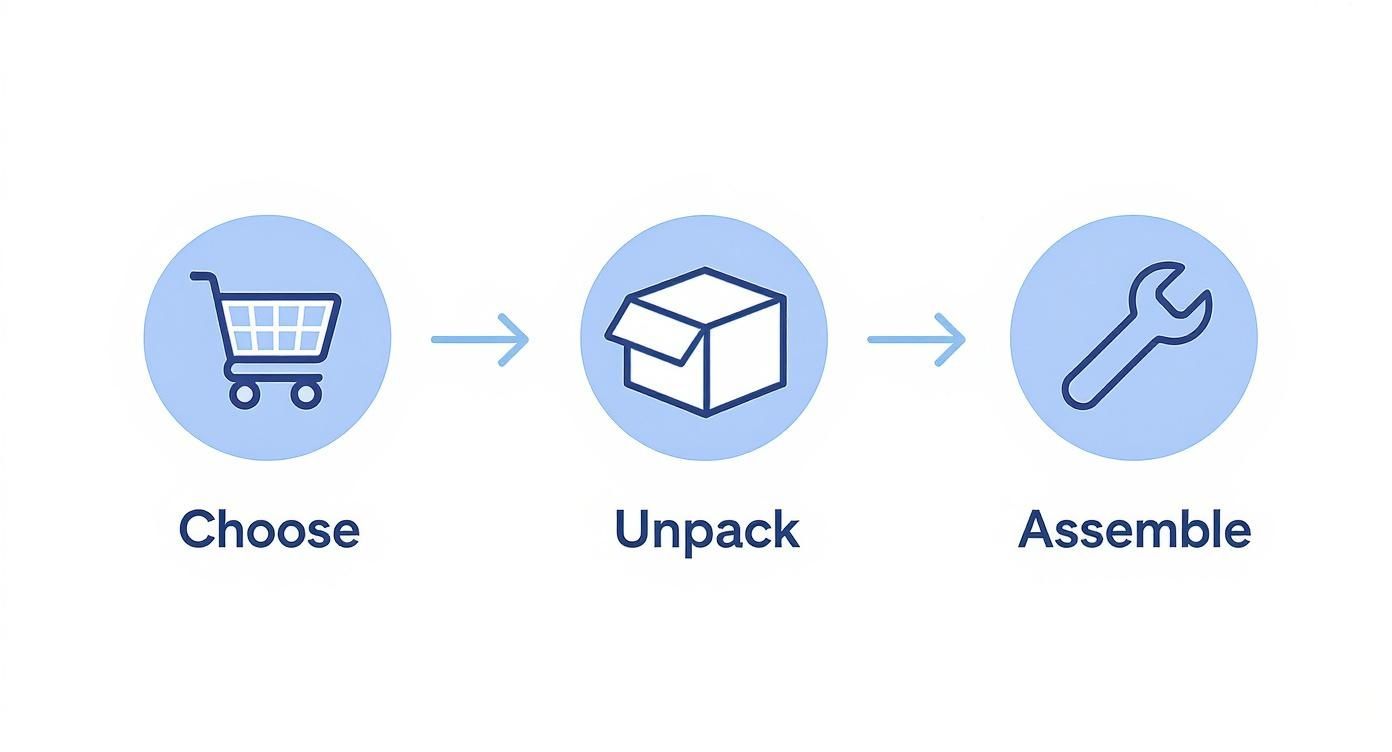
It really shows how quickly you can go from a flat-packed box to a full-blown photo setup, making professional lighting accessible to anyone.
Simple Camera Settings That Work
Once your light is soft and even, it's time to dial in your camera. The principles are the same whether you're using a smartphone or a DSLR. Your goal is to let in just the right amount of light for a bright, crisp image, free of any digital noise or blur.
For smartphone users, find the "Pro" or "Manual" mode in your camera app. This unlocks control over three critical settings:
ISO: Always set this as low as it can go, which is usually ISO 100 or 200. Your light box is so bright and consistent that you don't need the camera to artificially boost the brightness. A low ISO is the key to clean, grain-free images.
Shutter Speed: This is your brightness dial. A slower speed (like 1/60) lets more light hit the sensor. Since your camera should be on a tripod, you won't have to worry about motion blur from your hands.
White Balance (WB): To get accurate colors, match this setting to your LED lights. Look for a "Daylight" preset or a specific Kelvin temperature, usually around 5500K.
Getting your settings right in-camera saves you a ton of editing time later. A low ISO, a steady shutter speed, and the correct white balance are your foundation for a perfect shot right out of the gate.
Taking Control with a DSLR
If you're using a DSLR or mirrorless camera, the process is similar but gives you even more precision. I recommend starting in either Aperture Priority (A or Av) or full Manual (M) mode.
In Aperture Priority mode, you handle the aperture and ISO, and the camera intelligently picks the shutter speed for you. It's a great, reliable way to work.
Aperture (f-stop): Choose a higher f-stop number, like f/8 or f/11. This creates a deep depth of field, which is just a technical way of saying your entire product will be in sharp focus, from front to back.
ISO: Just like with a smartphone, lock it at ISO 100. This guarantees the cleanest, highest-quality image your camera can produce.
This combination is a fantastic, no-fail starting point for almost any product you can fit in the box. Once you get the hang of it, you can start experimenting, but nailing these basics is the most important part. To take your skills to the next level, our complete guide on how to take professional product photos covers the entire process in even more detail.
Styling Products to Tell a Compelling Story
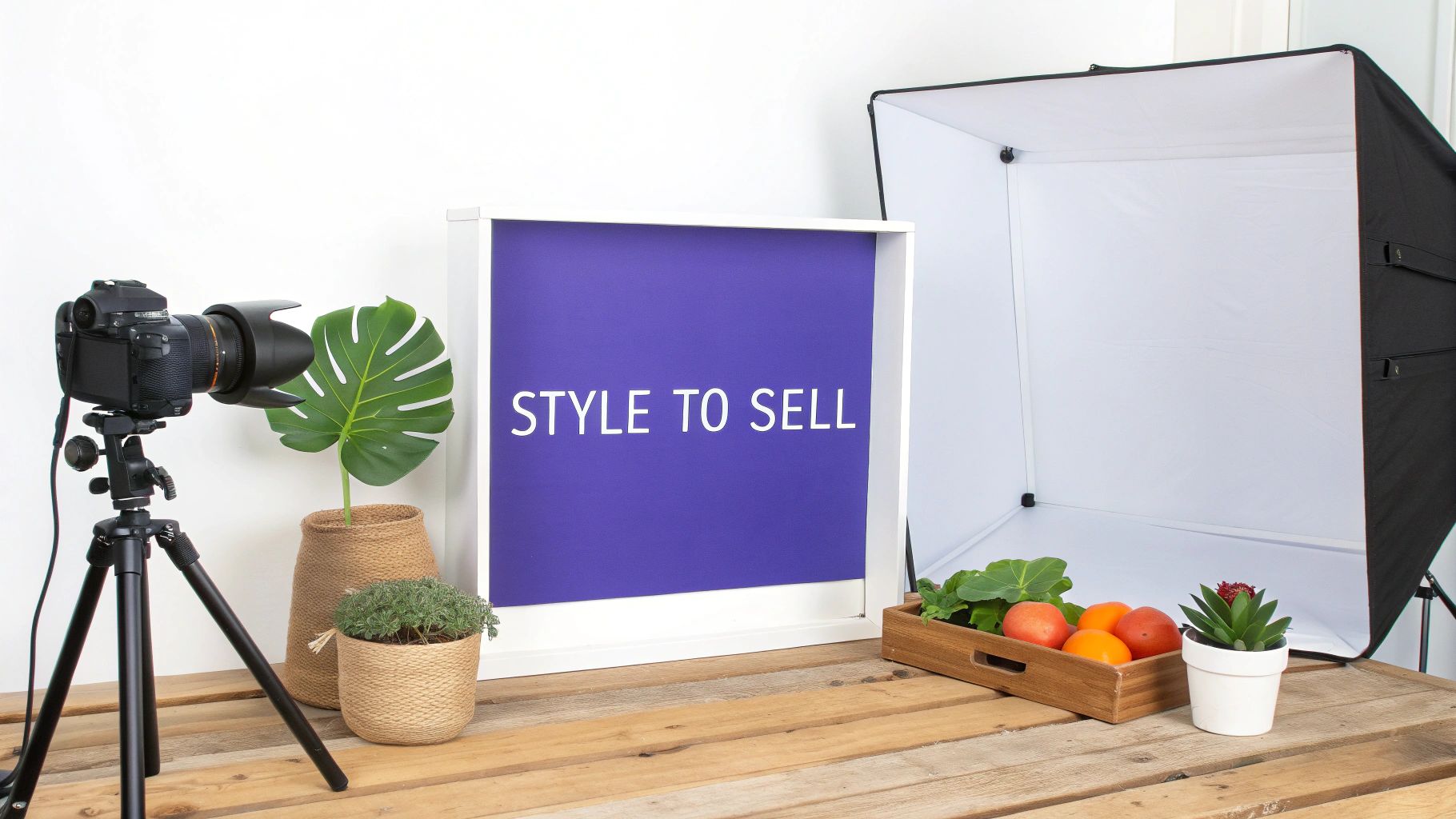
Perfect lighting gets you a technically correct photo. But great styling? That’s what stops a customer mid-scroll and convinces them to click "buy." Now that you've got the technical side dialed in, it's time to shift from the science of photography to the art of visual storytelling.
Styling isn’t just about making things look pretty; it's about adding context. You're helping shoppers visualize the product in their own lives. A thoughtfully styled photo answers those silent questions about size, texture, and how something might be used, which is exactly the kind of confidence a customer needs before they'll make a purchase.
Creating Visual Harmony and Focus
The best product shots almost always follow a few simple principles that guide the viewer’s eye right where you want it. A classic technique I always come back to is the rule of thirds. Just imagine your frame is divided by a 3x3 grid. Instead of plunking your product right in the middle, try placing it along one of the lines or at an intersection. It’s a subtle shift that instantly makes the image feel more dynamic.
Another powerful tool in your arsenal is negative space—that’s just the empty area around your product. Don't be afraid of it! Giving an item some breathing room makes it feel more high-end and keeps the shot from feeling cramped or chaotic. That space acts like a spotlight, drawing the eye directly to your product.
Your product is the star of the show. Every prop, every color, and every angle should serve one purpose: to make the main product look its absolute best. If an element doesn't support that goal, it doesn't belong in the shot.
Practical Styling for Different Products
Of course, styling isn't a one-size-fits-all game. The way you shoot a sweater is completely different from how you'd shoot a smartphone. Your goal is always to highlight the best features of that specific item inside your light box for product photography.
To give you a better idea, here's a quick guide I've put together based on common product types.
Styling Ideas by Product Category
Product Type | Styling Tip | Recommended Angle |
|---|---|---|
Apparel & Textiles | Create soft, natural folds to highlight fabric texture. A close-up on stitching or a knit pattern works wonders. | 45-degree angle for shape, macro for detail shots. |
Cosmetics & Skincare | Show a small smear or dollop next to the container to reveal texture and color. Grouping items looks great. | Flat lay (top-down) for arrangements, eye-level for single bottles. |
Jewelry & Watches | Use stands to capture sparkle. Drape necklaces or bracelets over a neutral prop like a small ceramic dish. | Close-up macro shots are essential. Eye-level to show how it's worn. |
Electronics & Gadgets | Place the device with its key accessories, like earbuds next to their case, to show the complete package and scale. | Straight-on or a slight high angle to show features and ports. |
Food & Beverage | Garnish with fresh ingredients used in the product. A few scattered coffee beans or a sprig of mint adds life. | Top-down flat lay or a 45-degree angle to show dimension. |
These are just starting points, of course. The best approach is to experiment and see what makes your specific product shine.
Choosing Props and Backdrops Wisely
When it comes to props, think "context, not chaos." A good prop should complement your product without ever stealing the spotlight. For a handmade coffee mug, a few scattered coffee beans or a linen napkin can set the scene beautifully. For a leather journal, a simple, elegant pen placed nearby adds a sense of purpose. Always, always choose props that match your brand’s overall vibe.
The backdrop inside your light box is just as important. While pure white is the e-commerce standard for good reason, don't feel locked into it. A soft gray can add a touch of sophistication, while a muted pastel might be perfect for a brand with a more playful personality. The goal is to find a color that makes your product pop and then stick with it for brand consistency.
This intense focus on quality visuals is a huge trend. In fact, market data reveals a massive 59.79% jump in search volume for light boxes as more and more sellers realize how critical they are. You can learn more about the rising demand for photo studio light boxes to see just how much the e-commerce world is prioritizing professional-looking images.
Troubleshooting Your Light Box Photos
Even with the best setup, things can go wrong. A little glare here, a weird color tint there—it happens. Don’t get frustrated. Most common light box problems have surprisingly simple fixes once you know what to look for.
Let's walk through the big three issues I see all the time and how to solve them.
Beating Glare and Reflections
Glare is probably the number one headache, especially when you're shooting anything with a shiny surface. Think jewelry, glass bottles, or glossy electronics. That distracting hot spot is just the reflection of your light source bouncing directly into the camera lens.
Your light box's built-in diffuser panels are a great start, but sometimes they're not enough. The trick is to play with angles. Try rotating the product just a few degrees. Sometimes, that's all it takes. If you can move the LED strips inside your box, try sliding them further back or shifting them to the side to change where the light hits.
Getting Rid of Unwanted Color Casts
Ever notice your "pure white" background looks a little yellow or blue in the photo? That's a color cast, and it's a classic white balance problem. Your camera is getting confused by the color temperature of the LED lights. You can fix this in post-processing, but getting it right in-camera is a massive time-saver.
Here’s how to nail your white balance every time:
Try a Preset: Most cameras have white balance presets like "Daylight." Since most light box LEDs are balanced for daylight (around 5500K), this is often a quick and easy fix.
Set a Custom White Balance: This is the pro move for perfect color accuracy. All you do is take a picture of a plain white or gray card filling the frame inside your light box. Then, you go into your camera's menu and tell it to use that photo as its reference for what true white should be.
A quick word of advice: never trust Auto White Balance in a light box. The all-white interior can easily fool the camera's sensor, leading to inconsistent colors from one shot to the next. Set it manually and forget it.
Nailing Pin-Sharp Focus
Finally, let's talk about soft focus. Nothing is more disappointing than a blurry photo that looked sharp on your camera's little screen. If your product shots lack that crisp, professional look, the issue is almost always camera shake or a missed focus point.
Assuming you’re using a tripod (and you really should be!), the problem is likely your autofocus. Don't let your camera guess what's important. Switch your focus mode to single-point autofocus. This lets you move a little box around the screen and tell the camera exactly where to focus.
On a bottle, you'd place that point right on the label. For a ring, you’d aim for the main gemstone. Taking control of the focus point is the secret to ensuring the most critical part of your product is always perfectly sharp.
Editing Your Photos for a Professional Finish
Snapping the picture is really just the first half of the job. The magic that gives your product photos that final, professional polish happens in post-processing. Even if you've nailed the light box setup, a few quick edits can elevate a good shot into a truly stunning one. We're not talking about spending hours on complicated retouching, either—just a handful of key adjustments that make all the difference.
You don’t need to break the bank on software; plenty of free and affordable options get the job done. The most impactful tweaks are often the most basic: a little brightness to make your product stand out, a touch more contrast for definition, and a bit of sharpening to keep everything looking crisp.
Achieving a Pure White Background
For a lot of online marketplaces, especially giants like Amazon, a pure white background isn't just a stylistic choice—it's a hard rule. The technical goal is to hit RGB (255, 255, 255). This code represents a perfect, clinical white with absolutely no grayness or color tinge. Your light box gets you 99% of the way there, but tiny shadows or slight color casts from the lighting can often linger.
Luckily, there's a quick fix. Almost every photo editor has a "Levels" or "Curves" tool that makes this easy. Here’s my go-to method:
Find the White Eyedropper: Open your Levels or Curves adjustment panel and look for an icon that looks like a white eyedropper.
Target the Background: Click that eyedropper on the lightest part of your background that isn't quite pure white (it probably looks like a very light gray).
Instantly Clean: The software automatically remaps the tones, turning that spot and everything brighter into a perfect white.
This one simple click erases any remaining off-white haze, giving you a clean, consistent background that meets any marketplace requirement.
Final Touches Before Exporting
With the background handled, give the product itself one last look. Does it look true to life? Sometimes a tiny bump in saturation can make the colors pop accurately, or a minor exposure tweak can nail the brightness. Your main goal here is faithful representation.
Your editing should always enhance the photo, not fundamentally change the product. The idea is to create an accurate, appealing image of what the customer is actually buying. This builds trust and, trust me, it seriously cuts down on returns.
The demand for top-tier e-commerce visuals keeps pushing photography tools forward. Today, professional-grade light boxes with advanced LED lighting and precise controls are becoming the standard for brands that want to stand out. You can learn more about these innovations in photography light box technology to see where the industry is heading. Once your edits are done, you can take things a step further; check out our guide on how to use AI to upscale your product photos for incredible detail and clarity.
Frequently Asked Questions
Do I Need a Fancy Camera to Use a Light Box?
Honestly? Not anymore. The real magic of a light box is the perfectly controlled, consistent lighting it creates. That controlled environment does most of the heavy lifting, which means even a modern smartphone can capture some incredible, professional-looking shots.
While a DSLR certainly gives you more granular control over settings, your phone’s “pro” or “manual” mode is more than capable. Use it to lock in your focus and exposure, and you'll be amazed at the results.
What’s the Right Size Light Box for My Products?
This is a great question. You want to give your products some breathing room. A good rule of thumb is to choose a light box that leaves at least 6-12 inches of empty space around your largest item—top, bottom, and all sides.
This extra space is crucial. It gives you the flexibility to shoot from different angles without the edges of the box creeping into your frame. When in doubt, it's always better to go a little bigger than you think you need.
How Can I Stop Glare and Reflections on Shiny Items?
Ah, the classic battle with shiny products. Reflections can be a real headache, but they're definitely manageable.
Your first move should be to simply adjust the position of your lights or the product itself. Sometimes a tiny shift is all it takes. If that doesn't work, try adding another layer of diffusion to soften the light source even more. For a deeper dive into this, we cover some creative solutions in our other articles on advanced photography techniques.
